
Concert Creator
AI-powered software to create piano animations and music lessons from audio recordings.
Source rating 5.0
(73)
3.3k views
3.3k/mo traffic
0 saves
Unknown
Verdict
A quick read before you dig into the full page.
- Best if
- AI-powered software to create piano animations and music lessons from audio recordings
- Pick this when
- AI-powered software to create piano animations and music lessons from audio recordings
Overview
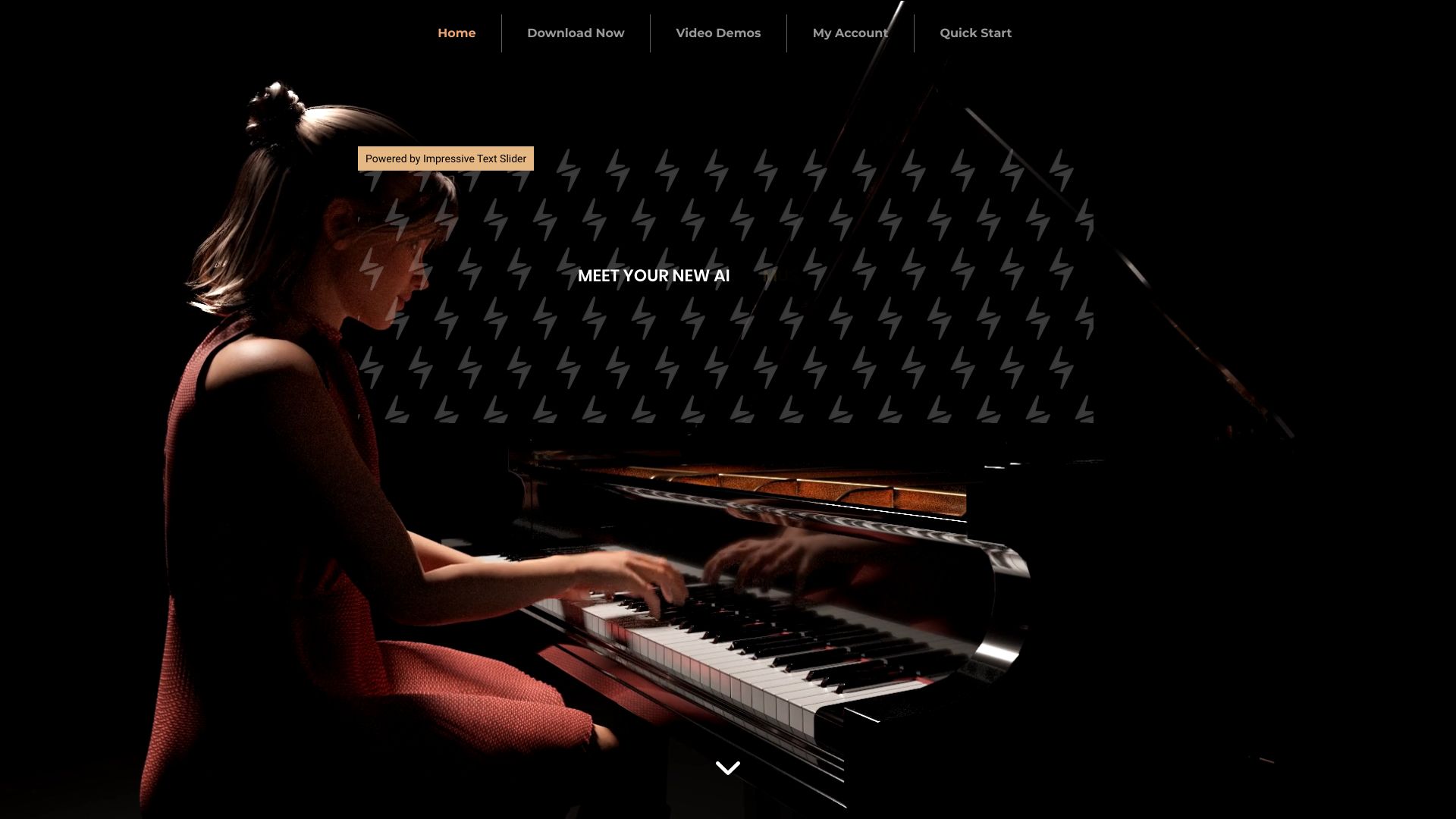
Concert Creator is a software that uses AI to analyze audio recordings and turn them into hyper-realistic video performances and music lessons. It allows users to create beautiful piano animations and customize various aspects of the generated performances, including camera angles, key colors, and lighting effects. Users can also select and customize avatars to represent themselves.
Access & connections
Where you can use Concert Creator.
Platforms
Capabilities
What this tool accepts, produces, and is strongest at.
Highlights
- AI-powered audio analysis and video generation
- Customizable animations (camera angles, key colors, lighting)
- Avatar selection and customization
- Fingering and hand separation control
FAQ 5
What is Concert Creator?
Concert Creator is a software that uses AI to analyze audio recordings and turn them into hyper-realistic video performances and music lessons. It allows users to create beautiful piano animations and customize various aspects of the generated performances, including camera angles, key colors, and lighting effects. Users can also select and customize avatars to represent themselves.
How to use Concert Creator?
Upload an audio recording, and Concert Creator's AI will analyze it to generate a hyper-realistic video performance. Customize the animation by adjusting camera angles, key colors, lighting, and avatar appearance. Further refine the performance by controlling fingering, hand separation, and force applied to each note.
What does Concert Creator do?
Concert Creator analyzes audio recordings and turns them into hyper-realistic video performances and music lessons using AI.
Can I customize the generated animations?
Yes, you can customize various aspects of the generated performances, including camera angles, key colors, lighting effects, and avatar appearance.
Can I control the AI's performance?
Yes, you can take full control over the generated animations with an easy-to-use interface. You can change fingering technique, hand separation, and the amount of force applied to each note.
Related tools
Recommended

Concert Creator