
Colby AI
AI sales analyst for Salesforce data entry and lead generation.
Source rating 5.0
(96)
0 views
0 saves
Unknown
Verdict
A quick read before you dig into the full page.
- Best if
- AI sales analyst for Salesforce data entry and lead generation
- Pick this when
- AI sales analyst for Salesforce data entry and lead generation
Overview
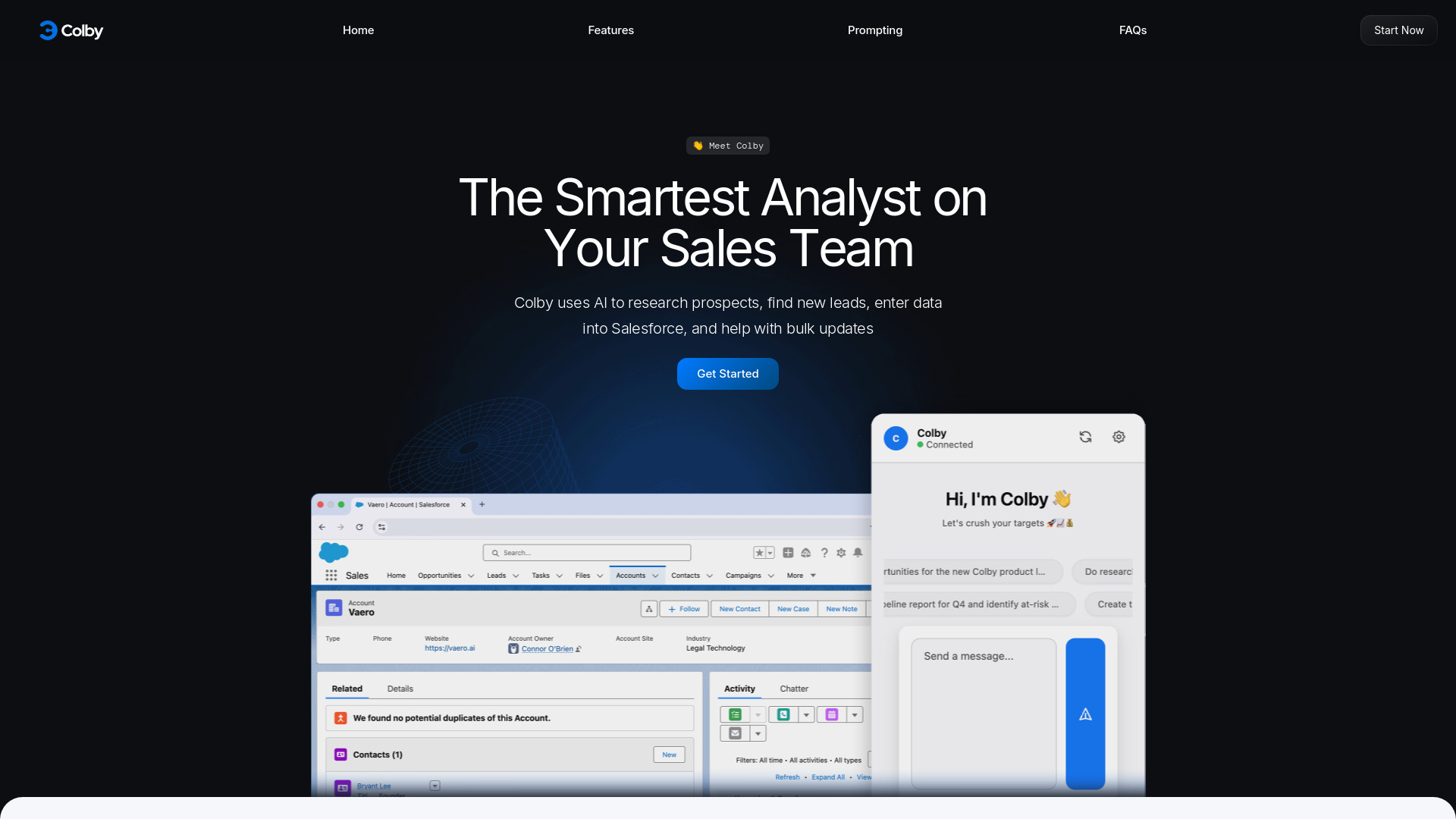
Colby is an AI Sales Analyst and assistant designed to automate Salesforce data entry, research prospects, find new leads, and perform bulk updates. It functions as a Chrome extension, allowing users to interact with it using plain English commands, including voice memos, to update opportunities, create contacts, log meeting notes, and more. Colby aims to save sales teams significant time on administrative tasks, enabling them to focus on selling.
Access & connections
Where you can use Colby AI, and what it plugs into.
Platforms
Integrations
Capabilities
What this tool accepts, produces, and is strongest at.
Highlights
- Voice-powered Salesforce data entry and updates
- Instant market research and prospect identification
- Bulk updates and lead creation within Salesforce
- AI-driven prospect research and lead finding
- Seamless Chrome extension integration
FAQ 8
What is Colby AI?
Colby is an AI Sales Analyst and assistant designed to automate Salesforce data entry, research prospects, find new leads, and perform bulk updates. It functions as a Chrome extension, allowing users to interact with it using plain English commands, including voice memos, to update opportunities, create contacts, log meeting notes, and more. Colby aims to save sales teams significant time on administrative tasks, enabling them to focus on selling.
How to use Colby AI?
To use Colby, simply add the Chrome extension to your browser. Once installed and while logged into Salesforce, click the Colby icon. You can then type or dictate commands in plain English, similar to texting a coworker, and Colby will perform the requested actions within Salesforce. No extensive training or complex setup is required.
What is an AI chat app?
Colby is an AI tool with no training and limited setup. It understands the context of your system to make updates, do research, or find records, allowing you to get started in under a minute.
Is my data secure with Colby?
Yes, Colby uses common security best practices and builds on Google's existing cloud infrastructure. Your data is encrypted both at rest and in transit.
Do you sell an enterprise version?
Currently, an enterprise version is not sold, but there are plans to roll out enterprise features including self-hosting and better models.
What permissions does Colby have? Is it safe?
Colby cannot delete records, and large edits require your review before being pushed into the system. This manual review and limited functionality prevent erroneous changes.
Can anyone use Colby?
Yes, but Colby requires access to a Salesforce account (with a Salesforce tab open/logged in) and a Salesforce tier with API access. You can try it to see if it works for your organization.
Does Colby save my data?
No, Colby deletes all data on its servers after each session to ensure data privacy and reduce the risk of data leaks.
Related tools
Recommended

Colby AI