
CodeAir
Mobile app to control VS Code remotely with file transfer and AI support.
Source rating 5.0
(97)
0 views
0 saves
Unknown
Verdict
A quick read before you dig into the full page.
- Best if
- Mobile app to control VS Code remotely with file transfer and AI support
- Pick this when
- Mobile app to control VS Code remotely with file transfer and AI support
Overview
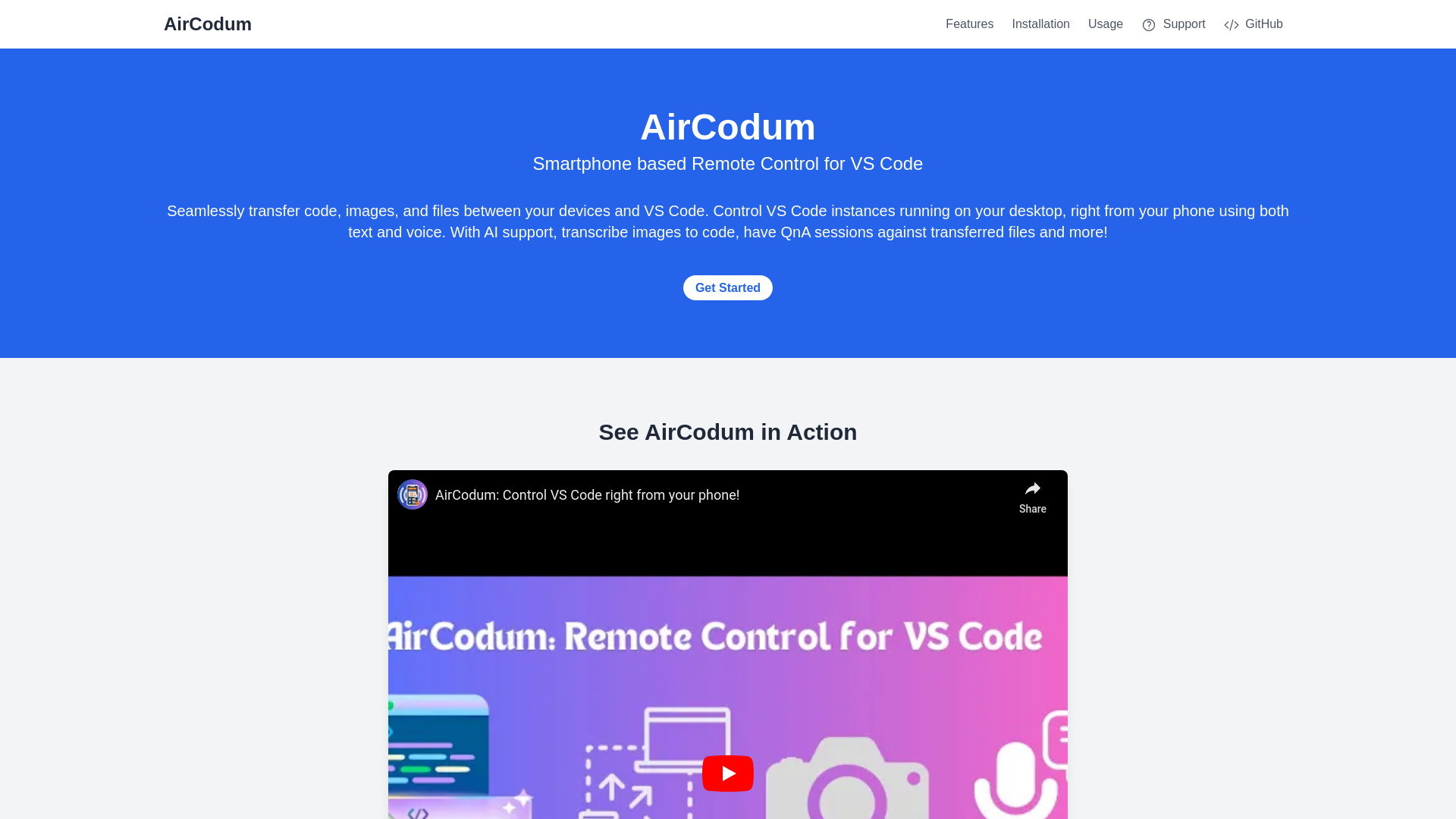
CodeAir is a mobile app companion for VS Code, available as a VSC extension and an Android app. It allows users to send IDE commands, text files, and images wirelessly to their VS Code workspace from their phone. It also includes AI support for QnA and more, enabling smartphone-powered remote control for Visual Studio Code.
Access & connections
Where you can use CodeAir, and what it plugs into.
Platforms
VS Code
Android
Integrations
Capabilities
What this tool accepts, produces, and is strongest at.
Highlights
- Seamless file transfer between devices and VS Code
- Voice commands for VS Code control
- AI support for QnA and image transcription
- AFK mode for screen monitoring
FAQ 6
What is CodeAir?
CodeAir is a mobile app companion for VS Code, available as a VSC extension and an Android app. It allows users to send IDE commands, text files, and images wirelessly to their VS Code workspace from their phone. It also includes AI support for QnA and more, enabling smartphone-powered remote control for Visual Studio Code.
How to use CodeAir?
Install the VS Code extension and the mobile app. Start the server in VS Code using the command palette. Enter the IP address and port from VS Code into the mobile app and connect. Then, send files, images, or commands from your mobile device to VS Code.
What is CodeAir?
CodeAir is a mobile app companion for VS Code that allows you to control your VS Code instance from your smartphone, transfer files, and use voice commands.
How do I install CodeAir?
Install the CodeAir VS Code Extension from the VS Code Marketplace and the CodeAir mobile app on your Android device.
How do I connect the mobile app to VS Code?
Start the CodeAir server in VS Code, note the IP address and port, and enter these details into the mobile app to establish a connection.
What are some supported VS Code commands?
CodeAir supports a wide range of VS Code commands, including navigation, editing, and file management commands. See the full list in the documentation.
Related tools
Recommended


CodeAir