
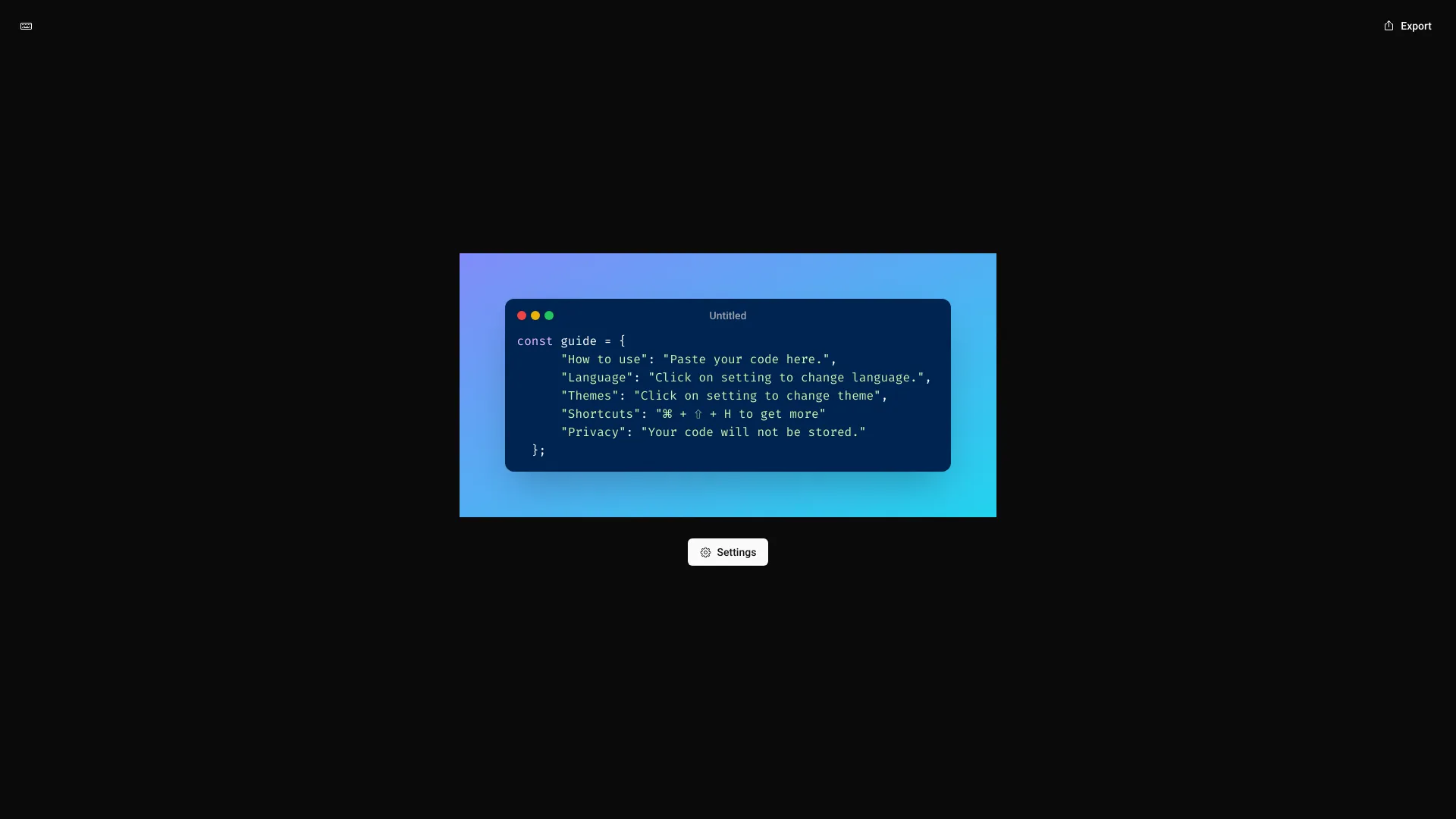
Code Screenshot
Secure tool to create stunning code screenshots with simplicity and privacy.
Source rating 5.0
(86)
0 views
0 saves
Unknown
Verdict
A quick read before you dig into the full page.
- Best if
- Secure tool to create stunning code screenshots with simplicity and privacy
- Pick this when
- Secure tool to create stunning code screenshots with simplicity and privacy
Overview
Code Screenshot is a secure code screenshot tool that allows users to create amazing images of their code. It emphasizes simplicity and privacy while creating code snapshots. The tool helps users generate stunning visuals of their code.
Access & connections
Where you can use Code Screenshot.
Platforms
Capabilities
What this tool accepts, produces, and is strongest at.
Highlights
- Secure code screenshot creation
- Customizable language and theme settings
- Privacy-focused: code is not stored
FAQ 6
What is Code Screenshot?
Code Screenshot is a secure code screenshot tool that allows users to create amazing images of their code. It emphasizes simplicity and privacy while creating code snapshots. The tool helps users generate stunning visuals of their code.
How to use Code Screenshot?
Paste your code into the provided area. Click on settings to change the language and theme. Use the shortcut ⌘ + ⇧ + H for more options.
How do I use Code Screenshot?
Paste your code into the provided area. Click on settings to change the language and theme. Use the shortcut ⌘ + ⇧ + H for more options.
Is my code stored when I use Code Screenshot?
No, your code will not be stored. The tool prioritizes privacy.
How do I change the language?
Click on the settings to change the language.
How do I change the theme?
Click on the settings to change the theme.
Code Screenshot