
CloudStudio
Web-based AI video editor for creating professional videos quickly.
Source rating 5.0
(83)
0 views
0 saves
Unknown
Verdict
A quick read before you dig into the full page.
- Best if
- Web-based AI video editor for creating professional videos quickly
- Pick this when
- Web-based AI video editor for creating professional videos quickly
Overview
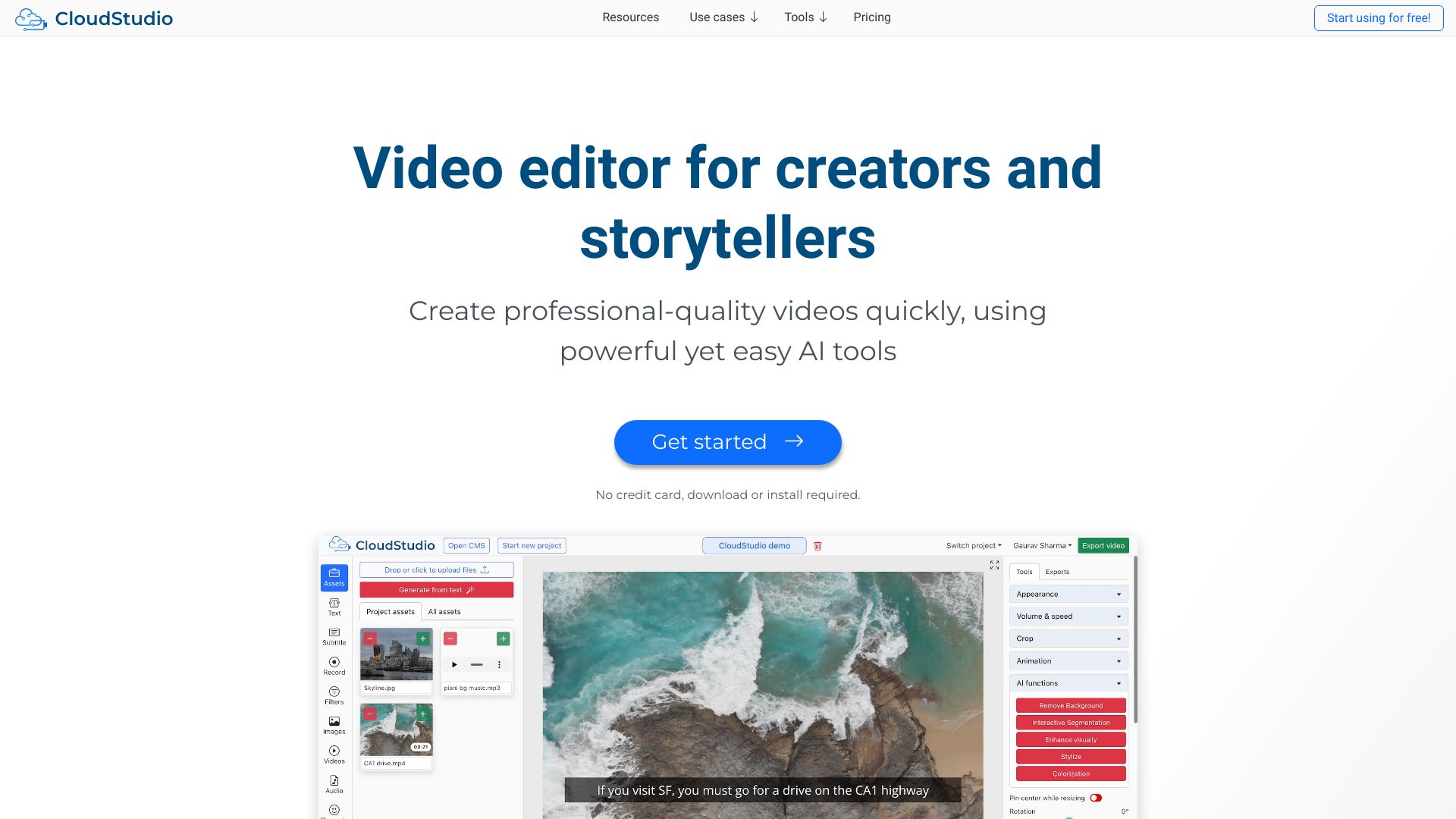
CloudStudio is a web-based and AI-enabled video editor. It provides powerful tools for quickly making professional videos for education, marketing, sales, training, and personal use. It also has a powerful long to short form viral clips generator.
Access & connections
Where you can use CloudStudio.
Platforms
Capabilities
What this tool accepts, produces, and is strongest at.
Highlights
- AI-powered video editing tools
- Long to short form viral clips generator
- Automatic subtitles
- Background removal
- Text to image generation
- Speech denoising
- Interactive Segmentation
- Style transfer
Show 3 more
- Screen recording
- Stock assets library
- Built-in collaboration features
FAQ 6
What is CloudStudio?
CloudStudio is a web-based and AI-enabled video editor. It provides powerful tools for quickly making professional videos for education, marketing, sales, training, and personal use. It also has a powerful long to short form viral clips generator.
How to use CloudStudio?
Use CloudStudio for free on desktop. Edit in your browser with intuitive controls. Run state-of-the-art AI and export on the cloud. You can download the final videos or share a link.
What kind of AI tools does CloudStudio offer?
CloudStudio offers AI tools such as generate images from text, remove background, interactive segmentation, style transfer, automatic subtitles, and speech denoising.
Can I collaborate with others on CloudStudio?
Yes, CloudStudio has built-in collaboration features that allow you to share workspaces and projects with team members.
Do I need to download or install anything to use CloudStudio?
No, CloudStudio is a web-based application, so you can use it directly in your browser without any downloads or installations.
What kind of assets are available in the stock library?
CloudStudio provides a large collection of images, videos, audios, GIFs, emojis, and stickers that are searchable and usable within the app.
Related tools
Recommended


CloudStudio