Recipe extraction

Clip Recipe

Clip Recipe extracts recipes from cooking videos on various platforms.

Source rating 5.0 (96) 16k views 16k/mo traffic 0 saves Freemium
More categories (3)

Verdict

A quick read before you dig into the full page.

Best if
You are home cooks and need: Quickly obtain recipes from cooking videos without manual note-taking
Skip if
You need enterprise SLAs or a fully managed team plan right away
Pick this when
Freemium · Free + from $6.00

Overview

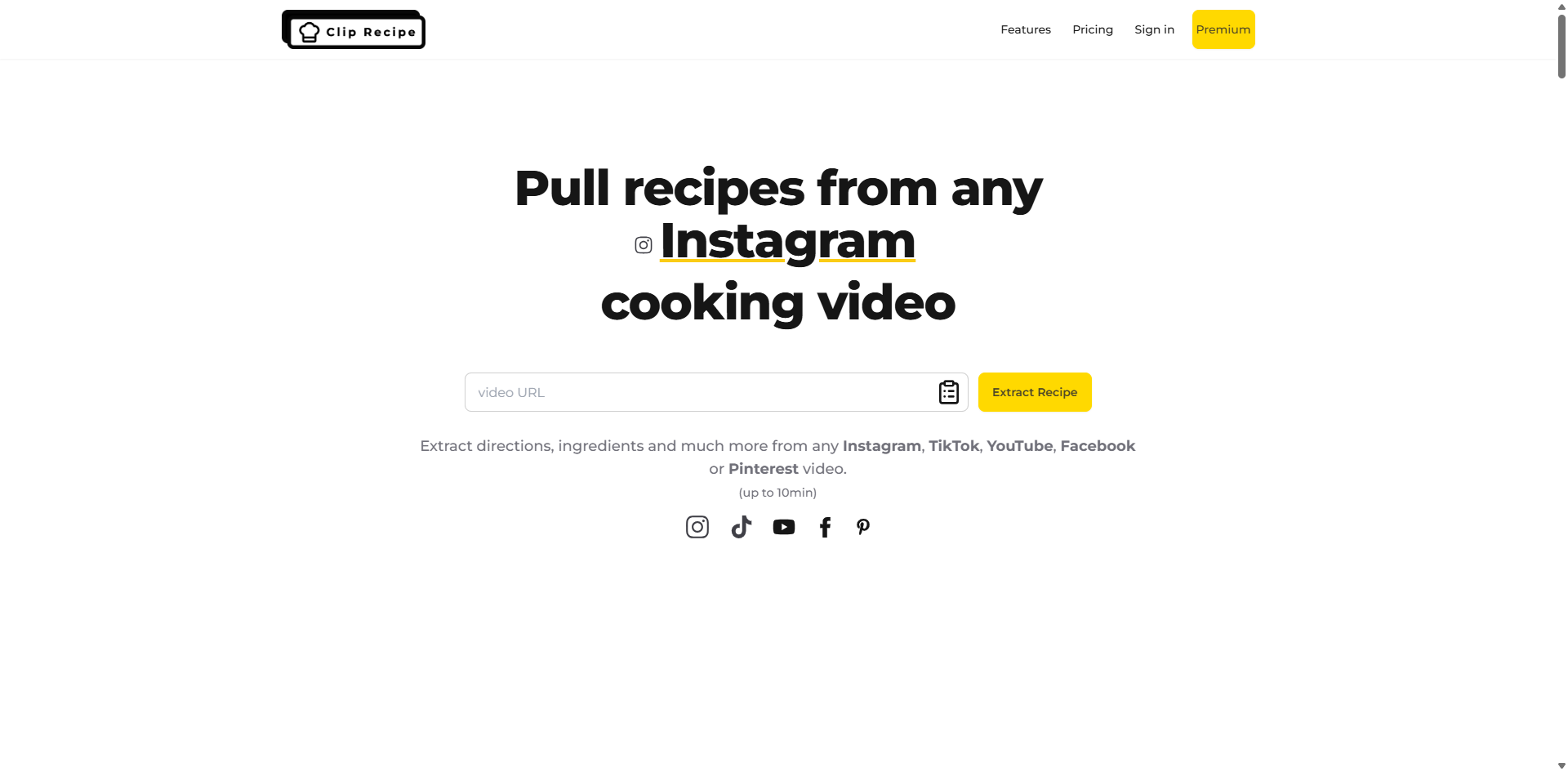
Clip Recipe turns cooking videos into clear, step-by-step recipes. Just paste a YouTube, TikTok, Instagram, Facebook or Pinterest link, and get ingredients, steps, cooking duration and portion size – no fluff, just the recipe. It extracts detailed recipes from videos, providing clear ingredients, steps, and tips in just seconds.

Clip Recipe screenshot

Best for

Short scenarios where Clip Recipe tends to shine.

  • Quickly obtain recipes from cooking videos without manual note-taking.

    Best for Home cooks

  • Adjust recipe portion sizes to fit personal needs.

    Best for Food bloggers

  • Save and share favorite recipes with friends.

    Best for Recipe enthusiasts

Example outputs 1

Sample generations and before/after results for Clip Recipe.

Access & connections

Where you can use Clip Recipe, and what it plugs into.

Platforms

Web

Integrations

Capabilities

What this tool accepts, produces, and is strongest at.

Highlights

  • Extract recipes from video links
  • Provide ingredients list
  • Provide step-by-step directions
  • Estimate cooking duration
  • Adjust portion size
  • Allow recipe editing and exporting

People also view

Tools that often show up alongside Clip Recipe in collections and comparisons.

FAQ 12

What is Clip Recipe?
Clip Recipe turns cooking videos into clear, step-by-step recipes. Just paste a YouTube, TikTok, Instagram, Facebook or Pinterest link, and get ingredients, steps, cooking duration and portion size – no fluff, just the recipe. It extracts detailed recipes from videos, providing clear ingredients, steps, and tips in just seconds.
How to use Clip Recipe?
Paste a YouTube, TikTok, Instagram, Facebook, or Pinterest link into Clip Recipe. The website will extract the ingredients, steps, cooking duration, and portion size from the video.
Do videos must have audio with instructions?
Not at all! The video can simply be a series of images showing someone making the recipe. Our models analyze three elements: audio, visuals, and text. So even if the video only shows the actions of someone cooking, without any audio, it will work. If there’s an overlay with instructions or an explanation, our models will take that into account too!
What types of videos can I extract recipes from?
Clip Recipe works with cooking videos from YouTube, TikTok, Facebook and Instagram. The videos should be no longer than 10 minutes in duration.
Is Clip Recipe free to use?
Yes, you can use Clip Recipe for free with our Sauté Chef plan, which allows you to extract up to 2 recipes per week. However, premium plans starting from $2.00 offer additional features like saving recipes and adjusting serving sizes.
What information does Clip Recipe extract from videos?
Clip Recipe extracts comprehensive recipe details including step-by-step directions, ingredients list, portion size, cooking duration, required equipment, and helpful tips.
Can I adjust the portion sizes of recipes?
Yes, with our paid plans you can easily adjust portion sizes, and our system will automatically recalculate ingredient quantities accordingly.
How do the premium plans work?
Our premium plans are one-time purchases, not subscriptions. You can choose between Chef de Partie (20 recipes), Sous Chef (70 recipes), or Chef de Cuisine (150 recipes). Once purchased, these recipes are available for life.
Can I share recipes with friends?
Yes, premium plan users can share their extracted recipes with friends. The free plan does not include this feature.
What happens if I exceed my weekly recipe limit on the free plan?
Once you reach your 2 recipe weekly limit on the free plan, you'll need to wait until the next week to extract more recipes, or upgrade to a premium plan.
How accurate are the recipe extractions?
Our AI system is highly accurate in extracting recipe information, but we recommend reviewing the extracted content to ensure everything matches your needs and expectations.
What happens if I purchase a plan and exceed the recipe limit?
If you exceed your purchased recipe limit, you can purchase a new plan at any time and your existing recipes will be preserved!
Clip Recipe Free + from $6.00