

ClawDaddy ✓
Deploy AI agents by chatting with one.
Verdict
A quick read before you dig into the full page.
- Best if
- Deploy AI agents by chatting with one
- Skip if
- Limited to Telegram
- Pick this when
- Chat to deploy
Considering Younet instead? Compare side by side
Overview
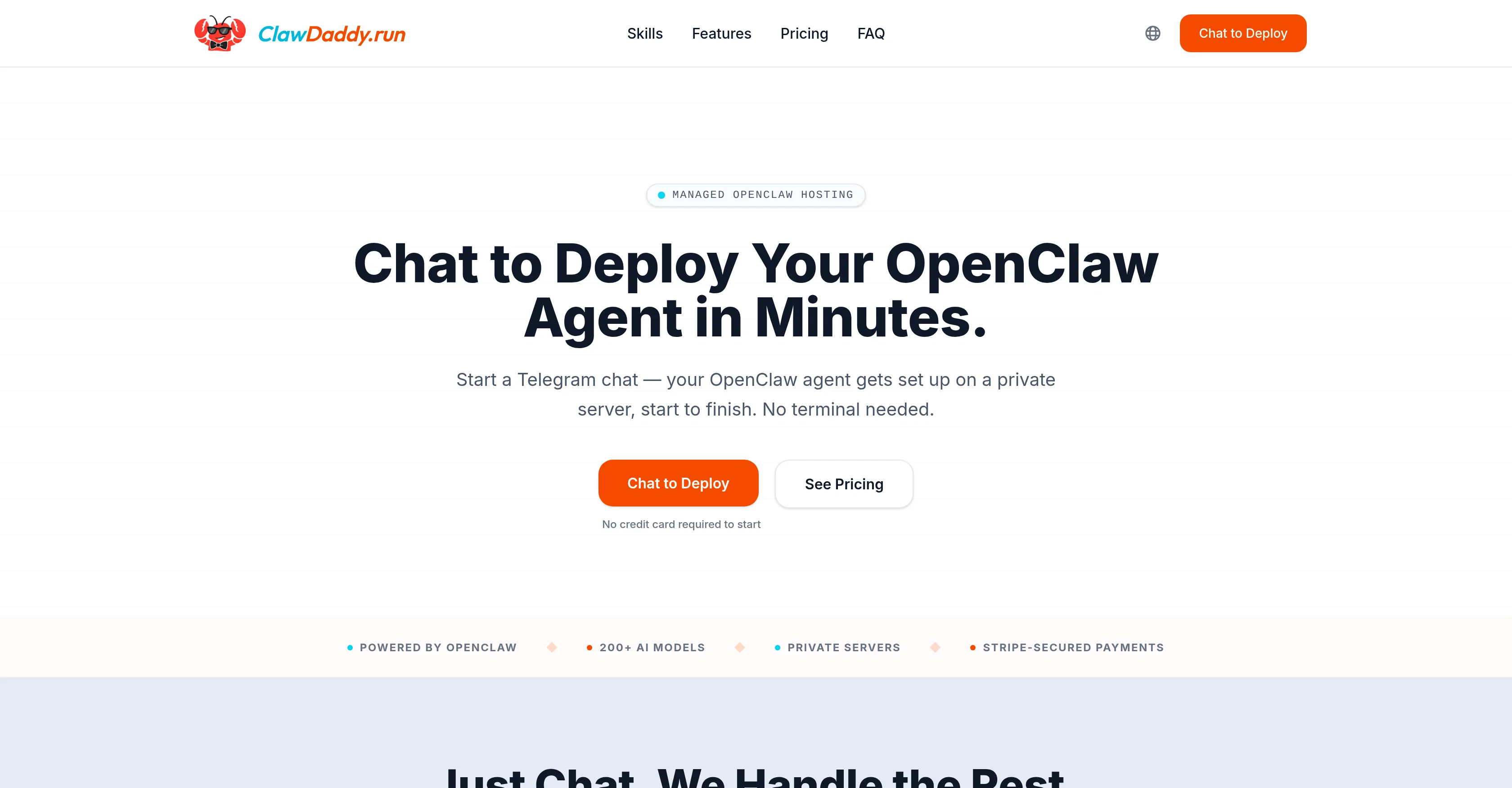
ClawDaddy is a managed hosting tool for deploying AI agents with OpenClaw via Telegram chat, abating the need for terminal use. Its setup bot lets you name your agent, choose personality, and input Telegram token within a chat interface, removing the need for forms and dashboards.
This AI deployment tool spins up individualized server hosting your agent, which is live and operational 24/7. Managed OpenClaw hosting by ClawDaddy negates the need for skills and knowledge in Docker, security patching, and constant monitoring often required with a self-hosted setup.
It offers a choice of over 200 AI models for your OpenClaw agent, which you can modify at any time through discussion. Every deployment plan includes token credits to help you manage costs.
ClawDaddy also caters to multiple-agent deployments, allowing you to manage all your OpenClaw agents from one account. The tool is designed with concierge-level service, with ClawDaddy itself operating as an OpenClaw agent capable of handling your configuration, usage, and billing needs.
The usage expertise extends across CRM, email, social, and DevOps, providing data that can support your decision-making.
Access & connections
Where you can use ClawDaddy, and what it plugs into.
Platforms
Capabilities
What this tool accepts, produces, and is strongest at.
Input
- Image
- Text
- Video
- Audio
Output
- Audio
- API
- Text
- Image
Highlights
- No Signup
Supported features
- No Signup
- CLI
Pros & cons
Pros
- Chat to deploy
- No Docker knowledge required
- Manages server setup
- Managed Hosting
- OpenClaw agent framework
- Agent runs 24/7
- Docker, security patching managed
- Model switch via chat
Show 31 more
- Manage multiple agents
- Manages all via chat
- Token credits included
- Secure billing through Stripe
- Private server for each agent
- No self-hosting headaches
- Cost management included
- Server isolated resources
- Constant monitoring
- No terminal use needed
- Natural chat deployment
- Real time ROI data
- Setup via Telegram chat
- CRM, Email, Social, DevOps support
- Server usage checks
- Strategy decision support
- Beginner-friendly, developer power
- No noisy neighbors on server
- Chat manages configurations
- No cold starts
- Manages ongoing updates
- No SSH handling
- Fast server setup
- Ongoing server management
- No technical knowledge required
- OpenClaw agent on private server
- Form-free, dashboard-free setup
- Telegram token setup in chat
- Concierge-level service
- Helps in decision-making
- Removes terminal use
Cons
- Limited to Telegram
- No forms, no dashboard
- Lacks transparency in setup
- Billing solely through Stripe
- Relies on chat interface
- High cost on Pro plan
- No multi-platform support
- Language support unclear
Compare alternatives
Similar tools in the catalog — with a clear reason to open each one.

Younet ✓
Free TrialAI Agent Orchestration and Automation. Build your agentic business.
Why look Typically cheaper
Full comparison
Agents by Athena AI ✓
Free TrialCreate AI agents for any task
Why look Typically cheaper
Full comparison
Rumora ✓
PaidAI agents will find and mention your brand in viral videos comments
Why look Higher community rating
Full comparison
Watermelon ✓
FreemiumHandle up to 96% of your support automatically
Why look Freemium alternative
Full comparison

ChatNode ✓
Free TrialAI Agents for customer service that feel human
Why look Typically cheaper
Full comparisonReleases 1
FAQ 12
What is ClawDaddy?
How does ClawDaddy work with OpenClaw?
How can I deploy an OpenClaw agent using ClawDaddy?
What technical aspects does ClawDaddy manage for me?
How do I interact with ClawDaddy on Telegram to set up my agent?
What are the essential elements required to deploy an agent via ClawDaddy?
What happens after I give the necessary information for agent deployment to ClawDaddy?
How does ClawDaddy handle ongoing server management?
Can I modify the personality of my AI agent using ClawDaddy?
How does ClawDaddy's billing system work?
What are the AI models accessible to me when using ClawDaddy?
Are the servers managed by ClawDaddy isolated and private?
Related tools
Recommended

Manus ✓
FreemiumTurn your thoughts into actions with AI

OpenClaw ✓
UnknownThe AI that actually does things.

ChatGPT ✓
FreemiumAsk anything, create anything, and move from idea to action.

PrometAI ✓
FreemiumTurn ideas into viable reality with AI business plan generator.

Claude ✓
FreemiumBuilding reliable, interpretable AI systems

NotebookLM ✓
FreemiumAI-powered note-taking and research assistant