
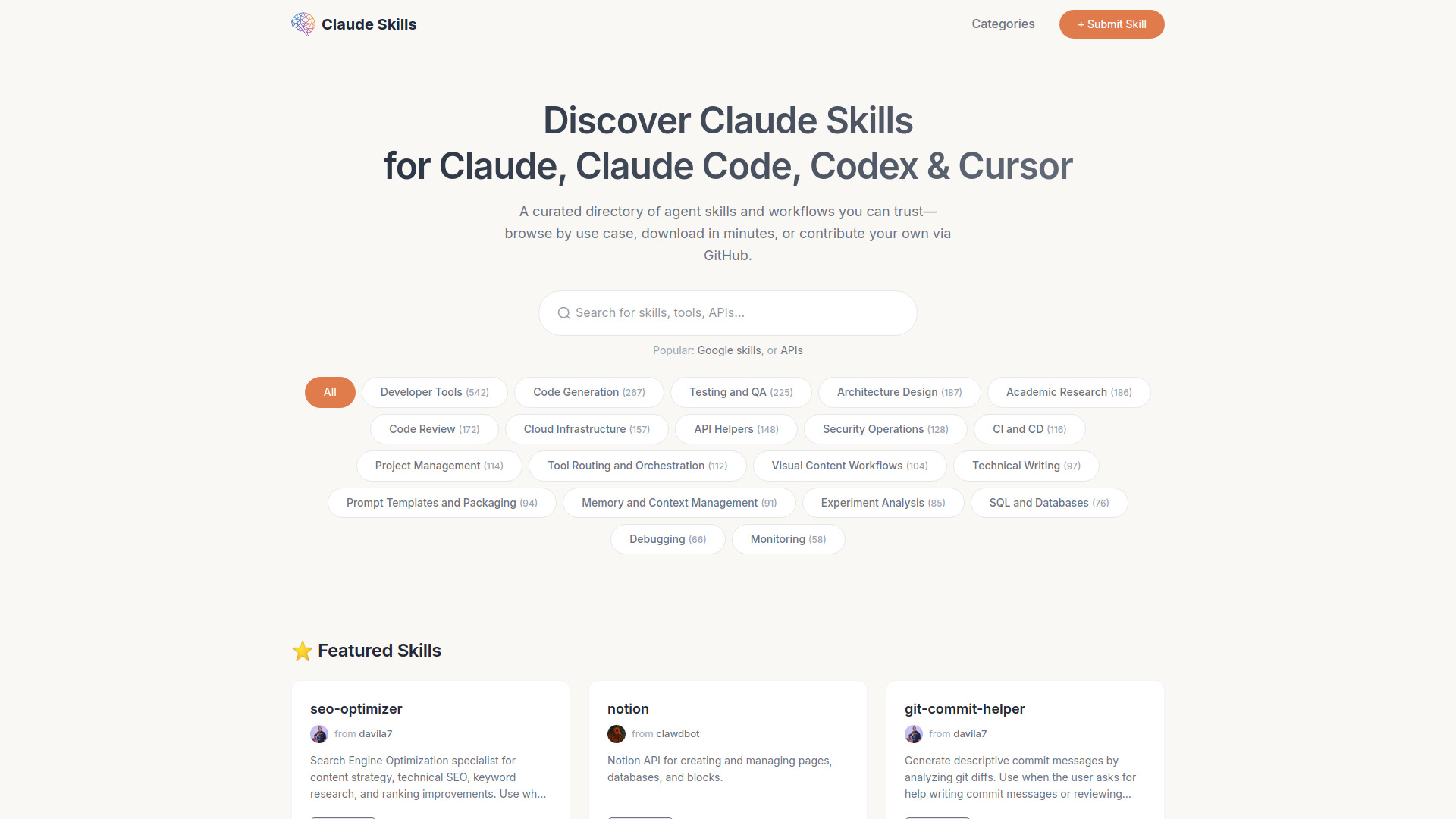
Claude Skills Library
Largest library of 90,000+ Agent Skills with real-world Use Cases & Community Reviews.
Source rating 5.0
(61)
0 views
0 saves
Unknown
Verdict
A quick read before you dig into the full page.
- Best if
- Largest library of 90,000+ Agent Skills with real-world Use Cases & Community Reviews
- Pick this when
- Largest library of 90,000+ Agent Skills with real-world Use Cases & Community Reviews
Overview
Access 90,000+ verified Claude Agent Skills designed for high-performance automation. Every skill includes detailed use cases and peer reviews to ensure reliability. Stop prompting from scratch and deploy expert-level AI modules in seconds.
Access & connections
Where you can use Claude Skills Library.
Platforms
CLI
Capabilities
What this tool accepts, produces, and is strongest at.
Highlights
- 90,000+ verified Claude Agent Skills for all professional productivity needs.
- One-click CLI commands for instant Claude Code and OpenCode deployment.
- Seamless compatibility with Cursor, Codex, AntiGravity, and Claude.ai Projects.
- Standardized .skill and .zip downloads for flexible manual setup and offline use.
- Real-world use cases and community reviews for guaranteed skill reliability.
- Native Skills Protocol support for maximum token efficiency and performance.
- Detailed categories and tags for precise skill discovery across thousands of niches.
- Developer submission portal for contributing and sharing custom skills repositories.
FAQ 8
What is Claude Skills Library?
Access 90,000+ verified Claude Agent Skills designed for high-performance automation. Every skill includes detailed use cases and peer reviews to ensure reliability. Stop prompting from scratch and deploy expert-level AI modules in seconds.
How to use Claude Skills Library?
1. Discover: Browse 90,000+ Agent Skills. Use filters to find modules optimized for specific tasks or platforms like Claude Code or Cursor.
2. Select & Inspect: Check the skill’s metadata, reviews, and interactive use cases to ensure it meets your workflow requirements.
3. One-Click Install: * CLI Command: Simply click to copy the installation command and paste it into your terminal for instant setup.
Package Download: Download the standardized .zip package for manual deployment.
4. Integration: Our skills are fully compatible with your favorite AI environments:
CLIs: Claude Code, OpenCode.
IDEs/Extensions: Cursor, Codex, AntiGravity.
Web/Desktop: Claude.ai Projects.
5. Execute: Once installed, Claude will automatically recognize the new skill via the Skills Protocol. Just chat, and the agent will trigger the logic autonomously.
2. Select & Inspect: Check the skill’s metadata, reviews, and interactive use cases to ensure it meets your workflow requirements.
3. One-Click Install: * CLI Command: Simply click to copy the installation command and paste it into your terminal for instant setup.
Package Download: Download the standardized .zip package for manual deployment.
4. Integration: Our skills are fully compatible with your favorite AI environments:
CLIs: Claude Code, OpenCode.
IDEs/Extensions: Cursor, Codex, AntiGravity.
Web/Desktop: Claude.ai Projects.
5. Execute: Once installed, Claude will automatically recognize the new skill via the Skills Protocol. Just chat, and the agent will trigger the logic autonomously.
What is a Claude Skill?
It is a modular, protocol-based instruction set that enables Claude to perform specific tasks autonomously and efficiently.
How is this different from regular prompts?
Skills use the official Anthropic protocol for better token efficiency and automatic triggering compared to static prompts.
Does it support the new Claude Code CLI?
Yes, we provide specialized one-click installation commands designed specifically for Claude Code and OpenCode.
Can I use these skills in Cursor?
Absolutely, our library is fully compatible with popular IDEs and extensions including Cursor, Codex, and AntiGravity.
Are the skills on the website free to use?
Most skills in our 90,000+ database are free and open-source for the community to download and deploy.
How can I contribute my own skills?
Developers can easily share their work by submitting their own skill repositories through our community portal.
Related tools
Recommended



Claude Skills Library