

Check Typo
AI-powered precision for flawless writing.
Trial; then from $14.99/mo
Verdict
A quick read before you dig into the full page.
- Best if
- AI-powered precision for flawless writing
- Skip if
- Subscription-based
- Pick this when
- Instant typo correction
Overview
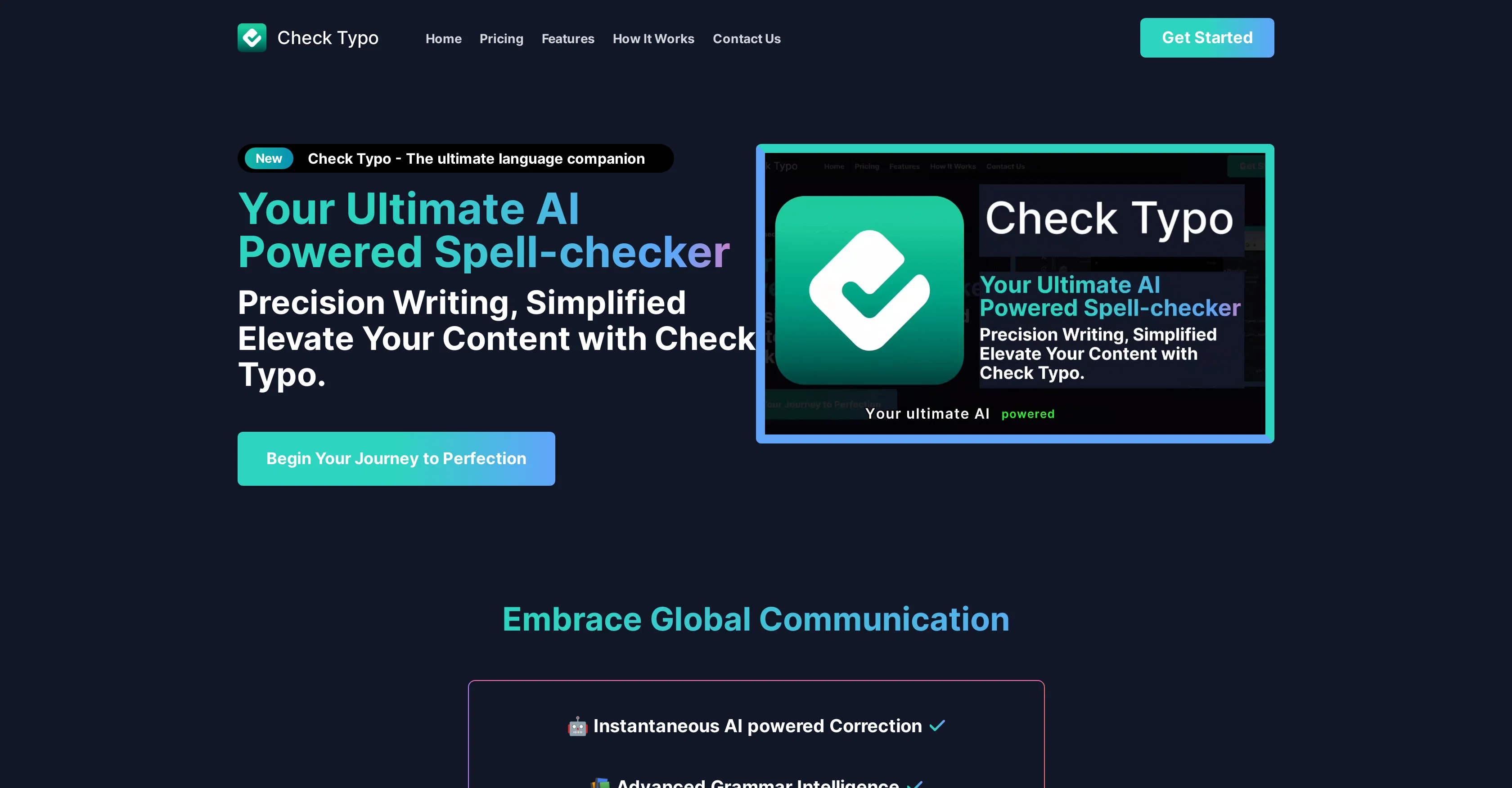
Check Typo is an Artificial Intelligence-based Chrome extension designed to improve users' writing by providing instant typo correction. It aims to enhance productivity and precision in users' online communication by elevating text quality.
Check Typo offers advanced grammar intelligence and global linguistic compatibility, enabling it to cater to users requiring language support across different languages.
This tool operates with an intuitive design to streamline its application and user experience. It also features adaptive style recognition, which allows the tool to offer personalized assistance based on an individual user's particular writing style.
To start using Check Typo, users must integrate the extension into their Chrome browser, create an account, and then simply click the word 'Check' for the tool to start guiding them towards error-free text compositions.
Access & connections
Where you can use Check Typo, and what it plugs into.
Platforms
Integrations
Capabilities
What this tool accepts, produces, and is strongest at.
Input
- API
- Text
Output
- API
- Text
Pros & cons
Pros
- Instant typo correction
- Chrome extension
- Advanced grammar intelligence
- Global linguistic compatibility
- Intuitive design
- Adaptive style recognition
- Personalized assistance
- One-click operation
Show 10 more
- Unlimited checks
- Monthly subscription available
- Discounted lifetime offer
- Easy integration
- User-friendly sign up
- Elevates text quality
- Enhances online communication
- Promotes productivity and precision
- Easy Error-detection
- Improves Writing Skills
Cons
- Only available on Chrome
- Requires account creation
- Subscription-based
- Requires manual trigger ('check')
- Adaptive style recognition limitations
- May not suit every style
- Lacks offline functionality
- No mobile application
Show 2 more
- Offers no free version
- Linguistic compatibility undefined
Releases 1
FAQ 12
What is Check Typo?
How does Check Typo work?
How can I install Check Typo on my Chrome browser?
Does Check Typo support languages other than English?
What is the adaptive style recognition feature in Check Typo?
Can I customize Check Typo to suit my writing style?
How do I start using Check Typo after installing it?
What kind of error-correction does Check Typo offer?
Does Check Typo only correct typos or does it also check grammar?
What is the price of Check Typo's monthly subscription?
What is included in the annual subscription of Check Typo?
Will Check Typo disrupt my online communication process?
Related tools
Recommended

LearningStudioAI ✓
Free TrialAI-powered authoring tool for effortless online course creation.

MagicSlides.app AI PPT Maker ✓
FreemiumCreate Stunning PPTs in Seconds with the AI PPT Maker

GPTExcel ✓
FreemiumGenerate spreadsheet formulas with AI

TutorAI ✓
FreemiumInstant knowledge on any topic

Scisummary ✓
Free TrialCutting-edge scientific articles summarization.

PostPerfect ✓
FreemiumAutomated social media posts.