
Check Domain
Domain availability, WHOIS, and registrar price comparison tool
Source rating 5.0
(51)
0 views
0 saves
Unknown
Overview
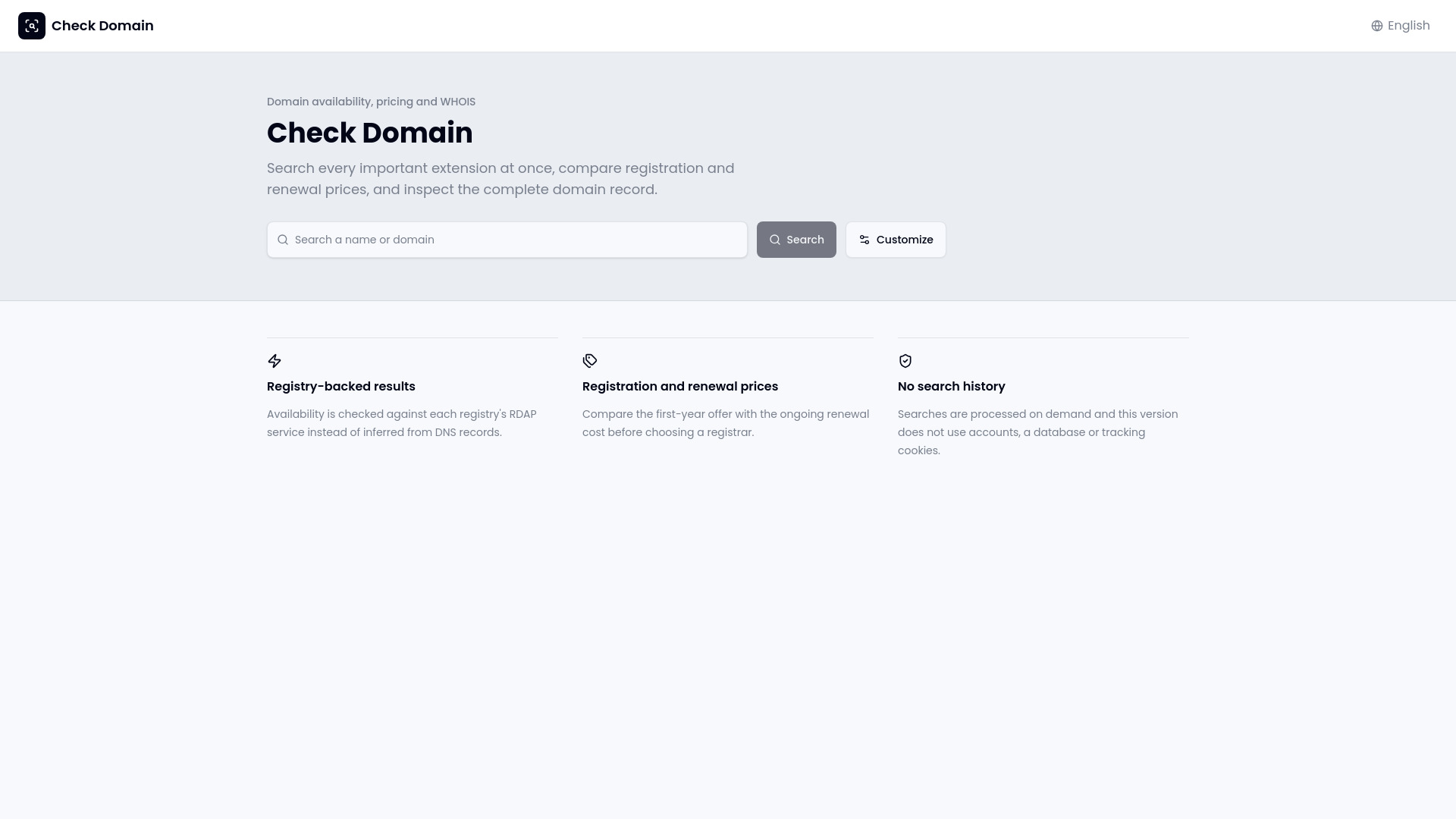
Check Domain is a domain research tool that checks domain availability across popular extensions, retrieves WHOIS and RDAP records, and compares registrar registration and renewal prices. It uses registry-backed RDAP services instead of relying only on DNS checks, helping users review availability, ownership details, extension information, nameservers, and pricing before registering a domain.
Access & connections
Where you can use Check Domain.
Platforms
Capabilities
What this tool accepts, produces, and is strongest at.
Highlights
- Registry-backed domain availability checks using RDAP
- WHOIS and domain record lookup
- Registration and renewal price comparison across registrars
FAQ 9
What is Check Domain?
Check Domain is a domain research tool that checks domain availability across popular extensions, retrieves WHOIS and RDAP records, and compares registrar registration and renewal prices. It uses registry-backed RDAP services instead of relying only on DNS checks, helping users review availability, ownership details, extension information, nameservers, and pricing before registering a domain.
How to use Check Domain?
Enter a brand idea or complete domain name, select the extensions to search, and review the returned availability results. Select a domain to inspect its WHOIS or RDAP details and compare registration and renewal prices. Confirm availability again at the registrar’s checkout before purchasing.
How do I check domain availability?
Enter a brand idea or complete domain name, choose the extensions to search, and review the registry-backed results returned by Check Domain.
Can I check multiple domain extensions at once?
Yes. Check Domain lets you search selected extensions together, including popular options such as .com, .net, .org, .io, and .ai.
Is a domain guaranteed when Check Domain says it is available?
No. Availability should be confirmed again at the registrar’s checkout before payment.
What is the difference between a DNS search and a registry result?
A DNS search infers availability from domain records, while Check Domain queries registry RDAP services for a more authoritative status.
What information does the WHOIS or RDAP record show?
When publicly available, the record may include the registrar, important dates, nameservers, registry source, ownership context, and other domain details.
Why compare registration and renewal prices?
A low first-year offer may have a higher ongoing renewal cost, so comparing both prices helps estimate the domain’s longer-term expense.
Does Check Domain require an account?
No. The website states that searches can be performed without an account and that it does not use search history, a database, or tracking cookies in this version.
Related tools
Recommended



Check Domain