
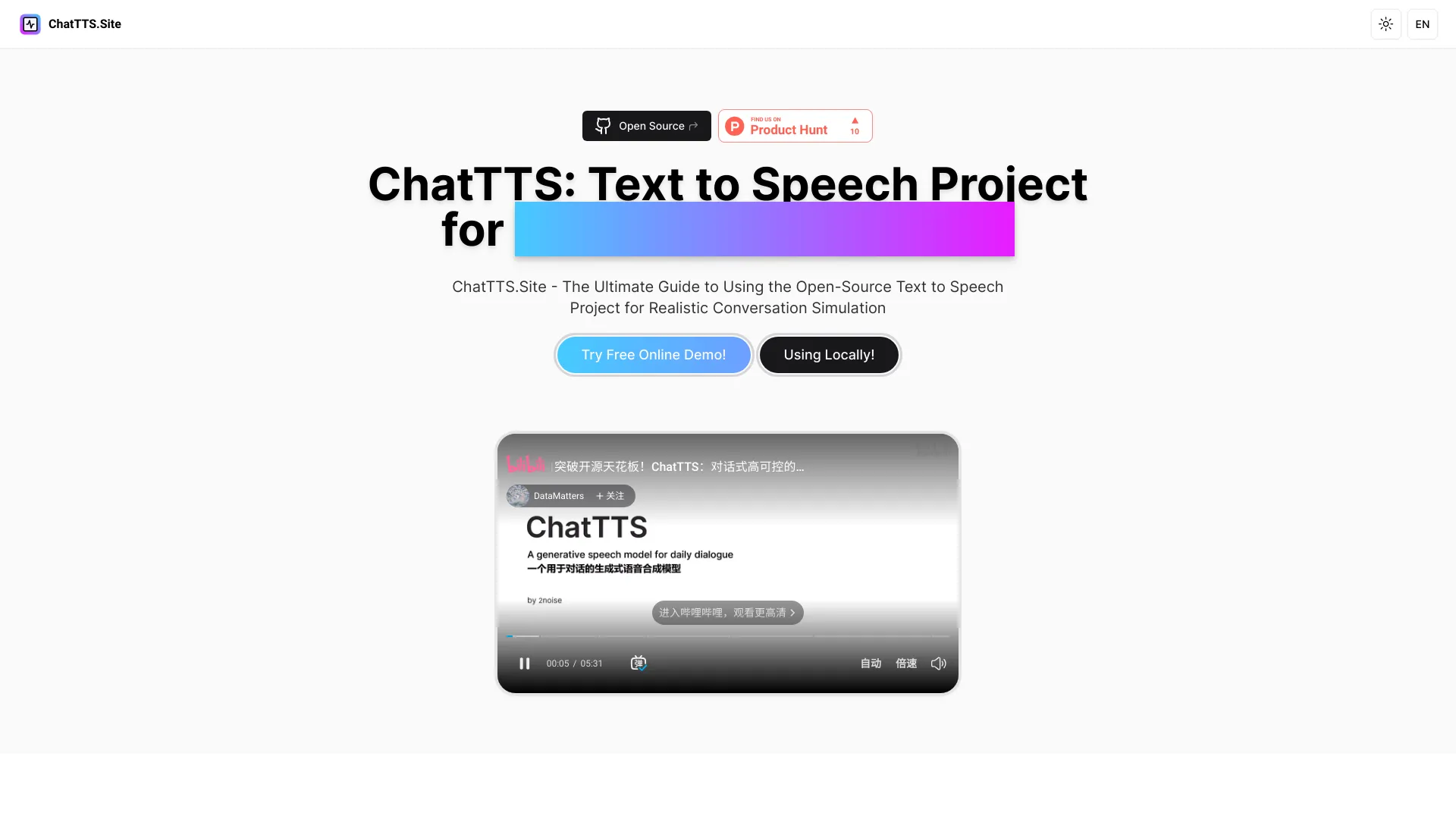
ChatTTS Site
Open-source text-to-speech project for realistic dialogue generation.
Source rating 5.0
(97)
0 views
0 saves
Unknown
Verdict
A quick read before you dig into the full page.
- Best if
- Open-source text-to-speech project for realistic dialogue generation
- Pick this when
- Open-source text-to-speech project for realistic dialogue generation
Overview
ChatTTS is an open-source text-to-speech project designed for generating realistic audio, particularly for dialogue scenarios. It supports both Chinese and English and is trained on a large dataset to produce human-like speech. It's suitable for applications like creating dialogue-based audio and video introductions and assisting large language model interactions.
Access & connections
Where you can use ChatTTS Site.
Platforms
Capabilities
What this tool accepts, produces, and is strongest at.
Highlights
- Realistic text-to-speech conversion
- Dual language support (English and Chinese)
- Open-source and regularly updated
- Optimized for dialogue scenarios
FAQ 11
What is ChatTTS?
ChatTTS is an open-source text-to-speech project designed for generating realistic audio, particularly for dialogue scenarios. It supports both Chinese and English and is trained on a large dataset to produce human-like speech. It's suitable for applications like creating dialogue-based audio and video introductions and assisting large language model interactions.
How to use ChatTTS?
You can use ChatTTS locally by cloning the project from GitHub, installing the required dependencies, initializing the ChatTTS module in Python, declaring the text you want to convert, generating the audio, and then playing the audio. Alternatively, you can use the online demo for a quick trial.
What is ChatTTS?
ChatTTS is a text to speech model designed specifically for dialogue scenarios such as LLM assistants. It supports both English and Chinese languages and is trained with over 100,000 hours composed of Chinese and English. The open-source version on HuggingFace is a 40,000-hour pre-trained model.
Is ChatTTS free to use?
Yes, ChatTTS is free to use. You can download the project files from the GitHub repository to your local machine. There are also other developers who have created free versions available on well-known open-source platforms such as Github, HuggingFace and Modelscope.
How do I install ChatTTS?
Installation steps for ChatTTS are outlined in the 'How it works' section. Basicly, you could directly downlownd the text to speech project into your laptop from Github repo and use it in python. You can also follow the prompts on the official GitHub page for downloading and using ChatTTS.
Where can I find the source code for ChatTTS?
The source code for ChatTTS can be found on its GitHub repository at https://github.com/2noise/ChatTTS.
In what languages is ChatTTS available?
ChatTTS is currently available in English and Chinese.
How do I use ChatTTS in my project?
To use ChatTTS in your project, you can import it and use the `chat.infer` method with your text. More detailed usage examples might be available in the repository's documentation or example files.
Can I contribute to the ChatTTS project?
Yes, contributions to the ChatTTS project are welcome in various forms, including issue discussions, GitHub issues submissions, and pull requests. You can also join the QQ group: 808364215 for discussions.
What kind of support does ChatTTS offer?
For formal inquiries about the model and its roadmap, you can contact the developers at [email protected]. Joining their QQ group or submitting GitHub issues for support is also encouraged.
How is ChatTTS different from other TTS models?
ChatTTS is optimized for dialogue-based tasks, enabling natural and expressive speech synthesis with support for multiple speakers. It offers fine-grained control over prosodic features like laughter, pauses, and interjections, and surpasses most open-source TTS models in terms of prosody.
Related tools
Recommended



ChatTTS Site