
Chattier
Chattier is a platform to generate and embed intelligent chatbots for customer support.
Free + from $20 / month
Verdict
A quick read before you dig into the full page.
- Best if
- Chattier is a platform to generate and embed intelligent chatbots for customer support
- Skip if
- You need enterprise SLAs or a fully managed team plan right away
- Pick this when
- Freemium · Free + from $20 / month
Overview
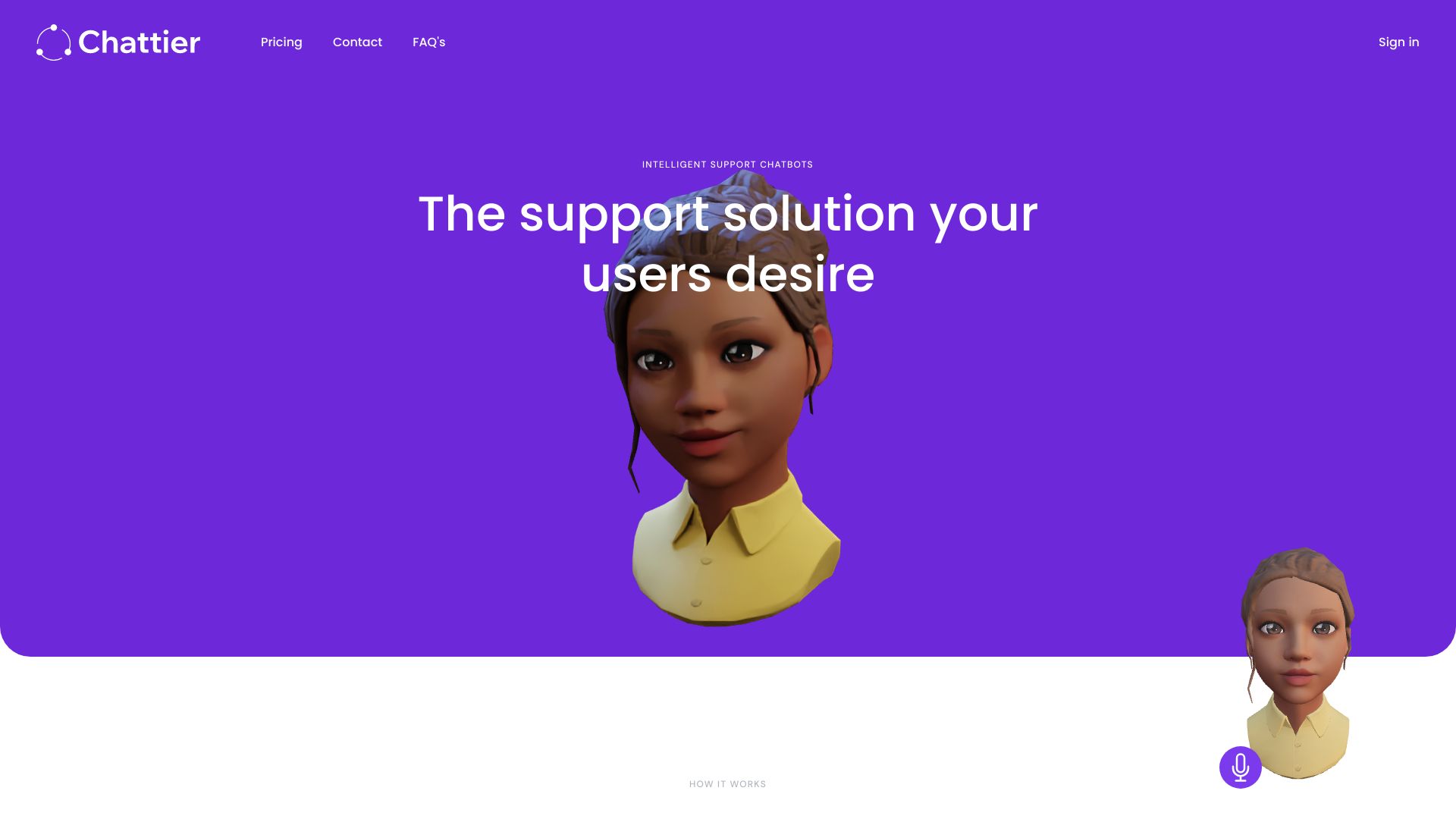
Chattier allows you to generate intelligent chatbots for customer support. Chatbots are easily inserted into any website. It supports standard text chatbots as well as 3D avatars with speech capabilities. Chattier provides a support solution that users desire, offering a quick setup process. Users can create chatbots, choosing between standard chat format or 3D avatars, and define the data to inform the chatbot and the domains for installation. The chatbot can then be embedded on a website by copying the provided code and pasting it into the website's HTML. Once embedded, the chatbot is ready to answer questions from users related to the chosen topics.
Access & connections
Where you can use Chattier.
Platforms
Capabilities
What this tool accepts, produces, and is strongest at.
Highlights
- Intelligent chatbot generation
- Support for standard text chatbots and 3D avatars with speech capabilities
- Easy embedding on any website
- OpenAI GPT integration
FAQ 5
What is Chattier?
How to use Chattier?
2. Define the data to inform your chatbot and the domains for installation.
3. Embed the chatbot on your website by copying and pasting the provided code into your website's HTML.

