

ChatShape ✓
Build AI chatbots from your content, fast.
Free + from $19 / month
Verdict
A quick read before you dig into the full page.
- Best if
- Build AI chatbots from your content, fast
- Skip if
- Limited by user's plan
- Pick this when
- Chrome extension
Considering FastBots instead? Compare side by side
Overview
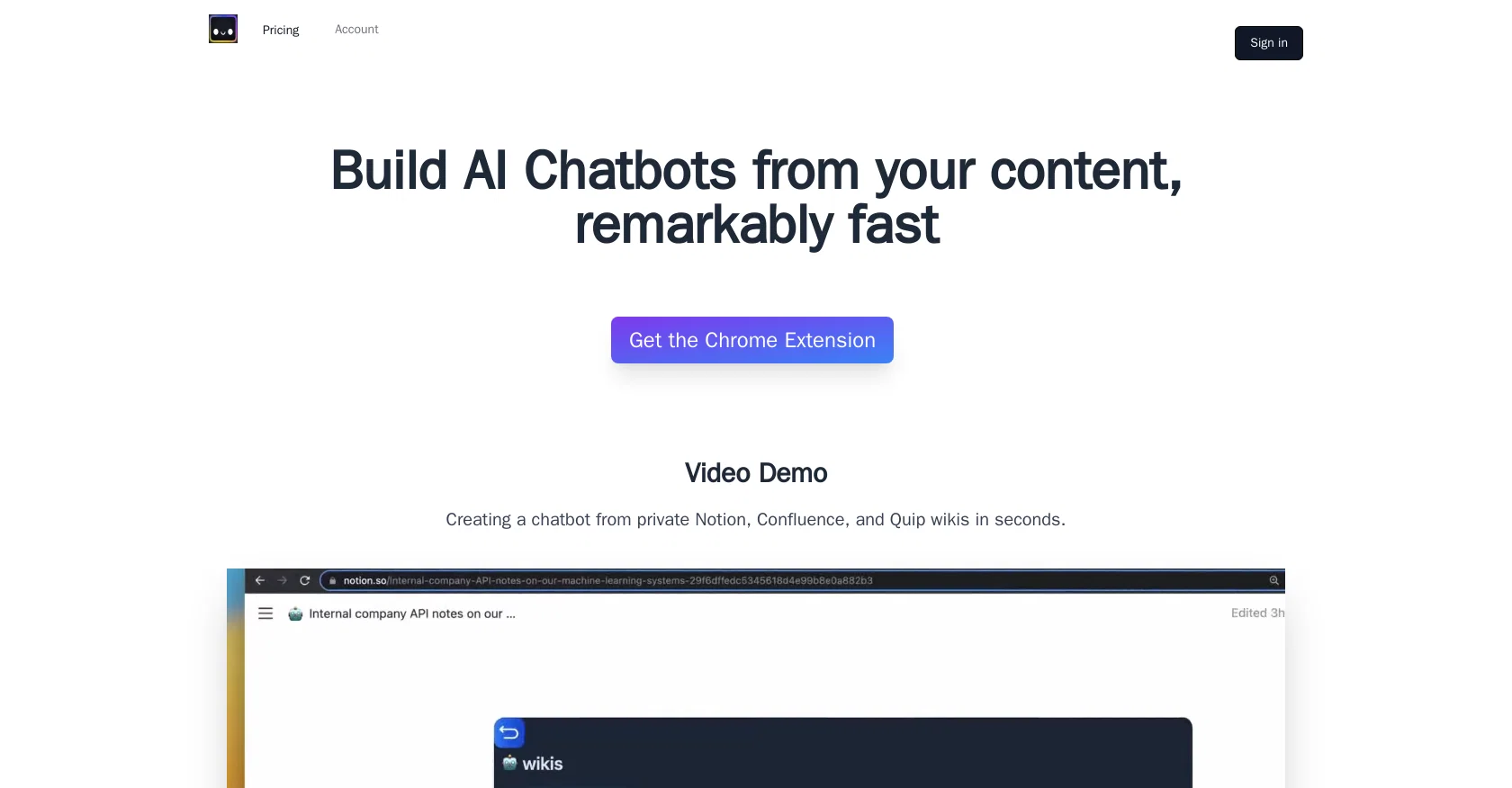
ChatShape is an AI Chatbot builder that allows users to create custom chatbots from their own content remarkably fast. The tool is a Chrome extension that lets users generate chatbots from private wikis in just seconds.
ChatShape partnered with OpenAI to deliver AI-powered chatbots that are trained on users' data. Once the extension is opened on a webpage, users can click on "add current site" and then "generate bot", which will create a shareable link for their own chatbot.
The tool does not store the webpage, only the text content is stored in encrypted format on secure AWS servers. The ChatShape Chrome extension has been tested to work on most web pages, including private wiki pages like Confluence, Notion, Jira, and Quip.
Users can share the chatbot links they've created with anyone they want to. The "add current site" feature grabs all the visible, copyable text that is available on the current web page and doesn't crawl other links on the page or the entire domain.
ChatShape's maximum number of web sources depends on the user's plan and the text character count of each page is used to measure the size of a web source.Overall, ChatShape provides a simple and convenient way for users to create chatbots trained on their content, making it easier for them to communicate with their customers or audience.
Access & connections
Where you can use ChatShape, and what it plugs into.
Platforms
Capabilities
What this tool accepts, produces, and is strongest at.
Input
- Tabular
Output
- Text
Pros & cons
Pros
- Chrome extension
- Fast chatbot creation
- Custom chatbots
- Uses private wikis
- User data training
- Shared chatbot links
- Secure text storage
- Works on most websites
Show 7 more
- Supports Confluence, Notion, Jira, Quip
- Visible text data capture
- Varied plan options
- Web source size measurement
- GPT Chatbots
- Encrypted AWS storage
- Doesn't crawl entire domain
Cons
- Chrome only extension
- Doesn't crawl entire domain
- No Google Docs support
- Data stored, though encrypted
- Limited by user's plan
- Text-based source size limits
- Doesn't work on non-copyable content
Compare alternatives
Similar tools in the catalog — with a clear reason to open each one.

FastBots ✓
FreemiumCreate AI chatbots customized with your business data.
Why look Offers a public API
Full comparison
Chatbit ✓
FreemiumTrain custom AI Chatbot from your data, add to website.
Free + from $19/mo
Full comparison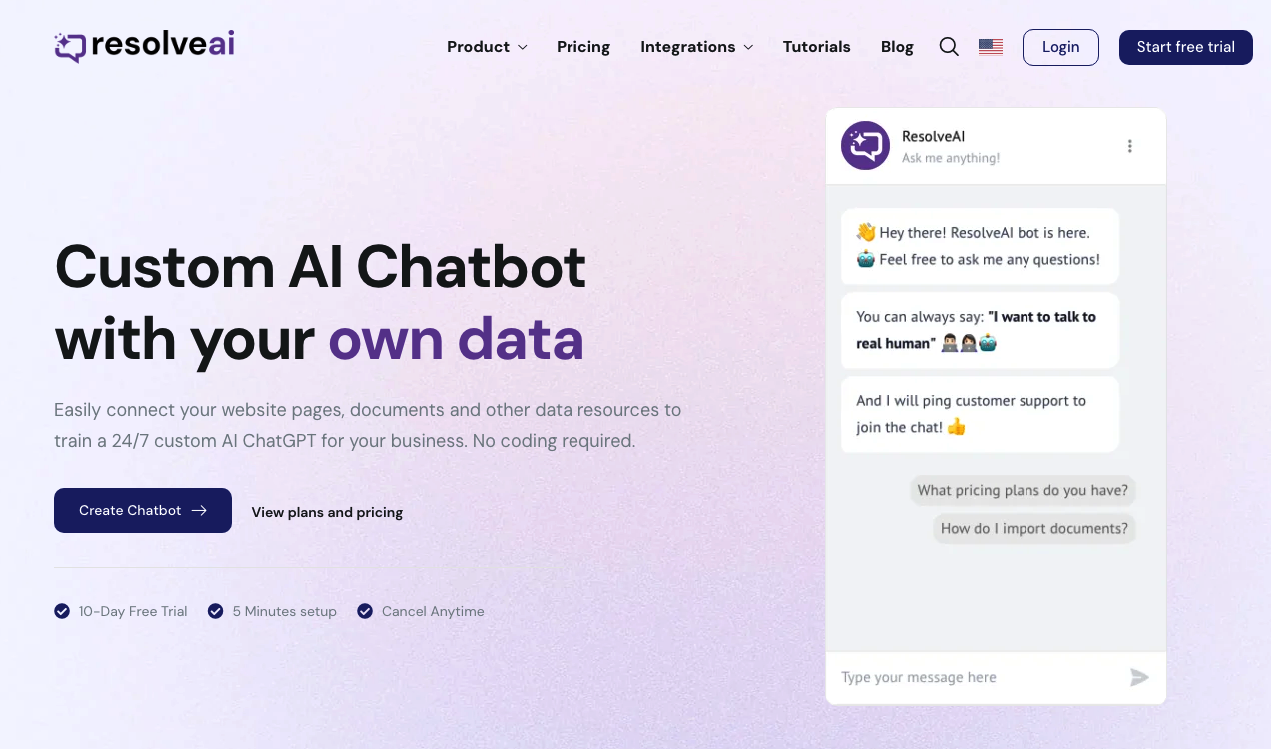
ResolveAI
PaidSaaS platform for creating custom AI customer service chatbots with no coding required.
Why look Better fit for coding
Full comparison
intoCHAT ✓
FreemiumTransform customer interactions with AI chatbots.
Free + from $19/mo
Full comparison

Releases 1
FAQ 12
What is ChatShape?
What platforms does the ChatShape extension work on?
Does ChatShape work with Google Docs?
Can I share the chatbot I created with ChatShape?
What data is stored when I use ChatShape?
Can I use ChatShape on private wikis?
What are the limitations based on the user's plan?
How does the 'add current site' feature work?
Does ChatShape crawl other links on the page or the entire domain?
How is the size of a web source measured for ChatShape?
Can I generate a chatbot from a webpage with ChatShape?
How secure is data stored by ChatShape?
Related tools
Recommended

Wonderchat ✓
FreemiumWebsite chatbot for customer support.

Exemplary AI ✓
FreemiumTranscribes 120+ languages' audio/video.

GPT Trainer ✓
FreemiumAI Voice and Text Agents with No-Code

Webapi.ai ✓
See siteBuild powerful chatbots in minutes with GPT-3

ChatFast ✓
FreemiumCreate custom AI chatbots for your business

Chat Thing ✓
Free TrialCreate AI chatbots from your existing data