
Chatscreenshot
Chat with photos, summarize documents, and get instant answers using AI.
Source rating 5.0
(72)
0 views
0 saves
Unknown
Verdict
A quick read before you dig into the full page.
- Best if
- Chat with photos, summarize documents, and get instant answers using AI
- Pick this when
- Chat with photos, summarize documents, and get instant answers using AI
Overview
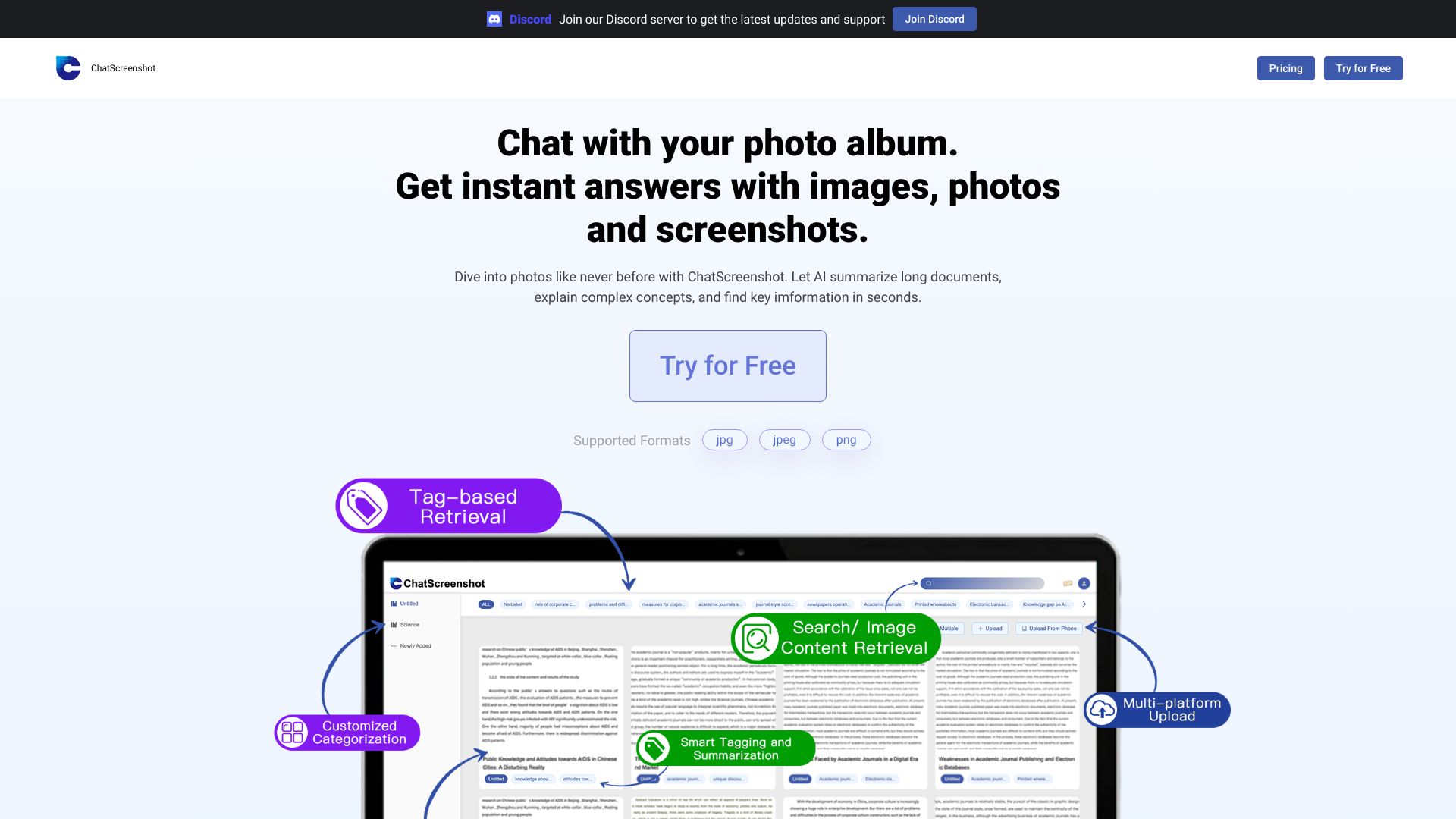
ChatScreenshot is a website that allows users to chat with their photo album, get instant answers with images, photos, and screenshots, and dive into photos like never before. It also uses AI to summarize long documents, explain complex concepts, and find key information in seconds.
Access & connections
Where you can use Chatscreenshot.
Platforms
Capabilities
What this tool accepts, produces, and is strongest at.
Highlights
- Chat with your photo album
- Instant answers with images, photos, and screenshots
- AI-powered document summarization
- Image to text conversion
- AI tagging for easier photo archiving
FAQ 5
What is ChatScreenshot?
ChatScreenshot is a website that allows users to chat with their photo album, get instant answers with images, photos, and screenshots, and dive into photos like never before. It also uses AI to summarize long documents, explain complex concepts, and find key information in seconds.
How to use ChatScreenshot?
Enable JavaScript in your browser to use the website properly. Then, you can chat with your photo album and ask questions to get instant answers with images, photos, and screenshots.
Why doesn't ChatScreenshot work properly?
ChatScreenshot requires JavaScript to be enabled in your browser. Please enable it to continue using the website.
What file formats are supported?
The website supports jpg, jpeg, and png image formats.
Who can I contact for concerns?
You can email [email protected] for any concerns.
Related tools
Recommended


Chatscreenshot