
Verdict
A quick read before you dig into the full page.
- Best if
- Free, open-source ChatGPT UI focused on privacy and user experience
- Pick this when
- Free, open-source ChatGPT UI focused on privacy and user experience
Overview
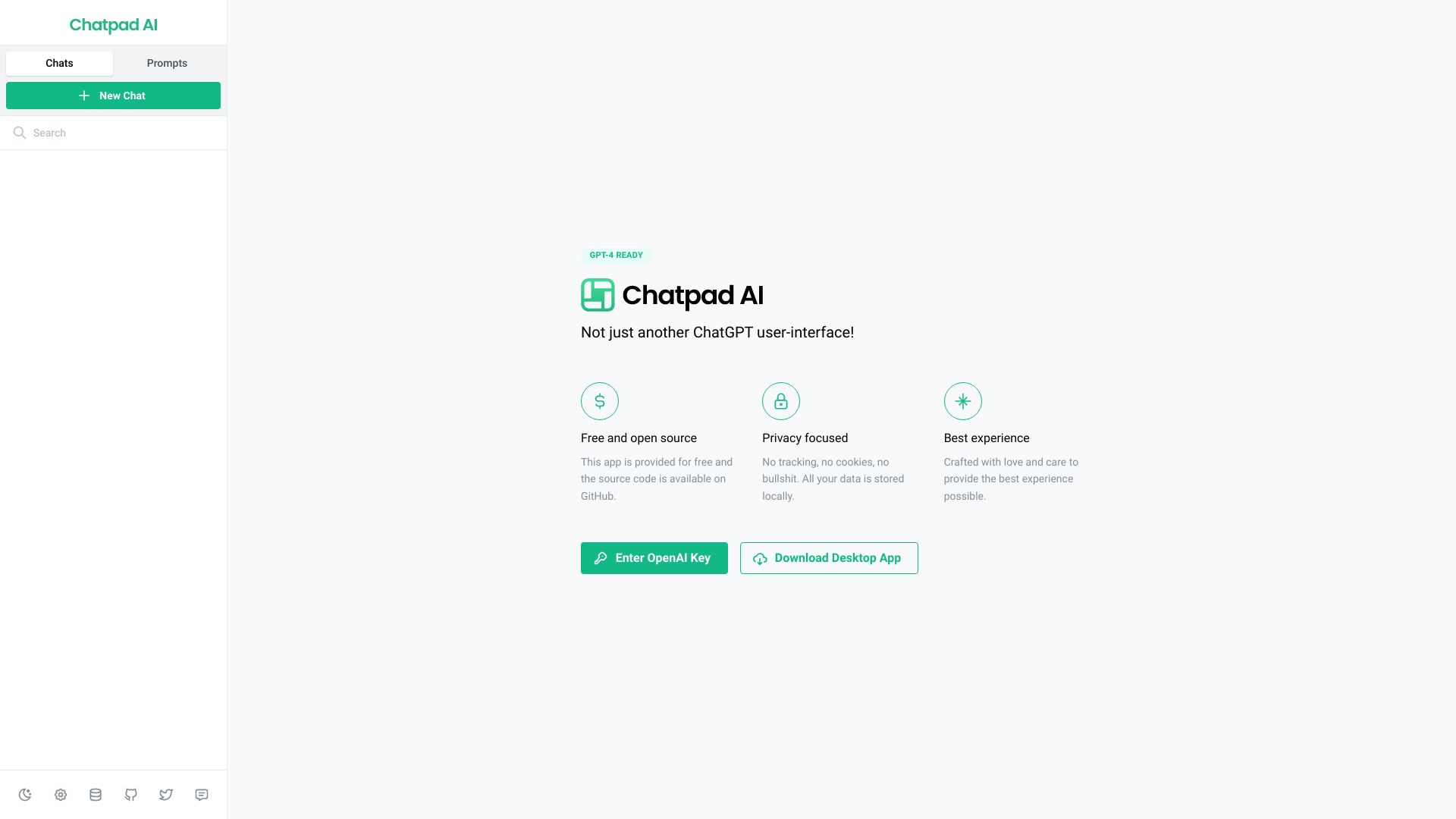
Chatpad AI is a free, open-source, and slick user interface (UI) for ChatGPT. It focuses on privacy, storing all data locally without tracking or cookies, and aims to provide the best user experience. It's not just another ChatGPT user interface; it's designed with love and care.
Access & connections
Where you can use Chatpad AI.
Platforms
Capabilities
What this tool accepts, produces, and is strongest at.
Highlights
- Free and open-source
- Privacy-focused (no tracking, no cookies)
- Local data storage
- Slick user interface
- ChatGPT-4 Ready
- Data export/import functionality
- Chat and prompt management
FAQ 5
What is Chatpad AI?
Chatpad AI is a free, open-source, and slick user interface (UI) for ChatGPT. It focuses on privacy, storing all data locally without tracking or cookies, and aims to provide the best user experience. It's not just another ChatGPT user interface; it's designed with love and care.
How to use Chatpad AI?
Enter your OpenAI Key to start using Chatpad AI. You can download the desktop app for a more integrated experience. The UI allows you to manage chats, prompts, and data, with options to export, import, and delete data.
Is Chatpad AI free to use?
Yes, Chatpad AI is provided for free and is open source.
Is my data private when using Chatpad AI?
Yes, Chatpad AI is privacy-focused. There is no tracking, no cookies, and all your data is stored locally.
Where can I find the source code for Chatpad AI?
The source code is available on GitHub.
Related tools
Recommended


Chatpad AI