
ChatMentor
AI chatbot builder for automated customer support and streamlined communication.
Source rating 5.0
(81)
0 views
0 saves
Freemium
Free + from $9 / mo
Verdict
A quick read before you dig into the full page.
- Best if
- AI chatbot builder for automated customer support and streamlined communication
- Skip if
- You need enterprise SLAs or a fully managed team plan right away
- Pick this when
- Freemium · Free + from $9 / mo
Overview
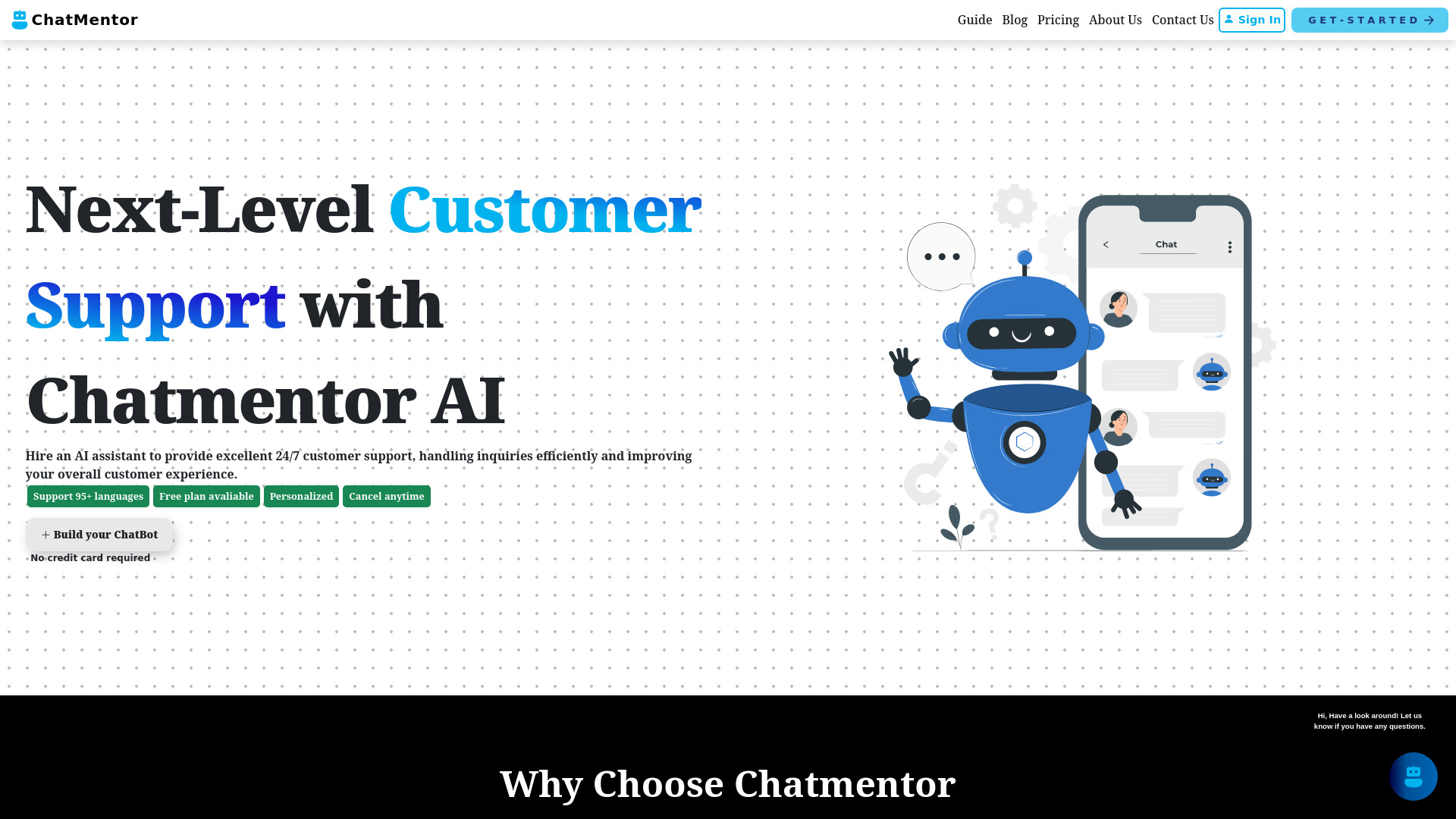
ChatMentor is an AI-powered chatbot builder designed to automate customer support, boost engagement, and streamline communication. It allows users to train a chatbot on their data, integrate it easily, and provide 24/7 instant responses without coding. ChatMentor offers features like multiple data source import, customization, white labeling, support for 95+ languages, powerful AI models, and robust privacy & security.
Access & connections
Where you can use ChatMentor.
Platforms
Capabilities
What this tool accepts, produces, and is strongest at.
Highlights
- AI-powered chatbot building
- Multiple data source integration
- Customizable appearance and behavior
- 24/7 customer support automation
FAQ 12
What is ChatMentor?
ChatMentor is an AI-powered chatbot builder designed to automate customer support, boost engagement, and streamline communication. It allows users to train a chatbot on their data, integrate it easily, and provide 24/7 instant responses without coding. ChatMentor offers features like multiple data source import, customization, white labeling, support for 95+ languages, powerful AI models, and robust privacy & security.
How to use ChatMentor?
To use ChatMentor, import your data from various sources (PDF, text, Word, website crawling). Customize the chatbot's behavior and appearance to match your brand. Install the chat widget on your website using a simple embed code.
What sets ChatMentor apart from other AI chatbots?
ChatMentor is uniquely designed to be trained on your specific data, allowing it to provide highly accurate and relevant answers tailored to your business needs. It also offers easy integration with your existing platforms, robust customization options, and a user-friendly interface.
How does ChatMentor help improve client engagement and satisfaction?
ChatMentor enhances client engagement by providing instant, precise answers to their queries, reducing wait times, and offering personalized experiences. This leads to higher client satisfaction and retention.
Can I add text content to train the chatbot if I don't have web pages to scrape or files to upload?
Yes, you can manually enter raw text content to train the chatbot.
What type of content can we use to train the chatbot?
You can use any type of content to train the chatbot. The more content you provide, the better it will perform.
Can I upload files to train the chatbot?
Yes, you can upload files in TXT, PDF and DOCX formats. The upload limits depend on your subscription plan.
Some of my files are larger than 10 MB. What do I do?
Please contact us at [email protected] We can assist you with uploading larger files.
How long does the training take?
Training time depends on the number of pages but usually completes within a few minutes.
How do I log in to my ChatMentor account?
You can log in to your ChatMentor account by visiting our website and clicking on the "Login" button at the top right corner. Enter your registered email and password to access your dashboard.
I'm having trouble logging in to ChatMentor. What should I do?
If you're having trouble logging in, first ensure that your email and password are correct. If you've forgotten your password, click on "Forgot Password" to reset it. If the issue persists, please contact our support team for assistance.
Can I customize the appearance of ChatMentor on my website or platform?
Yes, ChatMentor allows you to fully customize the chatbot's appearance, including colors, fonts, and styles, to match your brand identity.
Related tools
Recommended


ChatMentor
Free + from $9 / mo