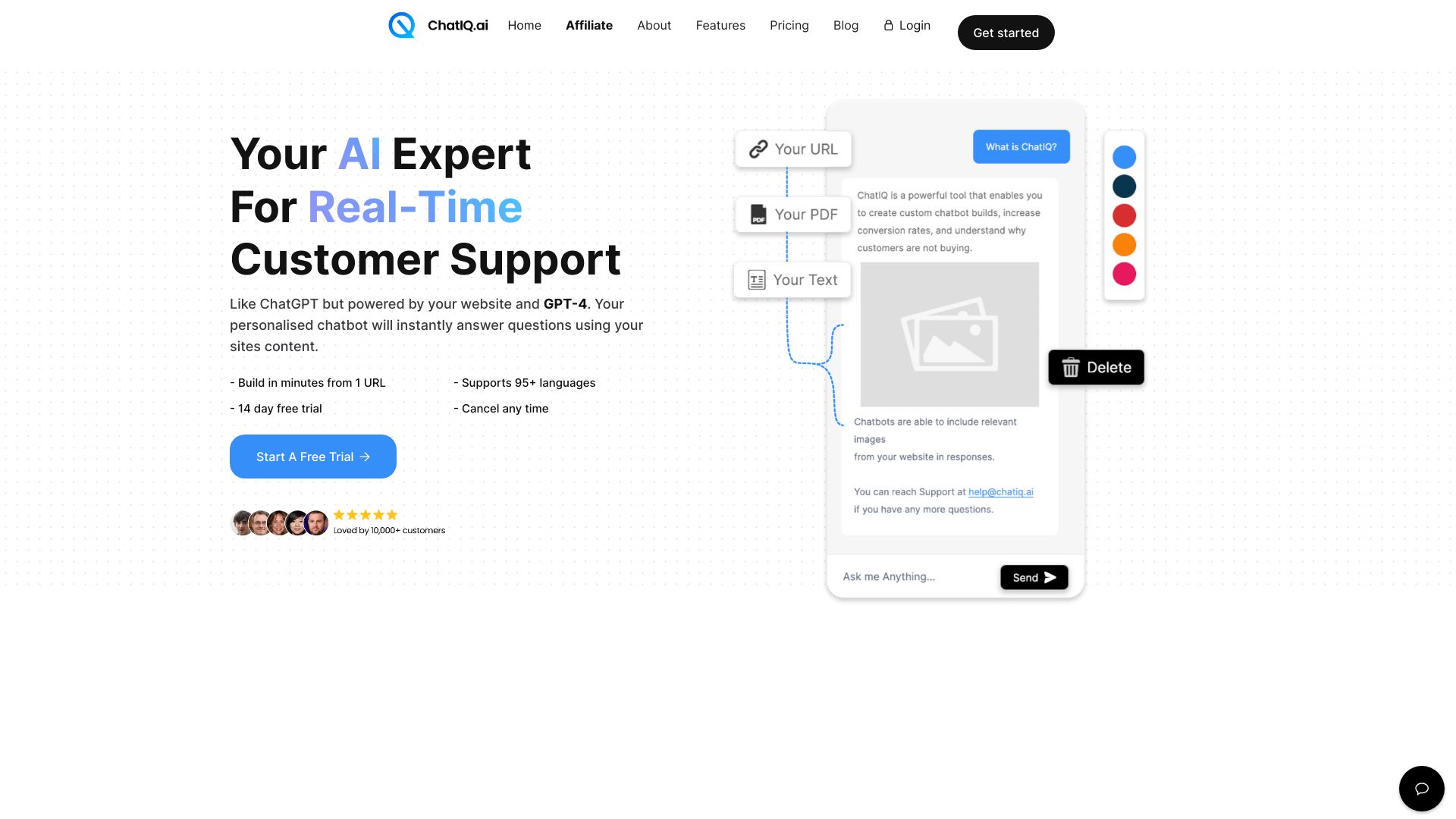
What is ChatIQ AI?
ChatIQ AI is a ChatGPT & AI knowledge base system for businesses, offering automated customer support ticketing. It guarantees 100% customer satisfaction instantly by building a fully integrated AI support ticketing system. ChatIQ AI provides a ticketing workspace powered by AI, trained on your data, automating support with reliable & accurate ticketing while you sleep. It prioritizes support tickets, drafts replies, and processes tickets in real time. It also offers advanced analytics to understand customer service performance and ensures safe, accurate, & trustworthy AI chats with 100% uptime.
How to use ChatIQ AI?
To use ChatIQ, train the AI by scraping your website, uploading PDF files, or plain text. Embed the customizable widget on your website. The AI chatbot answers customer questions and creates support tickets when needed. Manage and draft email responses within the ChatIQ dashboard.
What is ChatIQ used for?
ChatIQ is used to build a support ticketing tool integrated with an AI chatbot, trained on your company data. The AI uses your company data as a knowledge-base to answer common questions from your customers instantly, in real time, and hands the customer off to a support ticketing system if it is unable to reply.
How does support ticketing work?
ChatIQ support ticketing is directly integrated within your AI chatbot. Users can submit a support ticket instantly or use the AI chat to get answers. If the chatbot doesn't have enough data, it will ask them to submit a support ticket. Support tickets are categorized and prioritized using your company data. You can view, manage, and draft email responses to these tickets within your ChatIQ dashboard.
How do I train the AI?
You have 3 options to choose from when training your AI: scrape your entire website, upload PDF files, or basic plain text. Depending on the size of your website and the plan you are on, you can scrape up to 250 URLs, which can take anywhere between 2-15 mins to train.
Can I add it to my website?
Yes, the chatbot and ticketing solution are wrapped up in an easily embed-able and customizable widget. Simply head to the "Launch" tab in your chatbot playground and copy the embed code. To customize the branding and design, head to the chatbot playground, scroll down and upload your logo, chatbot widget and add your brands colors.
Looking For A Feature?
ChatIQ has a detailed roadmap of upcoming features and integrations, however, if your business is looking for something specific, we offer an enterprise service where we can build you any feature you are looking for. Just book in a demo call with our founder Sebastian Bowkis on zoom at the following link and we can discuss getting everything setup for you. https://calendly.com/chatiq/30min