What is ChatGPT Pulse?
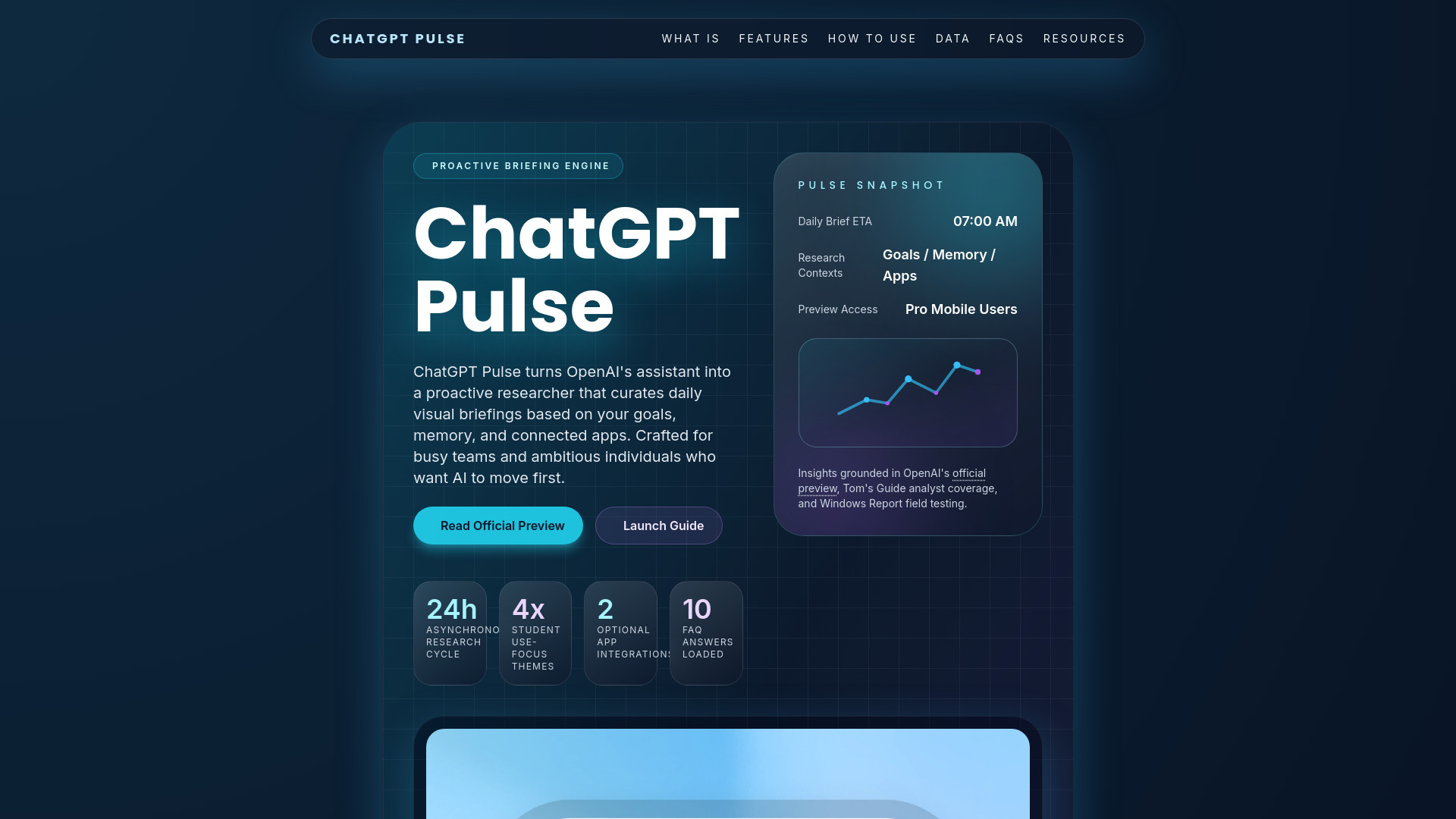
ChatGPT Pulse is OpenAI's proactive briefing layer for ChatGPT. Instead of waiting for prompts, Pulse performs nightly asynchronous research across your chat history, saved memories, and optional integrations to surface morning updates tailored to your priorities. It launched as a mobile preview for Pro subscribers, with expansion to Plus and broader availability planned once early feedback lands. The initiative springs from OpenAI's goal to evolve ChatGPT from reactive Q&A into an anticipatory aide. Each morning you receive visual cards summarizing progress on goals, fresh research, and contextual nudges. You decide what shows up - Pulse adapts to the preferences you pin and the feedback you share.
How to use ChatGPT Pulse?
To use ChatGPT Pulse, first activate the preview in the ChatGPT mobile app with a Pro subscription. Then, curate your priorities using the 'Curate' command to list themes like project milestones or wellness goals. Optionally, connect Google Calendar or Gmail for additional context. Each morning, review the visual cards, expand items for insights, save to chat, or ask follow-up questions. Provide quick feedback (thumbs up/down or notes) to refine future briefings. You can also reset or pause Pulse anytime from preferences.
Who can access ChatGPT Pulse today?
ChatGPT Pulse is available as a preview for Pro subscribers using the mobile app. OpenAI plans to expand availability to Plus users after evaluating early feedback.
How does ChatGPT Pulse gather information?
Pulse reviews your chat history, memory entries, curated topics, and optional integrations each night, then performs asynchronous research to assemble the next briefing.
What are the optional integrations?
You can connect Gmail and Google Calendar to add context like itineraries, meeting schedules, and personal reminders. Integrations are off by default and can be toggled anytime.
Can ChatGPT Pulse replace news apps?
Pulse focuses on personalized action items rather than headlines. It complements news feeds by surfacing insights tied to your projects, not general current events.
How do I customize what ChatGPT Pulse shows?
Tap "Curate" to specify topics, use thumbs up/down, or add free-form notes. Pulse stores this guidance to refine future briefings.
Does ChatGPT Pulse keep cards forever?
No. Cards expire at the end of the day unless you save them to your chat history or act on them. This keeps the feed concise and focused on new progress.
What happens if ChatGPT Pulse makes a mistake?
Pulse is still experimental and may surface redundant or inaccurate suggestions. Provide feedback or clear history to recalibrate the model.
Can I pause ChatGPT Pulse?
Yes. Head to preferences to pause updates, disconnect integrations, or reset memory. Reactivate whenever you want new briefings.
How is safety handled in ChatGPT Pulse?
OpenAI runs safety checks on Pulse topics before surfacing them. Harmful or policy-violating content is filtered, and you retain control to delete data.
What future upgrades are planned?
OpenAI envisions richer app integrations, contextual hand-offs throughout the day, and broader availability that turns ChatGPT Pulse into a full proactive assistant.