
ChatGPT Notepad
Free online text editor with auto text cleanup and essential editing features.
Source rating 5.0
(73)
3.7k views
3.7k/mo traffic
0 saves
Unknown
Verdict
A quick read before you dig into the full page.
- Best if
- Free online text editor with auto text cleanup and essential editing features
- Pick this when
- Free online text editor with auto text cleanup and essential editing features
Overview
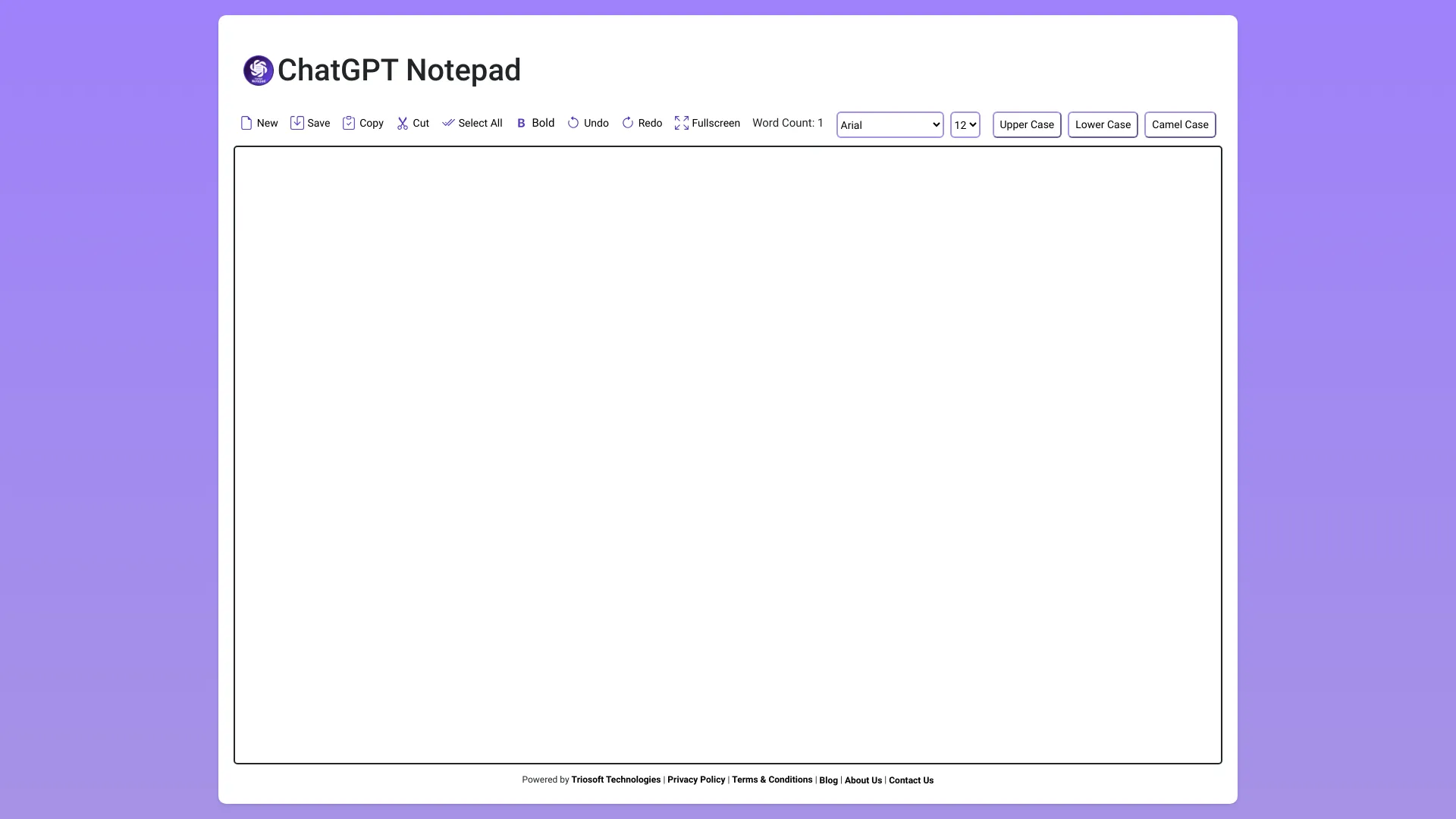
ChatGPT Notepad is a free, browser-based text editor designed to enhance the efficiency of content creators, marketers, and business professionals. It automates the removal of unwanted formatting like asterisks (*) and hashes (#) from text copied from AI tools such as ChatGPT, Gemini, and Copilot. It offers a simple interface, real-time word count, find & replace functionality, spellcheck, and the ability to print and save documents.
Access & connections
Where you can use ChatGPT Notepad.
Platforms
Capabilities
What this tool accepts, produces, and is strongest at.
Highlights
- Auto text cleanup (removes *, #)
- Real-time word count
- Find & Replace
- Spellcheck
- Print and Save
FAQ 5
What is ChatGPT Notepad?
ChatGPT Notepad is a free, browser-based text editor designed to enhance the efficiency of content creators, marketers, and business professionals. It automates the removal of unwanted formatting like asterisks (*) and hashes (#) from text copied from AI tools such as ChatGPT, Gemini, and Copilot. It offers a simple interface, real-time word count, find & replace functionality, spellcheck, and the ability to print and save documents.
How to use ChatGPT Notepad?
Simply open your browser and visit chatgptnotepad.com to start typing. There's no setup or installation required. You can save your work, print it, or continue editing at any time.
What is ChatGPT Notepad?
ChatGPT Notepad is a free, browser-based text editor that allows you to create and edit multiple plain-text files without the need for registration or login.
What browsers are compatible with ChatGPT Notepad?
ChatGPT Notepad is designed to be compatible with all modern web browsers, including Mozilla Firefox, Safari, Opera, Microsoft Edge, Google Chrome, and the Steam browser.
What is the auto text cleanup feature?
The auto text cleanup feature automatically removes asterisks (*) and hashes (#) from the text copied from AI tools like ChatGPT, Gemini, and Copilot.
Related tools
Recommended



ChatGPT Notepad