
ChartDB
Free, open-source database diagram editor with AI-powered DDL script generation.
Verdict
A quick read before you dig into the full page.
- Best if
- You are database engineers and need: Instantly visualize database schema and generate ER diagrams
- Pick this when
- Free, open-source database diagram editor with AI-powered DDL script generation
Overview
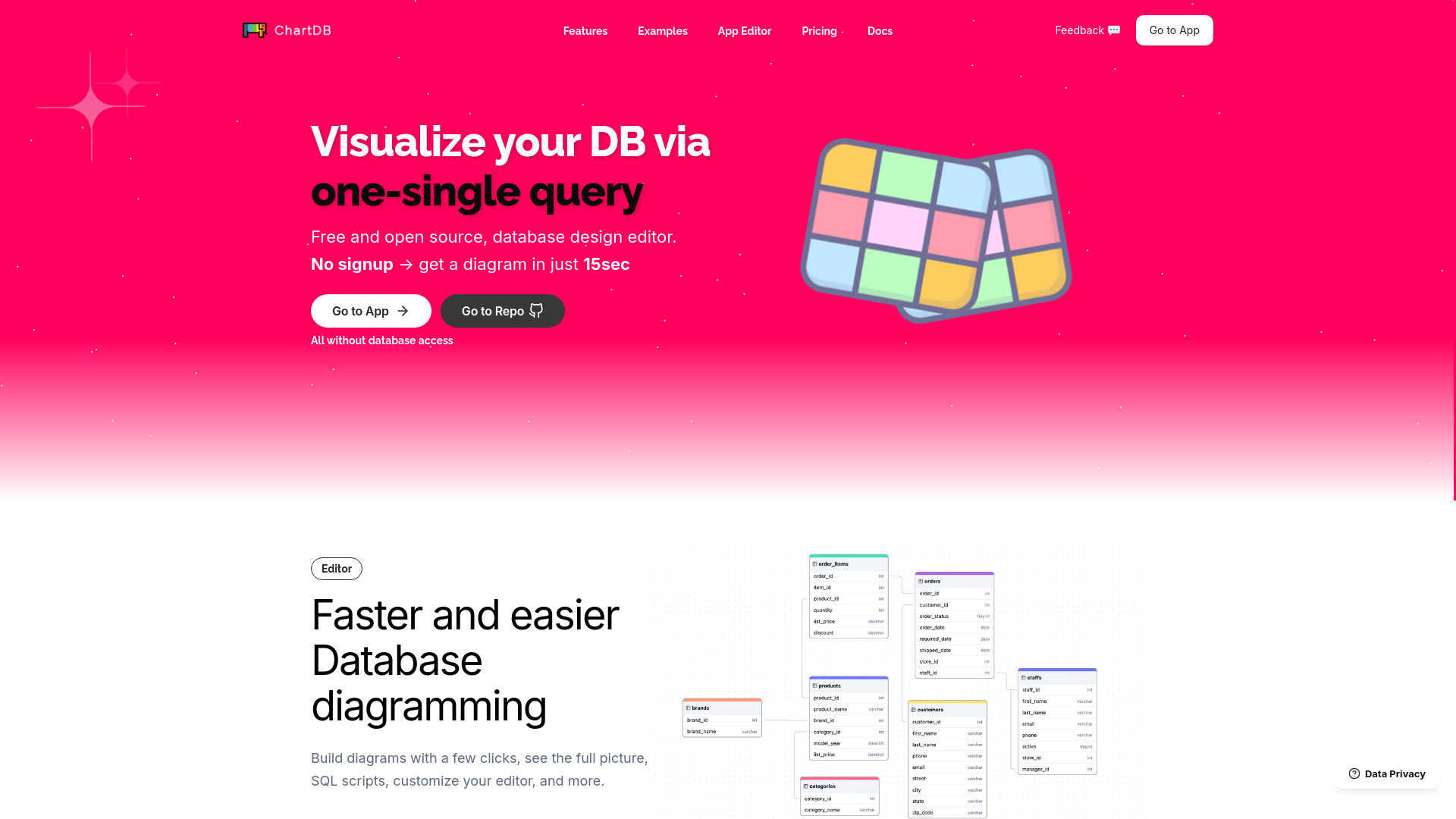
ChartDB is a free, open-source database diagram editor. It allows users to visualize and design their database with a single query and easily migrate with AI-powered DDL script generation in their preferred SQL dialect. It helps draw DB relationship diagrams and export DDL scripts.
Best for
Short scenarios where ChartDB tends to shine.
-
Instantly visualize database schema and generate ER diagrams
Best for Database engineers
-
Jumpstart work with pre-designed examples for quick setup and design inspiration
Best for Software developers
-
Share visually appealing previews of database diagrams
Best for Data architects
Example outputs 1
Sample generations and before/after results for ChartDB.
Access & connections
Where you can use ChartDB.
Platforms
Capabilities
What this tool accepts, produces, and is strongest at.
Highlights
- Visualize database schema with a single query
- AI-powered DDL script generation
- Free and open-source
- Database design editor
- Import, edit, and export diagrams
People also view
Tools that often show up alongside ChartDB in collections and comparisons.

In the news
Launch coverage and community mentions for ChartDB.