
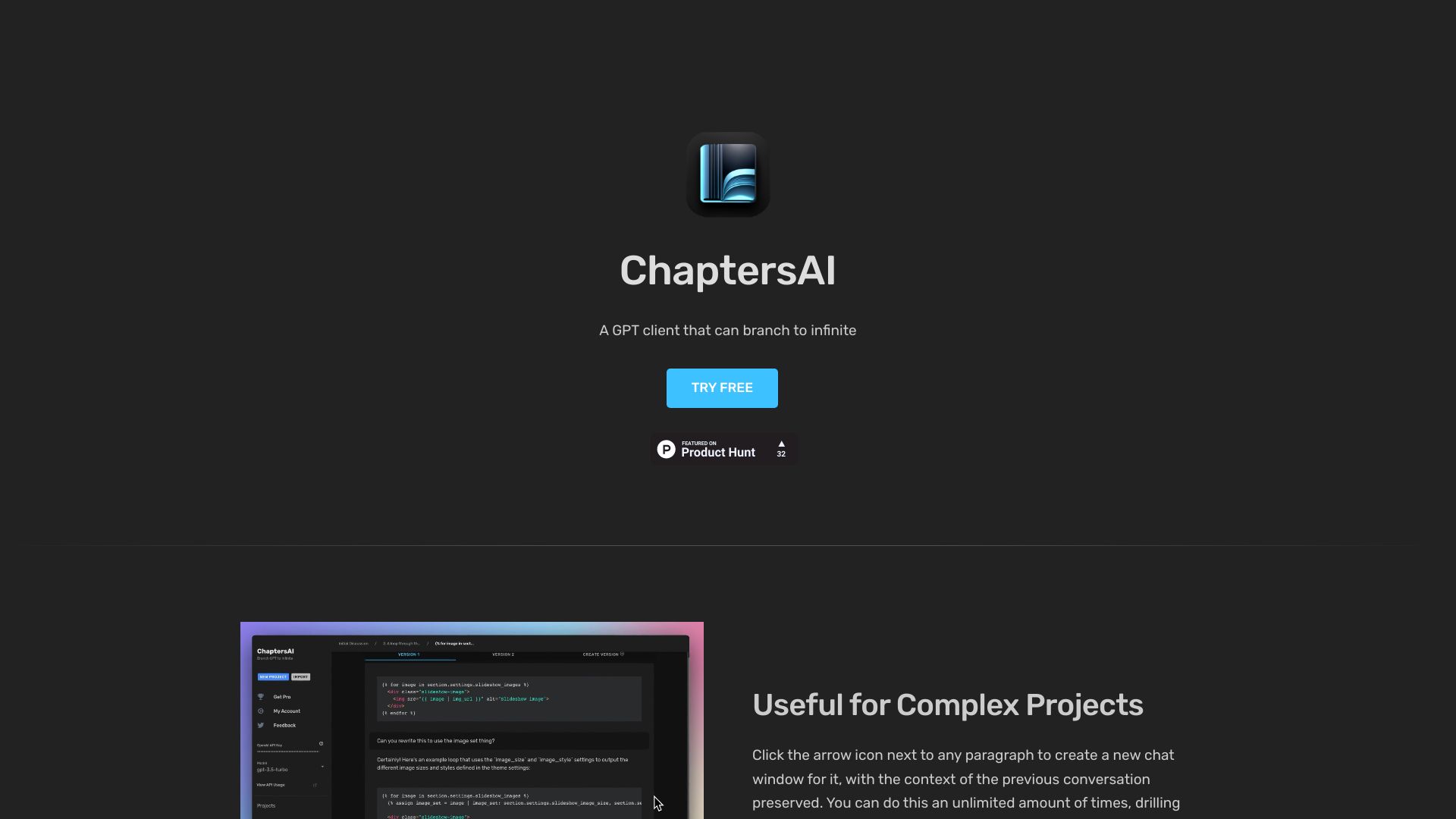
ChaptersAI
GPT client for branching conversations, ideal for complex projects and detailed analysis.
Source rating 5.0
(78)
0 views
0 saves
Paid
From $9 / mo
Verdict
A quick read before you dig into the full page.
- Best if
- GPT client for branching conversations, ideal for complex projects and detailed analysis
- Skip if
- You need a free plan with no credit card
- Pick this when
- Paid · From $9 / mo
Overview
ChaptersAI is a GPT client that allows users to branch off each paragraph into a separate chat window. This is useful for building large projects and drilling down into component parts. Users can create versions of the chat once it's branched off. Project data is stored locally in the browser, ensuring privacy and security.
Access & connections
Where you can use ChaptersAI.
Platforms
Capabilities
What this tool accepts, produces, and is strongest at.
Highlights
- Branching chat windows for detailed analysis
- Version control for branched chats
- Local storage for privacy and security
- System Message editing
FAQ 7
What is ChaptersAI?
ChaptersAI is a GPT client that allows users to branch off each paragraph into a separate chat window. This is useful for building large projects and drilling down into component parts. Users can create versions of the chat once it's branched off. Project data is stored locally in the browser, ensuring privacy and security.
How to use ChaptersAI?
Click the arrow icon next to any paragraph to create a new chat window, preserving the context of the previous conversation. You can drill down further and further into details and easily navigate back to the root. You can also create new versions of the chat and edit the System Message.
What is this?
It's a chat client for OpenAI's GPT that lets you branch off any paragraph into a separate chat window. It's useful for building large projects and drilling down into the component parts, and then being able to go back up to the original chat context.
Can you read my chats? Where will they be stored?
Chats are not visible whatsoever. They are stored entirely on your browser. Don't forget to make backups often (by clicking the download icon under your project).
How many projects can I have?
You can have an unlimited amount, but be aware that your browser's storage may max out at around 5mb. This is a huge amount of text data, but if you have tons of projects it may eventually run out and you'll need to delete some.
Is this free to use?
It is free to try. After you send 10 messages it will prompt you to subscribe. The subscription is only $9/mo + OpenAI API usage.
How much will using the OpenAI API cost?
The cost is extremely low. As of writing this, gpt-3.5-turbo costs just $0.0015 per 1K input tokens and $0.002 per 1K output tokens (1k is roughly 750 words). Note that you will be billed separately by OpenAI for the API usage.
Related tools
Recommended


ChaptersAI
From $9 / mo