PDF to CSV

CapyParse

AI-powered PDF and image to CSV/Excel converter with bank statement processing.

Source rating 5.0 (60) 7k views 7k/mo traffic 0 saves Paid
More categories (6)

Verdict

A quick read before you dig into the full page.

Best if
You are accountants and need: Convert bank statements to CSV for accounting software
Skip if
You need a free plan with no credit card
Pick this when
Paid · From $50 / month

Overview

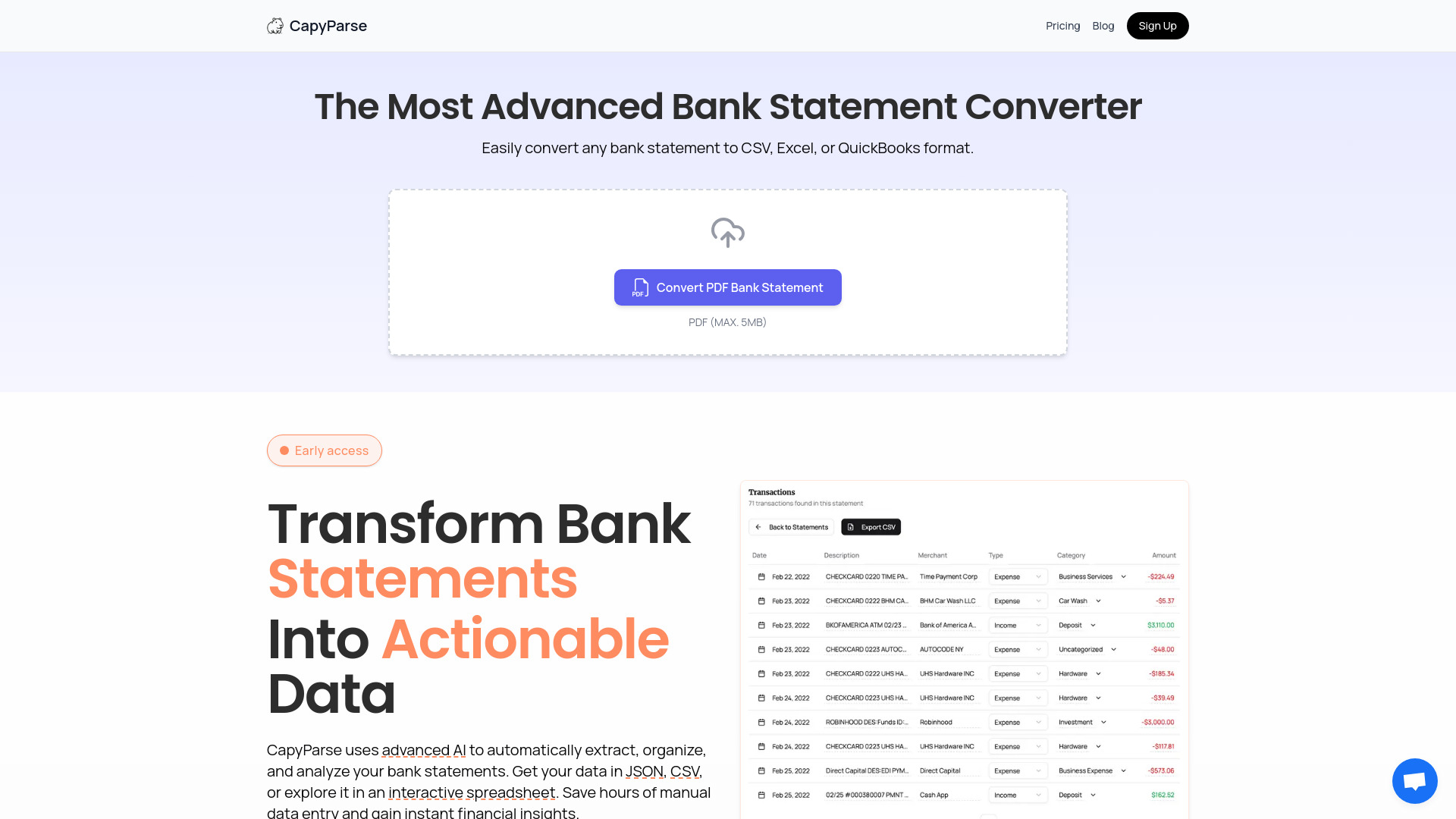
CapyParse is an AI-powered PDF to CSV converter and bank statement conversion tool. It extracts data from PDFs, images, and bank statements into CSV and Excel formats. It supports automatic table extraction from complex tables in any language and offers specialized bank statement conversion for accounting software.

CapyParse screenshot

Best for

Short scenarios where CapyParse tends to shine.

  • Convert bank statements to CSV for accounting software

    Best for Accountants

  • Extract tabular data from PDF invoices

    Best for Bookkeepers

  • Convert image-based tables to CSV for data analysis

    Best for Financial analysts

Example outputs 1

Sample generations and before/after results for CapyParse.

Access & connections

Where you can use CapyParse, and what it plugs into.

Platforms

Web

Integrations

Capabilities

What this tool accepts, produces, and is strongest at.

Highlights

  • PDF to CSV conversion
  • Bank statement processing
  • Image to CSV conversion
  • Automatic table extraction
  • AI-powered data recognition

People also view

Tools that often show up alongside CapyParse in collections and comparisons.

FAQ 8

What is CapyParse?
CapyParse is an AI-powered PDF to CSV converter and bank statement conversion tool. It extracts data from PDFs, images, and bank statements into CSV and Excel formats. It supports automatic table extraction from complex tables in any language and offers specialized bank statement conversion for accounting software.
How to use CapyParse?
Upload a PDF, JPG, or PNG file containing tables. CapyParse uses AI to analyze the text and visual layout, extracting the data into CSV format. For bank statements, use the specialized Bank Statement Converter.
How does the free trial work?
All subscription plans come with a 14-day free trial. You can cancel anytime during the trial period and you won't be charged.
How do credits work?
Each credit equals one conversion. For PDFs, one page equals one credit. For images, one image equals one credit. Credits reset at the beginning of each billing cycle for subscription plans. With Pay-As-You-Go, your purchased credits roll over and are valid for one year from the purchase date.
What types of files can I convert?
You can convert any PDF pages containing tabular data, including bank statements, invoices, financial reports, and more. Plus plan users can also convert images (JPG, PNG) to CSV. Our AI-powered extraction works with various formats and layouts.
Can I change plans later?
Yes, you can upgrade or downgrade your plan at any time. Changes will be reflected in your next billing cycle.
What payment methods do you accept?
We accept all major credit cards including Visa, Mastercard, and American Express. We also support payment via PayPal.
Is there a setup fee?
No, there are no setup fees or hidden charges. You only pay the advertised price for your subscription.
CapyParse From $50 / month