
CalendarApp
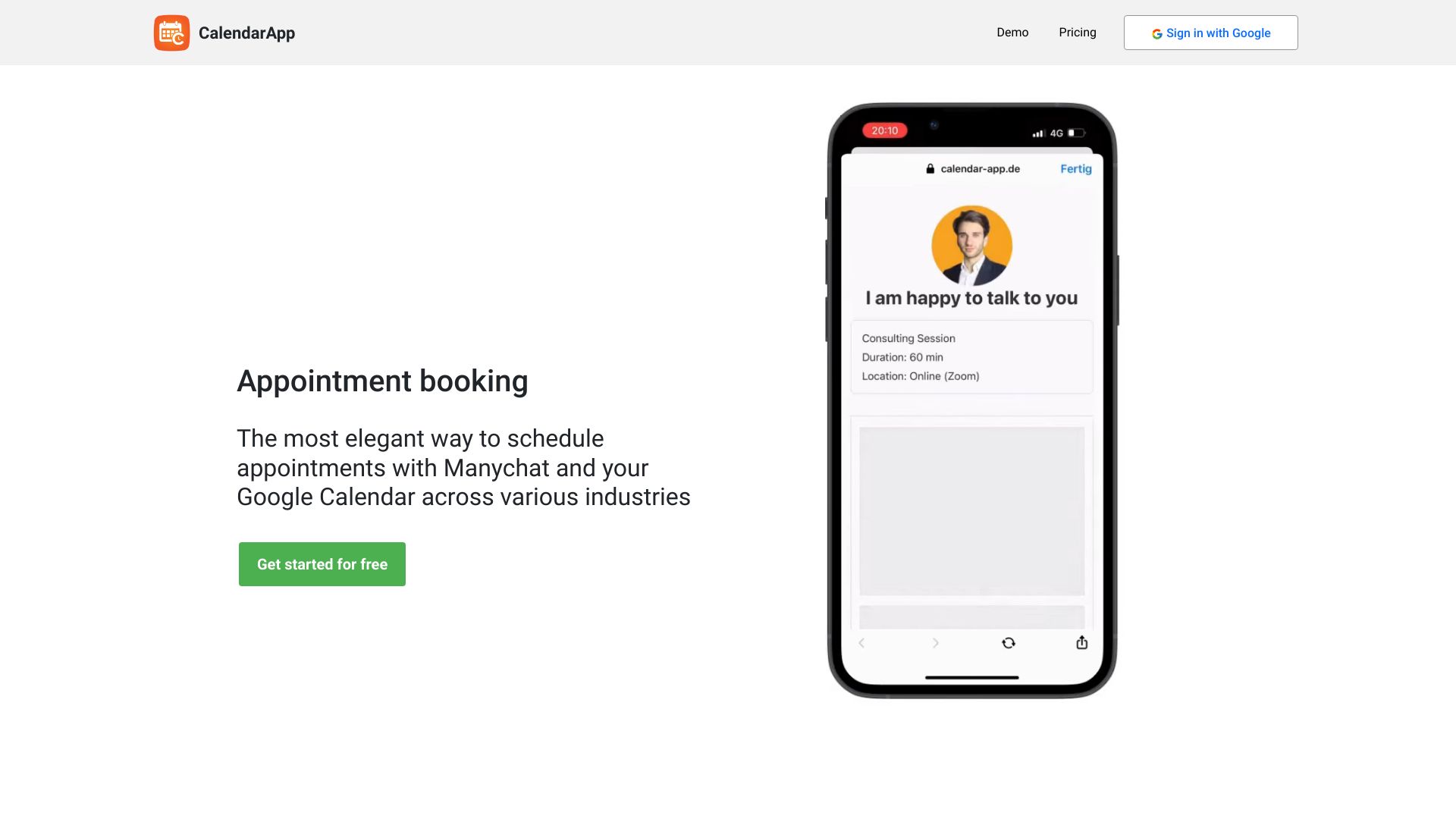
CalendarApp automates appointment scheduling on social media, syncing with Google Calendar.
Source rating 5.0
(64)
2.4k views
2.4k/mo traffic
0 saves
Freemium
Free + from $29 / month
Verdict
A quick read before you dig into the full page.
- Best if
- CalendarApp automates appointment scheduling on social media, syncing with Google Calendar
- Skip if
- You need enterprise SLAs or a fully managed team plan right away
- Pick this when
- Freemium · Free + from $29 / month
Overview
CalendarApp is a tool designed to schedule appointments on social media platforms like Whatsapp, Facebook, Instagram, and Telegram, automatically syncing bookings to Google Calendar. It offers conversational scheduling, allowing customers to book appointments through chats. It caters to various industries, including restaurants, real estate, hotels, medical, gyms, sales, automotive, and beauty.
Access & connections
Where you can use CalendarApp, and what it plugs into.
Platforms
Integrations
Capabilities
What this tool accepts, produces, and is strongest at.
Highlights
- Scheduling across social media platforms
- Smart conversations using AI
- Calendar syncing with Google Calendar (Outlook and Office 365 coming soon)
- Automated reminders
- Customizable text and buttons
FAQ 11
What is CalendarApp?
CalendarApp is a tool designed to schedule appointments on social media platforms like Whatsapp, Facebook, Instagram, and Telegram, automatically syncing bookings to Google Calendar. It offers conversational scheduling, allowing customers to book appointments through chats. It caters to various industries, including restaurants, real estate, hotels, medical, gyms, sales, automotive, and beauty.
How to use CalendarApp?
After signing up for free, users obtain credentials to connect CalendarApp to their Manychat account. After selecting a use case and managing calendar settings, they can start receiving appointments.
Can I test the CalendarApp for free?
Yes! You can test the CalendarApp for free for 14 days. No credit card is required. The trail ends automatically.
Which Channels are supported?
Currently supported channels are: Messenger, Instagram, Whatsapp, Telegram, and Google Maps. Channels that will be supported in the future: LinkedIn, SMS, Signal, and Viber.
Does the CalendarApp support Google Calendar?
Yes! All your appointments are stored in your Google Calendar. Soon we will offer Outlook and Office 365 calendars as well.
Which use cases does the CalendarApp support?
The CalendarApp serves a wide range of use cases and business. Appointments can be booked for groups or single events. A few examples are: Restaurants, Real Estate Agents, Car Dealers, Doctors and professional medical staff, Hairdresses, Nail studios and beauty salons, Gyms, yoga and other sports classes, online and offline events, & many more
How do I use the CalendarApp?
After signing up for free you obtain credentials which you need to use to connect the CalendarApp to your Manychat account. After selecting a use case and managing your calendar settings you are ready to receive appointments.
Is there any training or support available?
Yes! There is! We will provide you with amazing help docs and lots of great videos. Our support team is always happy to help you.
Can all text and buttons be customized?
Yes! All buttons, text and Manychat flows can be 100% customized so they address to your audience precisely. We also offer translated templates in 6 different languages.
I run an agency. Can I use one account for all my clients?
The CalendarApp is used a lot by agencies. We made it very simple for you to serve all your clients' businesses in one CalendarApp account.
Can I get a demo?
Sure! Click the button, choose a channel and your business.
Related tools
Recommended


CalendarApp
Free + from $29 / month