

Apps 2026 Rank: #1398
Cadrant ✓
Build apps and websites with AI, no coding needed.
Free + from $20/mo
Verdict
A quick read before you dig into the full page.
- Best if
- Build apps and websites with AI, no coding needed
- Skip if
- Limited internal tool development
- Pick this when
- Builds full-stack applications
Considering Whacka instead? Compare side by side
Overview
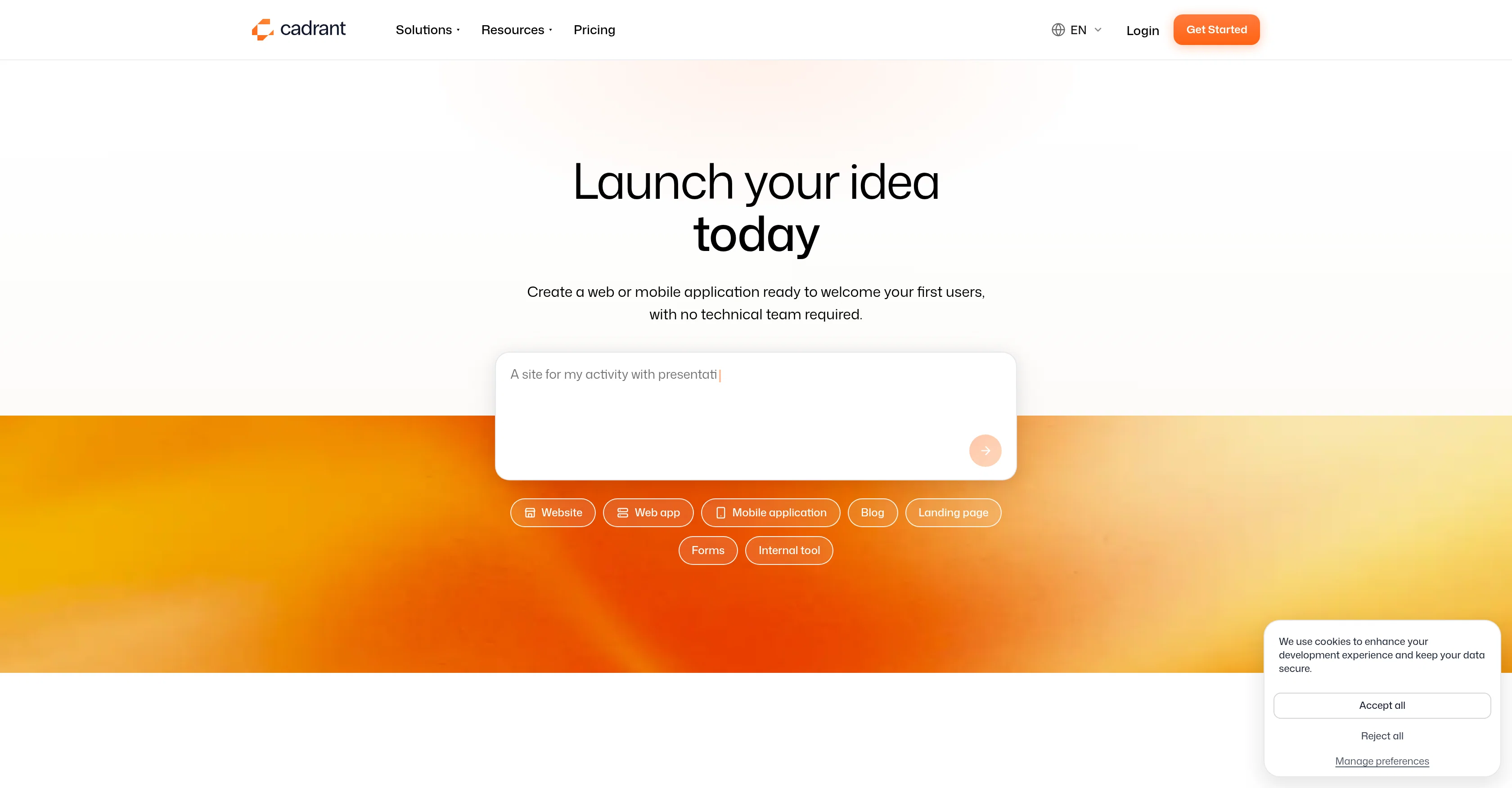
Cadrant is an AI-powered tool that simplifies the creation of websites and applications. It serves a wide range of profiles from entrepreneurs, professionals to larger enterprises and marketing teams.
The tool primarily helps users to go from idea to live product, without the need for coding or a technical team. Some of the key features include building full-stack web applications with a React front end and Supabase backend, creating native Expo apps, PWAs or WebView apps, creating fast, static, SEO-ready websites, and developing internal tools like dashboards and client portals.
The platform is also equipped with a permissions system ensuring users have the desired level of access. Users can seamlessly publish their project on a Cadrant domain or their own custom domain.
The tool supports iOS and Android development and allows users to submit their mobile apps directly to the App Store and Google Play Store. Furthermore, Cadrant's AI capabilities offer the possibility to customize every detail with a set of premium templates available.
Finally, the tool integrates smoothly with several platforms like Supabase and GitHub, ensuring user data and code can be exported anytime.
Access & connections
Where you can use Cadrant, and what it plugs into.
Integrations
Capabilities
What this tool accepts, produces, and is strongest at.
Input
- Text
- Structured data
Output
- Text
- Code
Supported features
- App Builder
Pros & cons
Pros
- Builds full-stack applications
- React front end
- Supabase backend
- Creates native Expo apps
- Makes fast, static websites
- SEO-ready
- Dashboard and portal creation
- Robust permission system
Show 24 more
- Allows custom domain
- Supports iOS and Android
- App Store submission
- Google Play Store submission
- Customizable premium templates
- Supabase and GitHub integration
- App builder for entrepreneurs
- Creates PWAs
- Develops WebView apps
- Enterprise and marketing tools
- User data export
- Blogs and landing page creation
- No technical team required
- Hosts websites and apps
- Auto database connection
- App Store publishing
- SEO-optimized sites
- Cross-platform native mobile apps
- Platforms preview with Expo Go
- Easy mobile apps submission
- Supabase account link
- Code versioning and collaboration
- Payment and subscription integration
- Pushes to Apple Developer account
Cons
- Limited to React, Supabase
- No explicit integration options
- Domain options not expanded
- Limited app publishing control
- Dependent on premium templates
- Only Supabase and GitHub
- No real-time collaboration feature
- Limited internal tool development
Show 2 more
- Restricted language options
- No direct customer support
Compare alternatives
Similar tools in the catalog — with a clear reason to open each one.

Whacka ✓
Free TrialTurn ideas into real apps from your phone.
Why look Typically cheaper
Full comparison
AppDeploy ✓
FreeDeploy real apps directly from ChatGPT or Claude
Why look Fully free option
Full comparison
Anything - AI App Builder ✓
FreemiumTurn your words into apps, sites, and products.
Why look Typically cheaper
Full comparison


Releases 1
FAQ 12
What are the key features of Cadrant?
Does Cadrant support mobile application development?
Can I use Cadrant to publish my project on a custom domain?
Does Cadrant require any programming or technical skills?
How can I build full-stack web applications with Cadrant?
Can I use Cadrant's AI to customize my templates?
What aspects of SEO does Cadrant address for websites?
Does Cadrant support creating internal tools like dashboards?
Can I submit apps created with Cadrant directly to the App Store and Google Play Store?
How does Cadrant help entrepreneurs go from idea to live product?
How does the permissions system on Cadrant work?
Does Cadrant integrate with platforms like Supabase and GitHub?
Related tools
Recommended

Junie by JetBrains ✓
FreemiumStop switching tools. Start shipping.

Automateed ✓
Free TrialCreate eBooks effortlessly with Automateed, the AI-powered writing tool.

leania.ai ✓
Free TrialMRI scan for Businesses: Find What to Cut, Replace, Automate with AI

buzzabout ✓
FreemiumAI social media research for marketers

Serno ✓
FreemiumCustom AI experts that map what one AI can't

biela.dev ✓
Free TrialIf you can imagine it, Biela can code it!