

Workflows 2026 Rank: #2934
Caddi ✓
Automate professional services workflows without changing your tools.
Verdict
A quick read before you dig into the full page.
- Best if
- Automate professional services workflows without changing your tools
- Skip if
- Limited to known platforms
- Pick this when
- Automates professional services workflows
Considering PixieBrix instead? Compare side by side
Overview






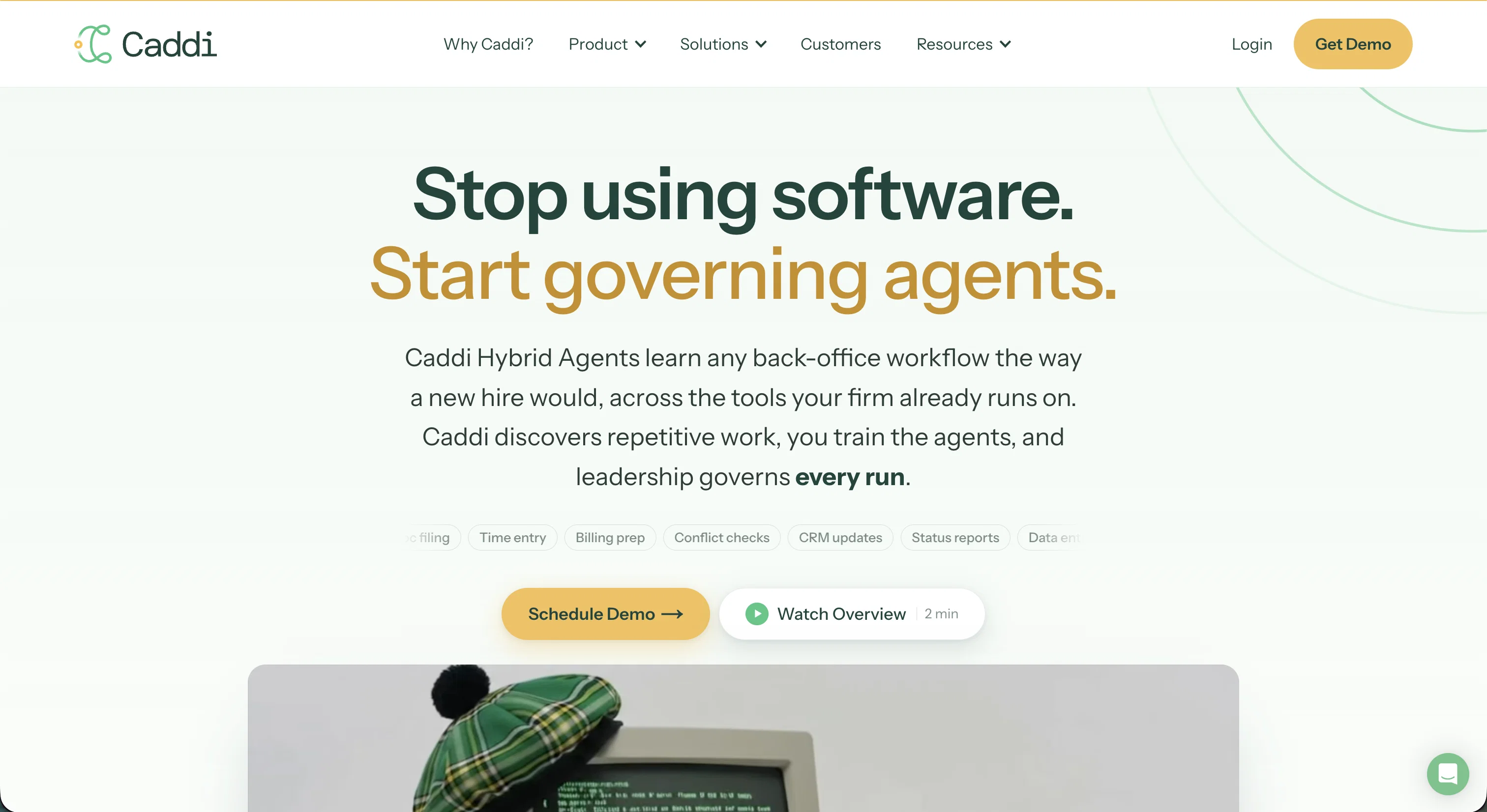
Caddi is an AI-powered platform designed for automating work processes in Professional Services, including law firms, accounting firms, private equity entities, insurance carriers, and RIAs.
Caddi improves efficiency and productivity by automating repetitive tasks such as client intake, document management, and email triage by harmonizing with tools your team is already using.
Caddi requires simple non-technical setup, making its adoption effortless. Operators show Caddi how a task is performed once, and then Caddi learns, automates and performs the task as a non-stop work process.
Caddi's AI is capable of recognizing and suggesting additional workflows worth automating, becoming progressively more beneficial over time. The platform works across some of the most common workspace tools, including Microsoft 365, Salesforce, Google Workspace, DocuSign, Slack, and more.
Every operation conducted by Caddi can be overseen by leadership, providing full visibility and control. By using Caddi, firms can offload the drudgery of daily processes, free up their team's time, and ultimately aid in improving their services, making operations more cost-effective and predictable.
Access & connections
Where you can use Caddi, and what it plugs into.
Platforms
Integrations
Capabilities
What this tool accepts, produces, and is strongest at.
Input
- Tabular
- Image
- Text
- Video
- Audio
Output
- Code
- API
- Text
Highlights
- Agents
Supported features
- Agents
Pros & cons
Pros
- Automates professional services workflows
- Recognizes and suggests workflows
- Requires non-technical setup
- Adopts progressive learning
- Harmonizes with existing tools
- Improves efficiency and productivity
- Full visibility and control
- Makes operations cost-effective
Show 43 more
- Makes operations more predictable
- Improves service delivery
- Works with major workspace tools
- Automates repetitive tasks
- Offloads daily processes
- Frees up team's time
- Supports multiple industries
- Supports common workspace tools
- Improves workflow efficiency
- Simplifies document management
- Simplifies email triage
- Improves process automation
- Increases productivity
- Doesn't require tool change
- Improves task automation
- Continuously learns and improves
- Suggests additional workflows
- Support for Microsoft 365
- Support for Salesforce
- Support for Google Workspace
- Support for DocuSign
- Support for Slack
- Automates client intake
- Automates law firm operations
- Automates accounting operations
- Automates private equity operations
- Automates insurance workflow
- Automates RIA processes
- Shows operation productivity
- Recognizes repetitive work
- Easy to demonstrate workflow
- Screensharing capability
- Automates back office workflow
- Detailed run logs
- Compatible with 70+ apps
- Automates hundreds of workflows
- Discovers repetitive work
- Reduces operational costs
- Saves time on setup
- Highly accurate and reliable
- Ease of process standardization
- Proactive task automation
- All-in-one tool integration
Cons
- Limited to known platforms
- Training for each task required
- Screen-sharing needed for setup
- No access for standalone apps
Compare alternatives
Similar tools in the catalog — with a clear reason to open each one.

PixieBrix ✓
FreemiumExtend your apps, accelerate work
Why look Freemium alternative
Full comparison


Unframe AI ✓
UnknownThe Managed AI Delivery Platform
Why look Higher community rating
Full comparison

WebFill ✓
FreemiumFilling forms and emails, solving MCQs, for students and professionals.
Why look Freemium alternative
Full comparisonReleases 1
FAQ 12
What industries does Caddi cater to?
How does Caddi integrate with pre-existing tools?
What is the non-technical setup process of Caddi?
How does Caddi learn to automate tasks?
What kind of visibility and control does Caddi provide to leadership?
Which document management tasks can Caddi automate?
How does Caddi deal with email triage?
In what ways can Caddi be beneficial to accounting firms?
How does Caddi affect cost-effectiveness and predictability of operations in a law firm?
How does Caddi maintain productivity and efficiency in an insurance carrier?
What are the workspace tools that Caddi harmonizes with?
Can Caddi predict additional workflows that can be automated?
Related tools
Recommended

MagicSlides.app AI PPT Maker ✓
FreemiumCreate Stunning PPTs in Seconds with the AI PPT Maker

GetLogit ✓
FreemiumArtificial intelligence, available for everyone.

ChatGPT ✓
FreemiumAsk anything, create anything, and move from idea to action.

Automateed ✓
Free TrialCreate eBooks effortlessly with Automateed, the AI-powered writing tool.

Kin - Personal AI Advisors ✓
FreePrivacy-first & designed your for mind, and life at work

Aiter.io | Paste a URL. Ship a Campaign That Sounds L... ✓
FreemiumAI marketing that sounds like you, not everyone else.