
Butterfish Shell
AI-powered command-line tool for shell prompting and autocompletion.
Verdict
A quick read before you dig into the full page.
- Best if
- AI-powered command-line tool for shell prompting and autocompletion
- Pick this when
- AI-powered command-line tool for shell prompting and autocompletion
Overview
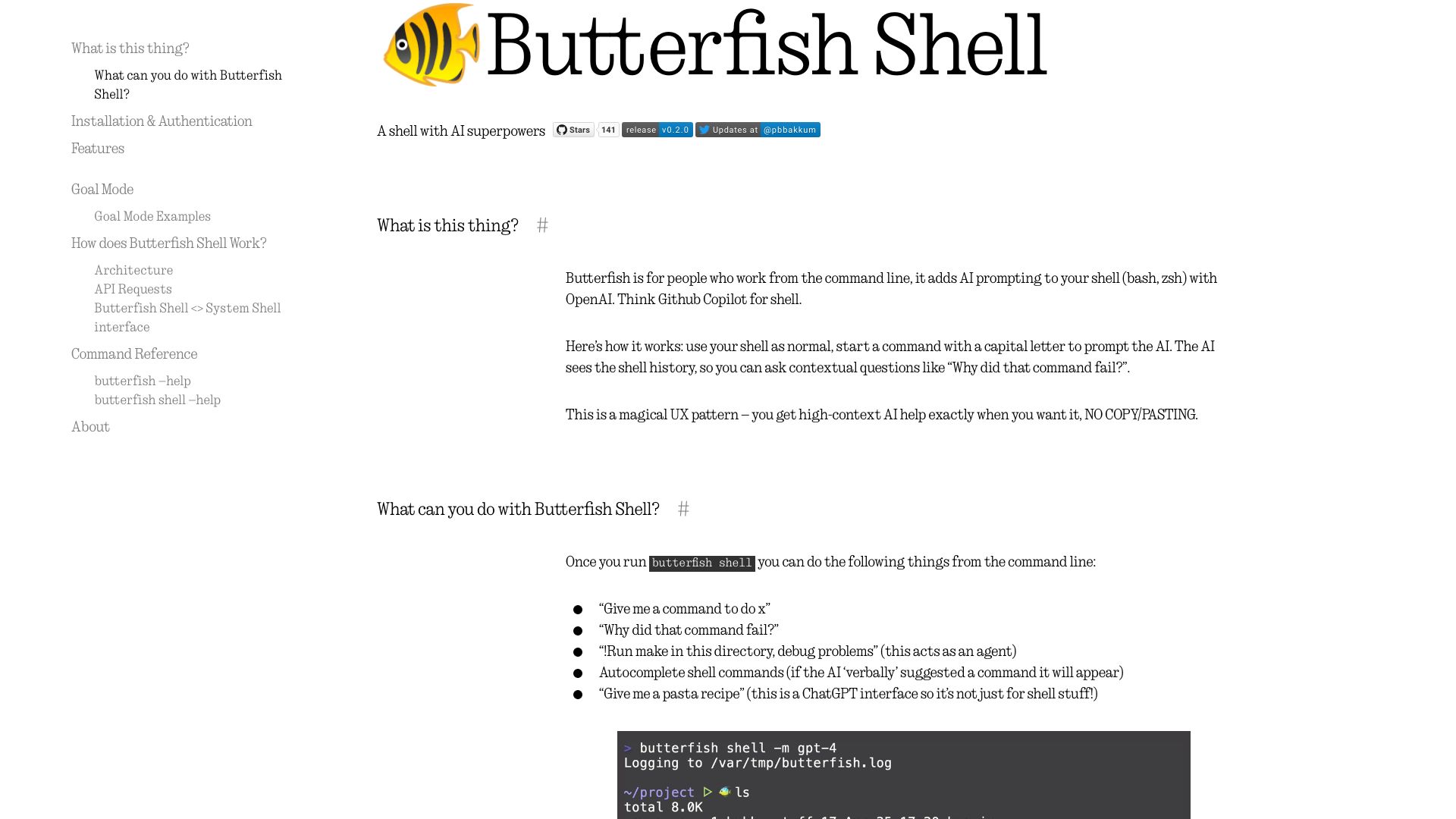
Butterfish is a command-line tool that adds AI prompting to your shell (bash, zsh) using OpenAI or compatible APIs. It's like Github Copilot for your shell, allowing you to use LLMs for software engineering tasks directly from the command line. It provides contextual AI help, command autocompletion, and more.
Access & connections
Where you can use Butterfish Shell, and what it plugs into.
Platforms
Integrations
Capabilities
What this tool accepts, produces, and is strongest at.
Highlights
- AI prompting in shell (bash, zsh)
- Command autocompletion
- Goal Mode for automated task execution
- Customizable prompts
- Integration with OpenAI and compatible APIs
FAQ 7
What is Butterfish?
How to use Butterfish?
What is Butterfish?
How do I install Butterfish?
How do I use Butterfish?
What is Goal Mode?
How can I customize the prompts sent to OpenAI?
Related tools
Recommended

iDox.ai Guardrail ✓
Free TrialStop sensitive data leaks to AI tools.

Qoder ✓
FreemiumAgentic Coding Platform for Real Software

Nextbrowser ✓
FreemiumAI Browser Agent that automates professional tasks through chat.

Chatbot App
PaidMulti-Model AI Chat Platform that lets you switch between 30+ leading AI models instantly or run them side by…