
BulkJourney
A tool to bulk prompt, queue, and download images from Midjourney.
Source rating 5.0
(74)
0 views
0 saves
Unknown
Verdict
A quick read before you dig into the full page.
- Best if
- A tool to bulk prompt, queue, and download images from Midjourney
- Pick this when
- A tool to bulk prompt, queue, and download images from Midjourney
Overview
BulkJourney is a tool designed to enhance the Midjourney experience by allowing users to fill in multiple prompts at once, automatically queue and draw images, and download them. It runs locally on the user's device using their own Midjourney token.
Access & connections
Where you can use BulkJourney.
Platforms
Capabilities
What this tool accepts, produces, and is strongest at.
Highlights
- Bulk prompting for Midjourney
- Automatic image queuing and drawing
- Image downloading
- Local execution using Midjourney token
FAQ 4
What is BulkJourney?
BulkJourney is a tool designed to enhance the Midjourney experience by allowing users to fill in multiple prompts at once, automatically queue and draw images, and download them. It runs locally on the user's device using their own Midjourney token.
How to use BulkJourney?
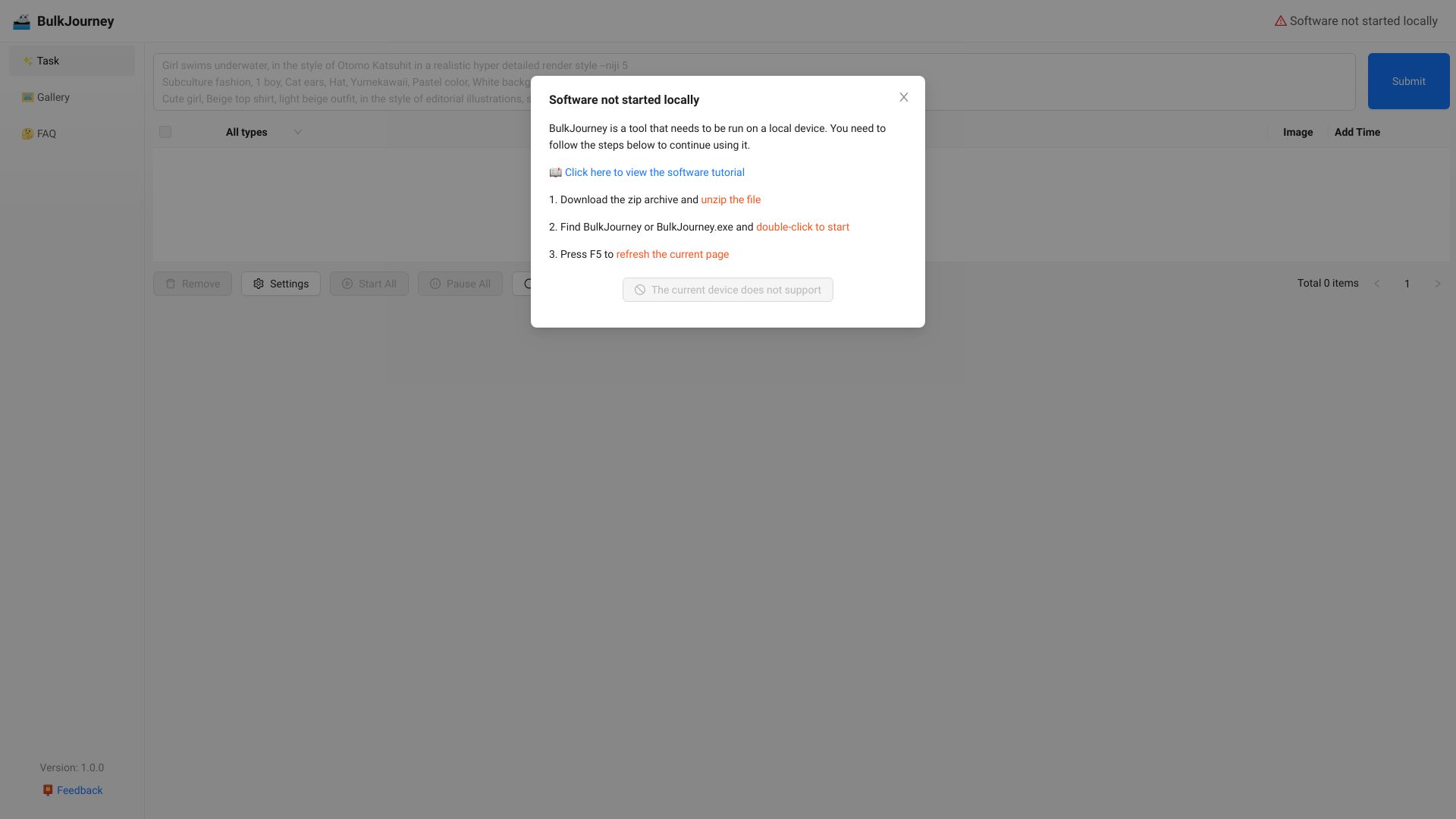
To use BulkJourney, users need to download the software, unzip the file, and run the BulkJourney or BulkJourney.exe executable. After starting the software, refresh the webpage (F5) to connect to the local application.
Why am I seeing a 'Network Error' or 'Software not started locally' message?
This indicates that the BulkJourney software is not running on your local device. Ensure you have downloaded, unzipped, and started the BulkJourney or BulkJourney.exe file. Then, refresh the page (F5).
How do I start using BulkJourney?
1. Download the zip archive and unzip the file. 2. Find BulkJourney or BulkJourney.exe and double-click to start. 3. Press F5 to refresh the current page.
Related tools
Recommended

BulkJourney