

Background removal 2026 Rank: #1878
Bulk BG Remove.com ✓
Remove backgrounds from hundreds of images at once.
Verdict
A quick read before you dig into the full page.
- Best if
- Remove backgrounds from hundreds of images at once
- Skip if
- Paid plans can be pricey
- Pick this when
- Free tier available
Considering Remove Background by Picsart instead? Compare side by side
Overview
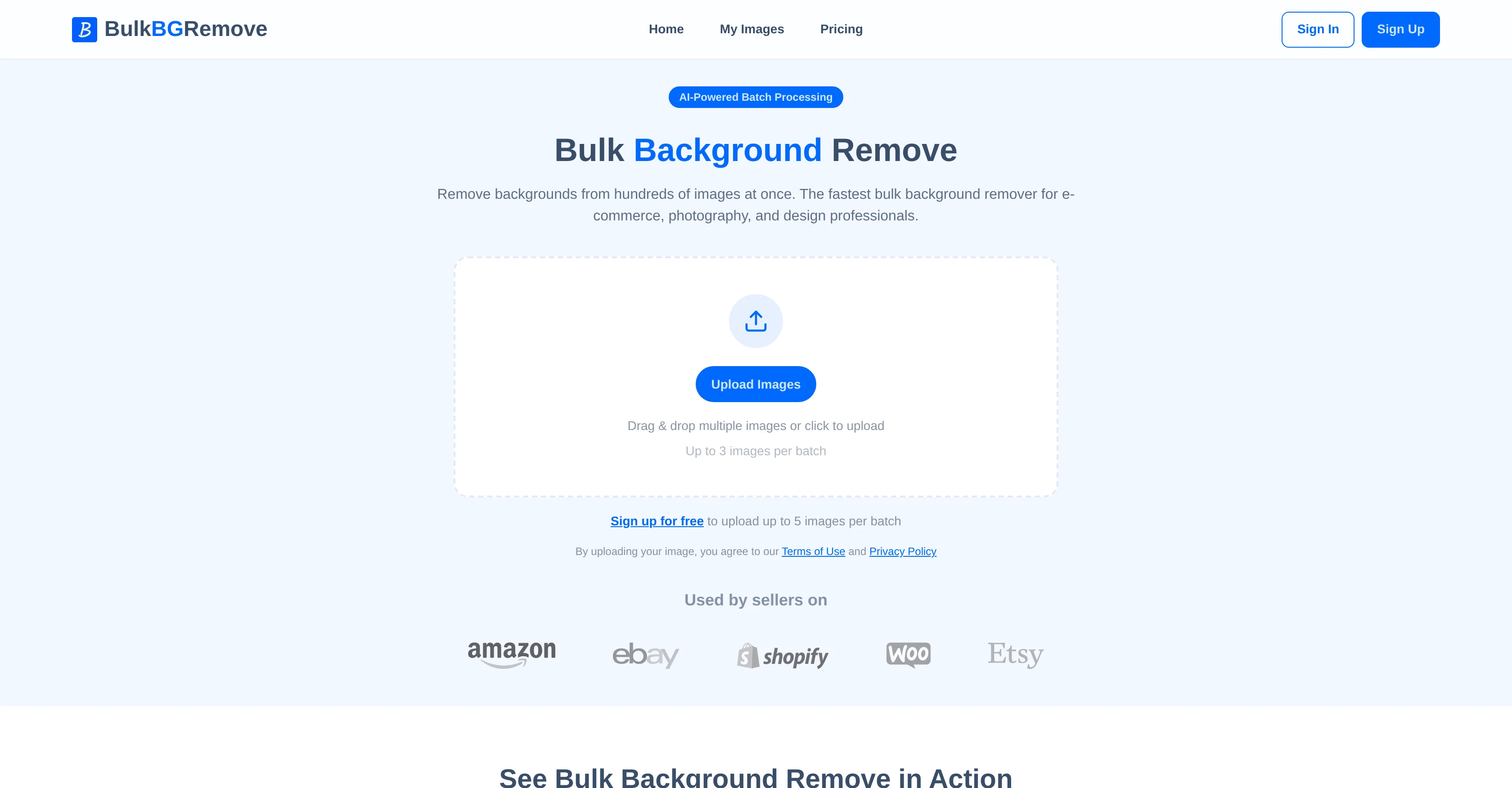
Bulk Background Remove is an AI-powered tool that assists in removing backgrounds from numerous images simultaneously. The tool is primarily catered towards the needs of e-commerce, photography, and design professionals.
The platform provides the convenience of uploading multiple images at once and offers the functionality of releasing all processed images as a single ZIP file, or as individual transparent PNG files.
The AI technology embedded in the software ensures precise edge detection, effectively separating subjects from any background, even in complex scenes.
The platform ensures high-level data privacy, with all images processed securely in the cloud, never shared or used for training purposes. It also provides the comfort of in-browser operation, eliminating the need for downloads, installs, or the requirement of additional photo-editing software.
The capability of bulk processing significantly reduces editing time and enhances workflow efficiency. The available plans accommodate varying user needs with differences in processing capacity.
The tool is user-friendly, with an easy-to-use interface, providing straightforward performance: upload images, remove backgrounds in bulk and receive the finished, transparent PNG files.
Access & connections
Where you can use Bulk BG Remove.com.
Platforms
Capabilities
What this tool accepts, produces, and is strongest at.
Input
- Image
Output
- Image
Highlights
- No Signup
Supported features
- Image Edit
- Image Understanding
- Automation
- No Signup
Pros & cons
Pros
- Free tier available
- Supports JPG, JPEG, PNG, WebP
- Download as ZIP archive
- In-browser application
- No software download
- Multiple pricing plans
- On-demand extra processing
- Transparent PNG output
Show 14 more
- Bulk upload capability
- High-level data privacy
- Cloud processing
- Significant time-saving
- User-friendly interface
- Supports professional fields
- Clean edge detection
- Not used for training
- Fast processing
- Functionality for e-commerce
- Functionality for photography
- Functionality for design
- Supports hundreds of images
- Versatile image support
Cons
- Limited file type support
- Free tier may be insufficient
- No offline use
- Possible output image quality loss
- File upload size restrictions
- Paid plans can be pricey
- Limited concurrent processing
- Transparent PNG only output
Show 2 more
- May struggle with complex backgrounds
- No integration with editing tools
Compare alternatives
Similar tools in the catalog — with a clear reason to open each one.

Remove Background by Picsart ✓
FreemiumInstantly remove backgrounds for clean, transparent images—perfect for products, designs, and creative
Why look Offers a public API
Full comparison
Merchant Floor | Background Remover ✓
FreemiumRemove the background & retouch your product photos
Free + from $20
Full comparison
remove.bg ✓
FreemiumRemove image backgrounds in 5 seconds with one click
Why look Offers a public API
Full comparison
AI Background Remover - Picsman ✓
Free TrialInstantly remove image backgrounds with AI
Why look Typically cheaper
Full comparison
Removal.AI
FreemiumAI tool for instant automated image background removal and editing.
Why look Typically cheaper
Full comparisonReleases 1
FAQ 12
What is Bulk Background Remove?
What file formats does Bulk Background Remove support?
In what format will the processed images be available?
Do I need to download any software to use Bulk Background Remove?
What is the process of adding images in Bulk Background Remove?
Is it possible to download processed images in bulk?
How does Bulk Background Remove ensure user privacy?
Where are the images processed in Bulk Background Remove?
Are my images used for AI training in Bulk Background Remove?
What are the different plans that Bulk Background Remove offers?
Is there a free plan available for Bulk Background Remove?
Can I purchase additional credits if I need to process more images than my plan allows?
Related tools
Recommended

Denovo ✓
FreemiumTurn your idea into a real business in minutes.

LearningStudioAI ✓
Free TrialAI-powered authoring tool for effortless online course creation.

VenturusAI ✓
FreemiumBusiness idea analysis and reporting.

GPTExcel ✓
FreemiumGenerate spreadsheet formulas with AI

TutorAI ✓
FreemiumInstant knowledge on any topic

SEO Writing AI ✓
Freemium1-click SEO-optimized articles generation