

Build Chatbot ✓
Make information easily accessible with AI chatbots
from $16/mo
Verdict
A quick read before you dig into the full page.
- Best if
- Make information easily accessible with AI chatbots
- Skip if
- You need a free plan with no credit card
- Pick this when
- Paid · from $16/mo
Considering FastBots instead? Compare side by side
Overview
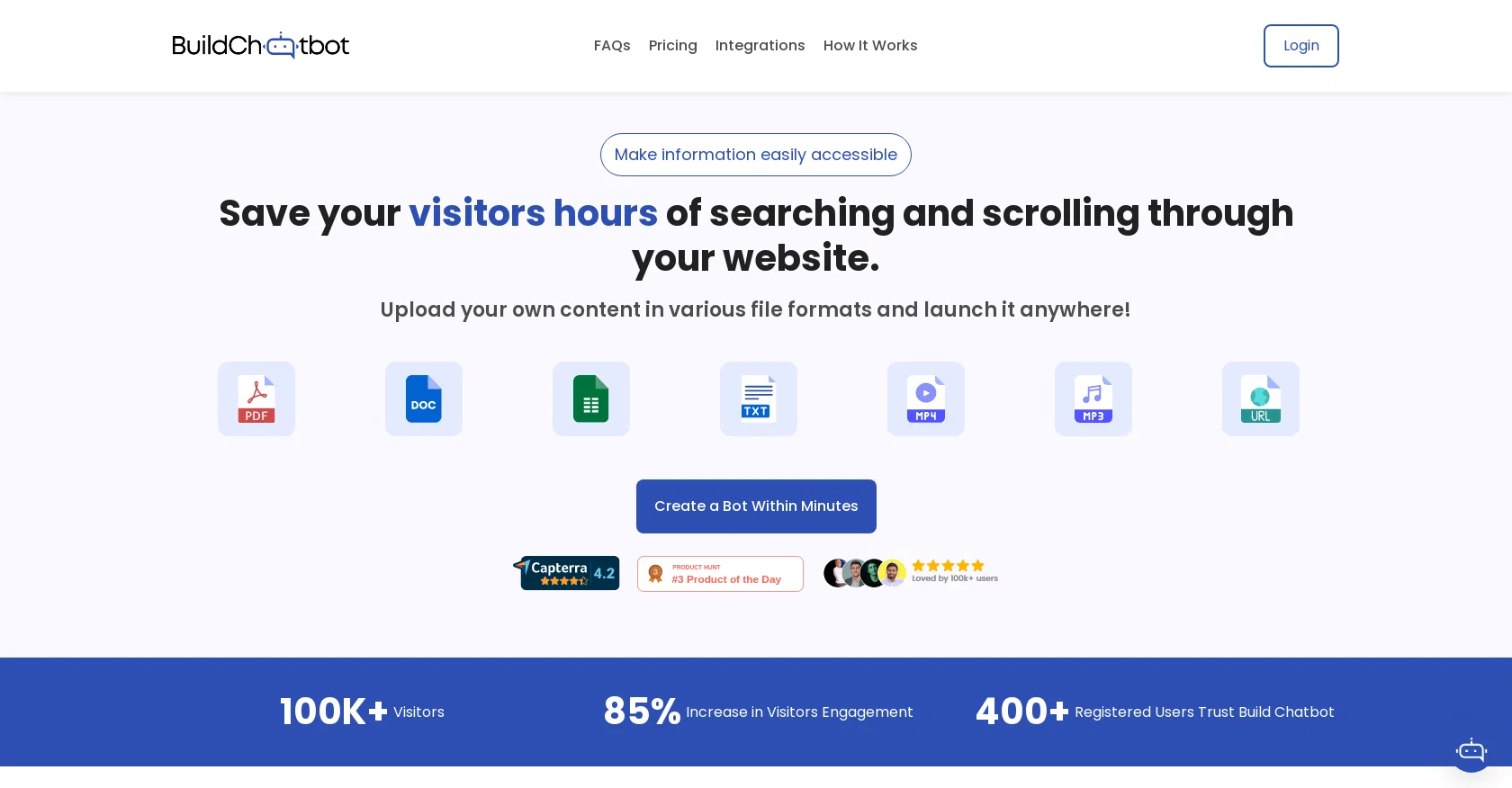
Build Chatbot is a no-code AI chatbot tool designed to enhance user experience for businesses and individuals. It supports multiple file formats and can be trained on private data.
With Build Chatbot, users can easily view customer queries, understand their needs, and tailor content accordingly. The tool allows users to update responses, refine engagements, and transform visitors into satisfied customers, resulting in increased visitor engagement and conversions.One notable feature of Build Chatbot is its unique Chat History, which enables users to capture every customer question and witness a significant boost in conversions.
The tool also offers a personalized AI chatbot experience, allowing users to customize their chatbot, align it with their brand ethos, and deliver unparalleled conversational experiences.Build Chatbot is trusted by both industry leaders and rising stars alike.
The setup process is quick and involves three simple steps: setting up a personalized chatbot, training the chatbot by uploading various file formats, and embedding the chatbot code into the website.Additionally, Build Chatbot offers seamless integration with Zapier, allowing users to automate actions in response to chatbot interactions.
This integration ensures streamlined lead generation processes and synchronized data across various platforms. Integration with Slack, a leading team collaboration and messaging platform, allows for real-time information sharing and improved team collaboration.Build Chatbot further enhances user engagement with its full-page chat widget, which can be customized according to the brand's preferences.
The tool also provides comprehensive support for a wide range of file formats, including the recent addition of Excel file support, enabling effective data management and retrieval.
Access & connections
Where you can use Build Chatbot, and what it plugs into.
Platforms
Capabilities
What this tool accepts, produces, and is strongest at.
Input
- Text
- Video
- Audio
Output
- Audio
- Video
- Text
Compare alternatives
Similar tools in the catalog — with a clear reason to open each one.

FastBots ✓
FreemiumCreate AI chatbots customized with your business data.
Why look Freemium alternative
Full comparison
Chatbit ✓
FreemiumTrain custom AI Chatbot from your data, add to website.
Why look Freemium alternative
Full comparison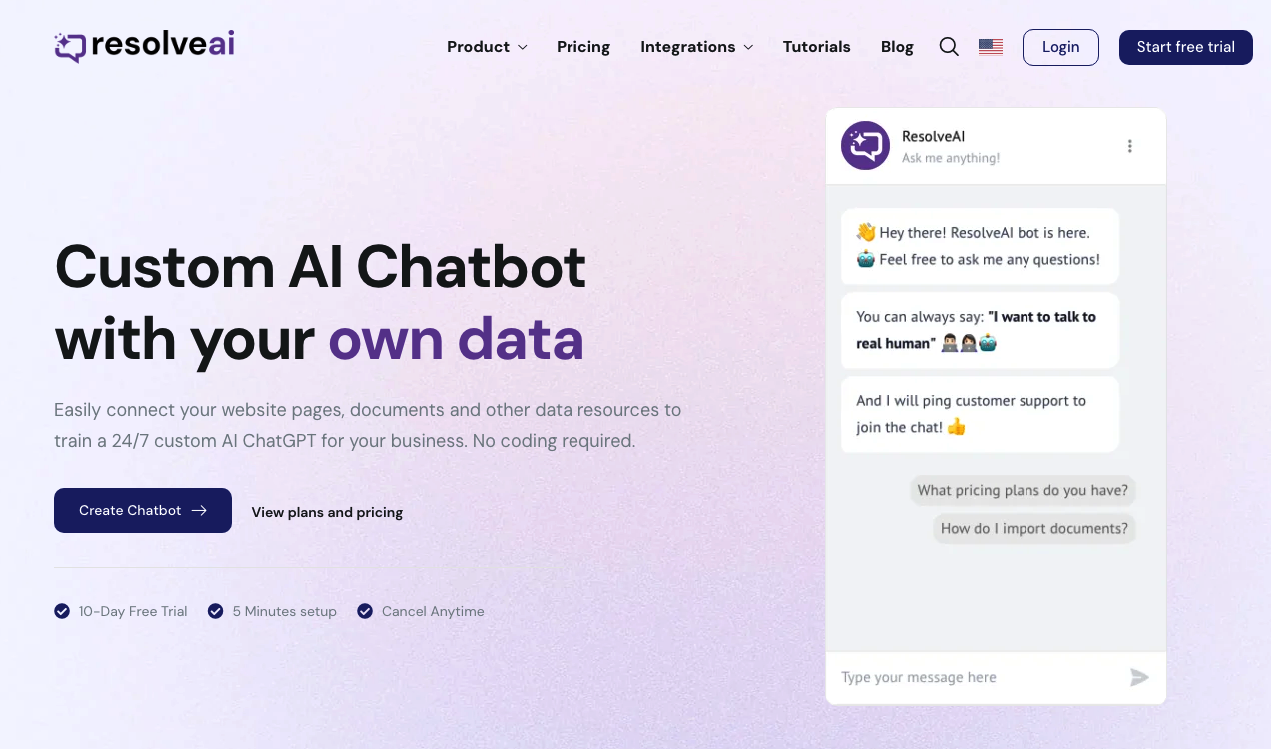
ResolveAI
PaidSaaS platform for creating custom AI customer service chatbots with no coding required.
Why look Better fit for coding
Full comparison
intoCHAT ✓
FreemiumTransform customer interactions with AI chatbots.
Why look Freemium alternative
Full comparison
ChatBotKit ✓
FreemiumThe fastest way to build advanced AI chat bots
Why look Freemium alternative
Full comparison
ChatLLaMA ✓
PaidCreate custom AI assistants on your GPUs
Why look Typically cheaper
Full comparisonReleases 1
Imported reviews 4
Tried Build Chatbot for the first time, and it's a game-changer! Effortless setup, and it's like having a virtual assistant. Totally satisfied with the experience!
We added Build Chatbot to our website for FAQs and support. It impressively gives exact answers from our service files. The ease of getting started is the best. I was up in less than 5 minutes, asking questions to the files.
As far as a knowledge base of text-based information, this is fantastic and really easy to use. It works great with Text, PDF, Docs, Web Page URL and even in audio and video. Its ability to provide precise answers from uploaded files about our services is impressive. The ability to embed the chatbot on our website has improved our user engagement significantly
Build chatbot made bot creation effortless, even for someone like me without technical expertise. Embedding it seamlessly on my website enhances user engagement, and the option to connect to a live agent when needed is reassuring.
Related tools
Recommended

Expertise AI (Chatsimple) ✓
FreemiumWebsite chatbots for support and sales assistance.

Chatzap ✓
FreemiumCreate a website chatbot in minutes for instant customer support.

Askli ✓
FreemiumCreate custom AI chatbots in seconds with your data

Agentgpt ✓
FreemiumDeploy autonomous AI Agents effortlessly in your browser.

Eightify
UnknownAI-powered YouTube video summarizer extracting key ideas for quick content assessment.

GPTinf ✓
PaidBypass AI detectors with one-click rephrasing.