
Browser Buddy
Chrome extension for ChatGPT interaction from any tab with privacy.
Source rating 5.0
(52)
0 views
0 saves
Unknown
Verdict
A quick read before you dig into the full page.
- Best if
- Chrome extension for ChatGPT interaction from any tab with privacy
- Pick this when
- Chrome extension for ChatGPT interaction from any tab with privacy
Overview
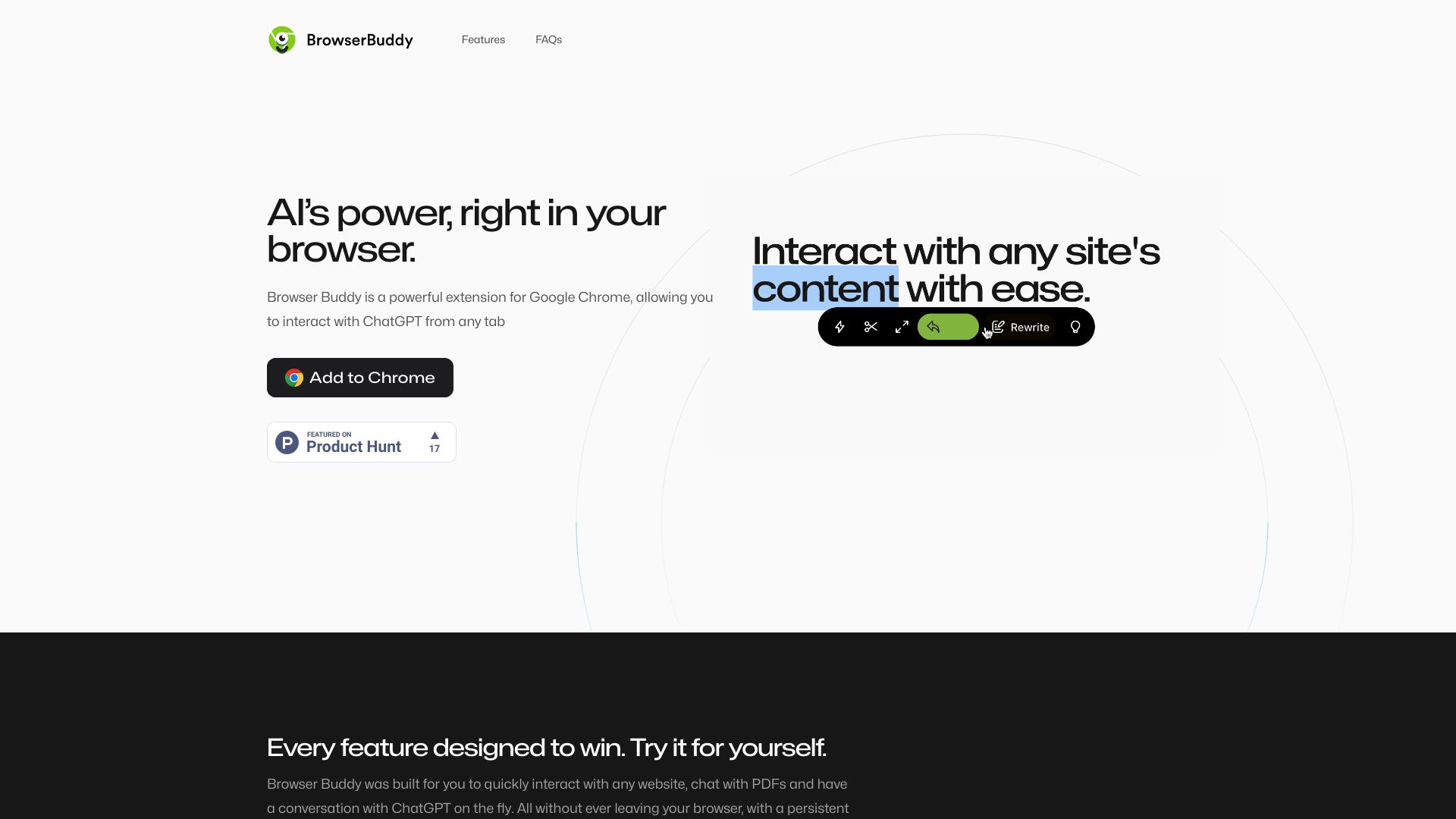
Browser Buddy is a powerful extension for Google Chrome that allows users to interact with ChatGPT from any tab. It provides a side panel to keep ChatGPT and browsing together, enhancing productivity while maintaining user privacy. The extension ensures chat history remains within the browser, offering a seamless and private AI interaction experience.
Access & connections
Where you can use Browser Buddy, and what it plugs into.
Platforms
Integrations
Capabilities
What this tool accepts, produces, and is strongest at.
Highlights
- ChatGPT integration in a side panel
- Chat with PDFs
- Selection menu for quick website interaction
- Local chat history storage for privacy
- Persistent chat across tabs
FAQ 5
What is Browser Buddy?
Browser Buddy is a powerful extension for Google Chrome that allows users to interact with ChatGPT from any tab. It provides a side panel to keep ChatGPT and browsing together, enhancing productivity while maintaining user privacy. The extension ensures chat history remains within the browser, offering a seamless and private AI interaction experience.
How to use Browser Buddy?
Install the Browser Buddy extension from the Chrome Web Store. Once installed, a side panel will appear, allowing you to interact with ChatGPT while browsing any website. You can also chat with PDFs opened in your browser and use the selection menu to quickly interact with website content.
Where can I get an OpenAI key?
You can visit https://platform.openai.com/account/api-keys and login/signup to get one.
What would it cost to have own OpenAI key?
You can check full pricing breakdown at https://openai.com/pricing, although it certainly beats ChatGPT's $20/month pricing.
Why do I need my own OpenAI key?
Browser Buddy is a free extension, and it uses your OpenAI's API key to facilitate the conversation between you and the AI. This also means that your chat history is private by default and none of the information ever leaves your browser.
Related tools
Recommended


Browser Buddy