
BravoClip
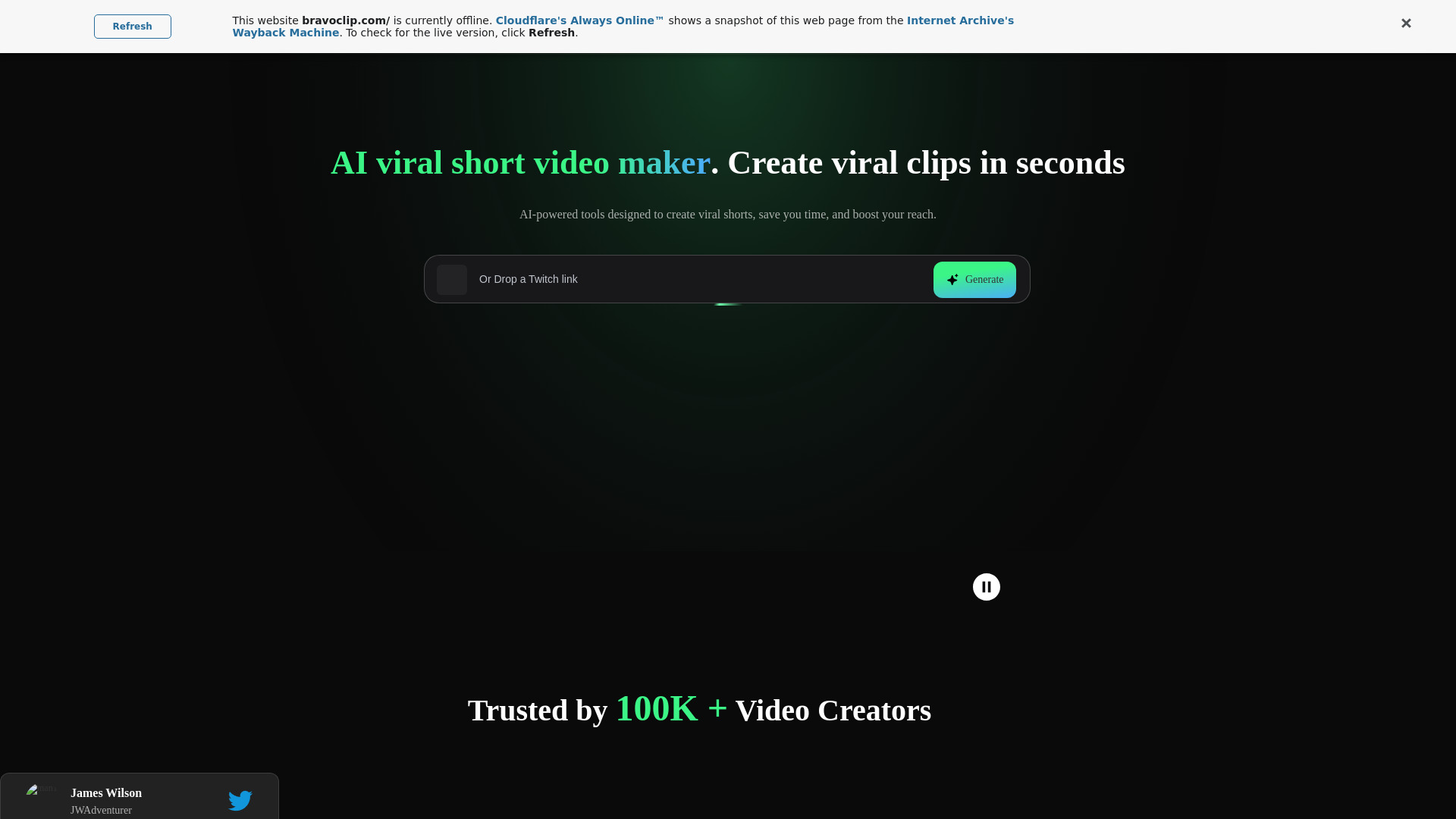
AI video maker to create viral short clips from long videos quickly.
Source rating 5.0
(99)
0 views
0 saves
Freemium
Free + from $6.9 / mo
Verdict
A quick read before you dig into the full page.
- Best if
- AI video maker to create viral short clips from long videos quickly
- Skip if
- You need enterprise SLAs or a fully managed team plan right away
- Pick this when
- Freemium · Free + from $6.9 / mo
Overview
Bravoclip is an AI-powered video maker that transforms long videos into viral short clips in seconds. It offers tools to create engaging short videos designed to boost reach, including AI captioning, translation, video resizing, and summarization. It caters to video creators looking to save time and enhance their content's impact.
Access & connections
Where you can use BravoClip.
Platforms
Capabilities
What this tool accepts, produces, and is strongest at.
Highlights
- AI Viral Clip Creation
- AI Captioning & Subtitle Translation
- Video Resizing
- AI Summarizer & Rewriter
- B-Roll
- Video to Text
- Convert Videos
- AI Script
Show 2 more
- Brand Templates
- Video Editor & Aspect Ratios
FAQ 9
What is Bravoclip?
Bravoclip is an AI-powered video maker that transforms long videos into viral short clips in seconds. It offers tools to create engaging short videos designed to boost reach, including AI captioning, translation, video resizing, and summarization. It caters to video creators looking to save time and enhance their content's impact.
How to use Bravoclip?
To use Bravoclip, simply log in or sign up for a free account. Once registered, you can upload a long video, and the AI will automatically identify key moments and create engaging short clips. You can then customize these clips using the built-in video editor, add captions, translate subtitles, and adjust aspect ratios for different platforms.
How do I start using BravoClip?
Simply open an account using your email or Discord. Once registered, you'll have instant access to all the tools you need to create engaging short videos effortlessly.
Is BravoClip suitable for beginners?
Absolutely! BravoClip's intuitive interface and one-click tools make it easy for beginners to create high-quality short videos without a steep learning curve.
Is BravoClip compatible with mobile devices?
Currently, BravoClip is only available on Desktop. However, our tools are optimized to help you create viral videos quickly and efficiently on any computer.
Can I cancel my subscription anytime?
Yes, you can cancel your subscription anytime. Simply go to your account settings and select the cancel option. Your subscription will end at the close of your billing cycle, but you can access to all your saved projects in a limitated time, including your AI-generated short videos.
How quickly are videos processed with BravoClip?
BravoClip's AI-powered tools are designed for speed and efficiency, typically processing videos in minutes depending on the file size and edits applied.
How can I repurpose my video content with BravoClip?
BravoClip allows you to convert your videos into text transcriptions, create summaries, and transform long videos into shorter, shareable clips. These features are perfect for making viral videos that grab attention on social media and beyond.
How do credits work on BravoClip?
BravoClip uses a credit system to manage video processing. Each credit equals 1 minute of video. Every month, your account is topped up with credits based on your plan. Free accounts receive 15 credits only once for free, Starter accounts get 150 credits per month, and Pro accounts receive 200 credits per month.
Related tools
Recommended


BravoClip
Free + from $6.9 / mo