
Brainstorms
A mind mapping tool for visual thinking and knowledge growth.
Source rating 5.0
(72)
0 views
0 saves
Paid
From $5/month (Save 50%, original price $10/month)
Verdict
A quick read before you dig into the full page.
- Best if
- A mind mapping tool for visual thinking and knowledge growth
- Skip if
- You need a free plan with no credit card
- Pick this when
- Paid · From $5/month (Save 50%, original price $10/month)
Overview
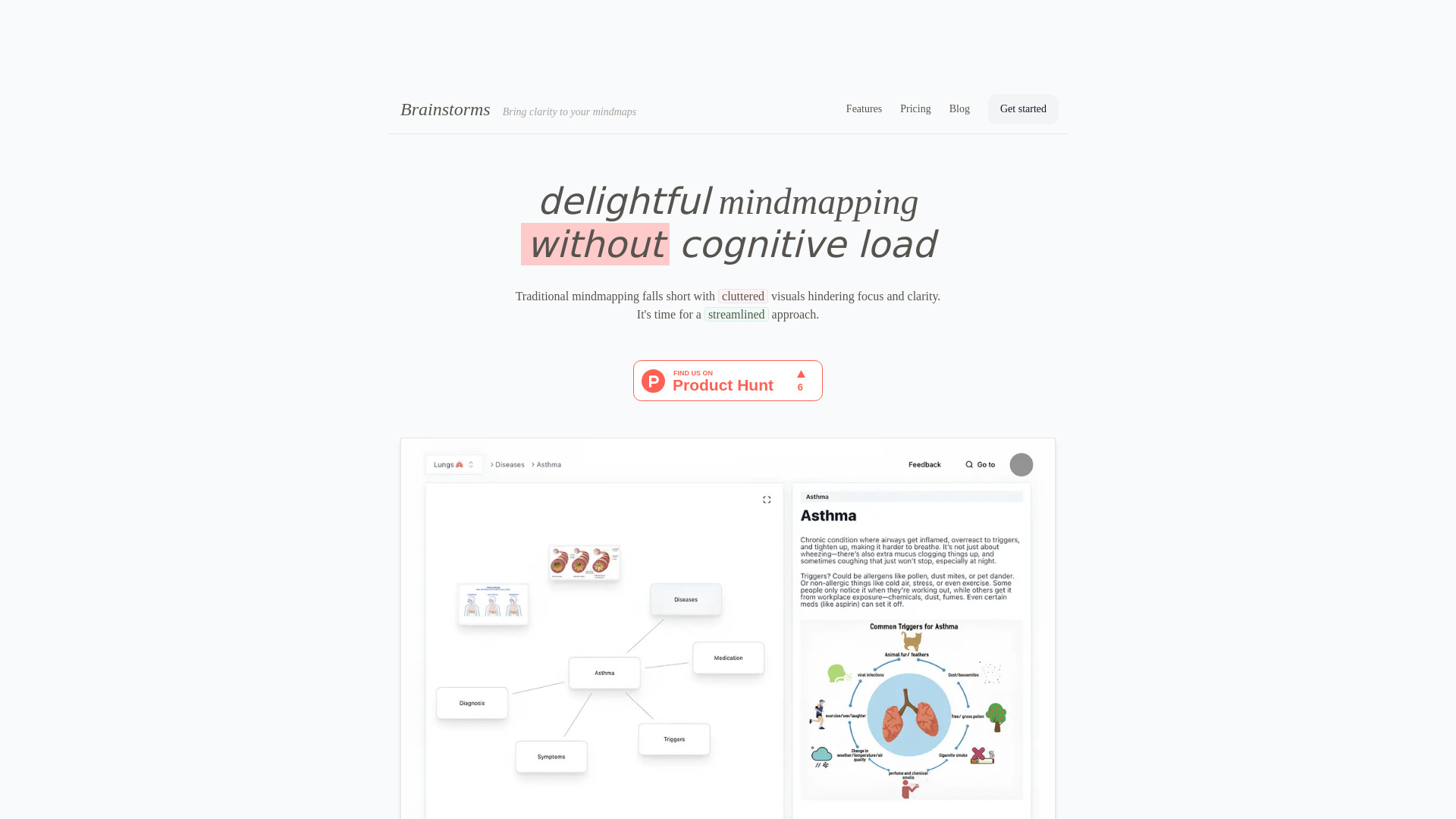
Brainstorms is a mind mapping tool designed for smooth navigation and effortless iteration, even on sprawling maps. It helps users think visually, grow their knowledge, and boost their performance at school or work. It focuses on clarity and avoids the cluttered visuals often associated with traditional mindmapping.
Access & connections
Where you can use Brainstorms.
Platforms
Capabilities
What this tool accepts, produces, and is strongest at.
Highlights
- Smooth navigation on large mind maps
- Focuses on one connection at a time
- Retraces creative journey
- Supports multimedia data formats
- AI-powered suggestions (PAID PLAN ONLY)
FAQ 6
What is Brainstorms?
Brainstorms is a mind mapping tool designed for smooth navigation and effortless iteration, even on sprawling maps. It helps users think visually, grow their knowledge, and boost their performance at school or work. It focuses on clarity and avoids the cluttered visuals often associated with traditional mindmapping.
How to use Brainstorms?
Use drag and drop to make connections between nodes. Double click to rename a node. Right click to add a node. Use the 'inbox map' to quickly jot down ideas and organize them later. The tool also allows embedding images and audio clips.
What is Brainstorms?
Brainstorms is a mind mapping tool designed for smooth navigation and effortless iteration, even on sprawling maps.
What are the key features of Brainstorms?
Key features include streamlined visuals, focus on one connection at a time, retracing creative journeys, multimedia support, and AI-powered suggestions (paid plan only).
How do I use Brainstorms?
Use drag and drop to make connections, double click to rename nodes, and right click to add nodes. Use the 'inbox map' for quick idea capture.
Does Brainstorms integrate with other tools?
Yes, Brainstorms integrates with Anki. You can also request other integrations.
Brainstorms
From $5/month (Save 50%, original price $10/month)