

BPMNify ✓
Create professional BPMN diagrams instantly with AI.
Trial; then from $29.90/mo
Verdict
A quick read before you dig into the full page.
- Best if
- Create professional BPMN diagrams instantly with AI
- Skip if
- Limited import file types
- Pick this when
- Text to flowchart conversion
Overview
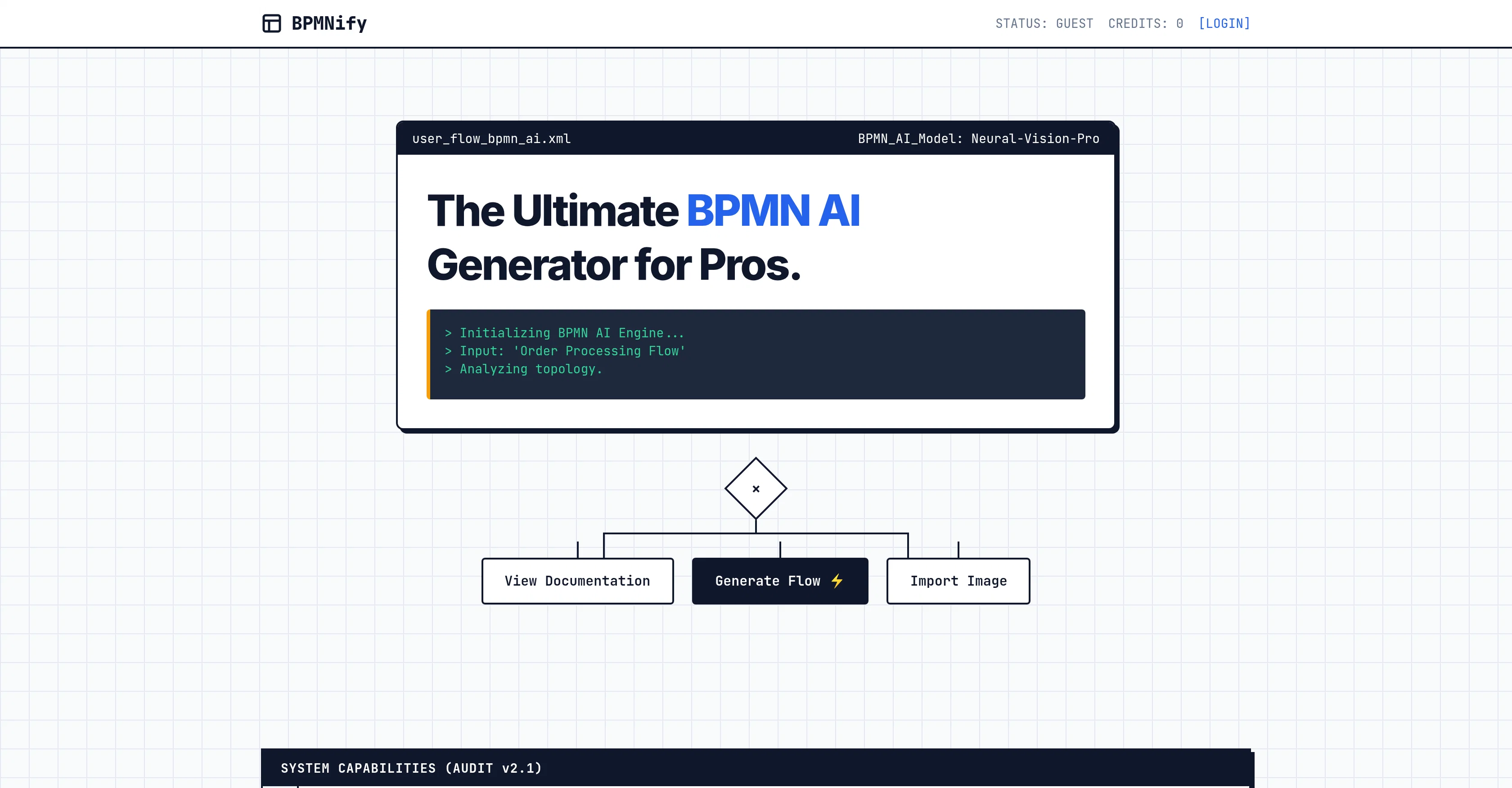
BPMNify is a sophisticated tool that employs Artificial Intelligence to facilitate the creation of professional Business Process Model and Notation (BPMN) 2.0 diagrams.
It is uniquely designed to streamline and expedite the generation of such diagrams by transcribing textual inputs into their corresponding visual components in an efficient and intuitive manner.
It allows users to effortlessly import images, incorporating various conceptual elements drawn from these sources into the BPMN diagrams. In terms of exporting, the software offers the flexibility of allowing conversion of the diagrams into several commonly-used formats including XML, SVG, and PNG.
BMPNifys AI-powered technology not only enables the easy production of flowcharts but also supports the editing of business processes. The tool is freely available to get started.
Access & connections
Where you can use BPMNify.
Platforms
Capabilities
What this tool accepts, produces, and is strongest at.
Input
- Image
- Text
Output
- Code
- Text
- Image
Highlights
- Agents
Supported features
- Assistant
- Agents
- Automation
- Image Understanding
- Docs
- Integrations
- SOC 2 Compliance
- SVG
Pros & cons
Pros
- Text to flowchart conversion
- Customizable BPMN diagrams
- Image import capability
- Multiples export formats (XML, SVG, PNG)
- Interoperability with business systems
- Web-based tool
- Freemium model
- Efficient diagram creation
Show 14 more
- In-depth process analysis
- Process optimization
- Automatic diagram transcription
- Supports BPMN 2.0
- Professional-grade flowcharts
- Incorporates visual components
- Easy to produce flowcharts
- Supports business process editing
- Making professional visualization accessible
- Streamlines diagram generation
- Incorporates conceptual elements
- No specific software installation needed
- Easy incorporation of images
- Flexible exporting options
Cons
- Limited to BPMN 2.0
- No offline access
- Limited import file types
- Only exports XML/SVG/PNG
- No multi-user collaboration
- No version history
- No API for integration
- No access control
Show 2 more
- No mobile app
- Freemium model limitations
Releases 1
FAQ 12
What is BPMNify?
Can BPMNify convert text into flowcharts?
How can I use BPMNify to create BPMN 2.0 diagrams?
Does BPMNify offer a business process editor for refining and customizing diagrams?
Can I import images into BPMNify when creating process diagrams?
Does BPMNify allow exporting diagrams in various formats like XML, SVG, and PNG?
In what ways can BPMNify integrate with other business systems?
Is BPMNify a web-based tool?
Is there any software installation required to use BPMNify?
Does BPMNify follow a freemium model?
Are there any compatibility issues to be aware of when using BPMNify?
What is the level of customization possible when creating process diagrams using BPMNify?
Related tools
Recommended

AI Infographic Generator ✓
FreemiumAI infographic generator that turns blog posts into link magnets

YTScribe ✓
FreemiumExtract YouTube transcripts instantly.

AI UGC Video Gen ✓
Free TrialCreate viral video ads without cameras.

Vadu AI ✓
Free TrialTransform text into stunning AI videos instantly.

FloorPlanAI.net ✓
Free TrialTurn a sentence into a floor plan.

AI Image Detector.info ✓
Free TrialIs this image AI-generated? Get evidence, not a guess.