Virtual camera

Boom video

Mac video app for professional live presentations and screen recordings with no editing.

Source rating 5.0 (83) 8.1k views 8.1k/mo traffic 0 saves Paid
More categories (6)

From $10 USD/Month (Billed Annually)

Verdict

A quick read before you dig into the full page.

Best if
You are coaches and need: Conducting engaging live presentations on Zoom, Meet, or Teams
Skip if
You need a free plan with no credit card
Pick this when
Paid · From $10 USD/Month (Billed Annually)

Overview

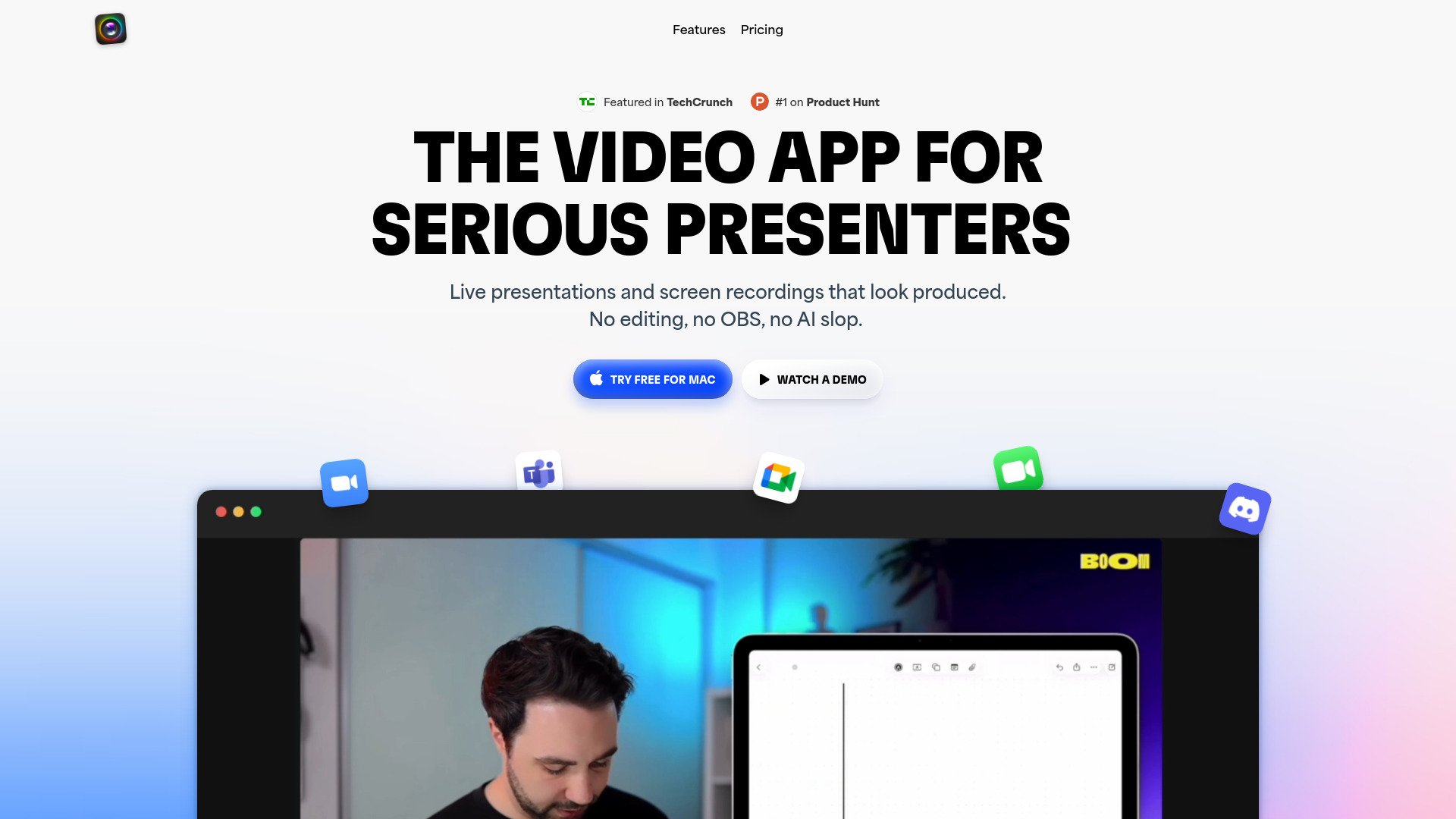
Boom is a Mac-only video application designed for serious presenters, including coaches, creators, consultants, and founders. It functions as an OBS alternative and screen recorder with a virtual camera, enabling users to present live on platforms like Zoom, Meet, or Teams using professional layouts and cinematic transitions. Its core value proposition is eliminating post-production and editing; recordings of tutorials, demos, and courses are finished the moment the speaker stops talking, exporting instantly in HD. It includes AI camera enhancements, dynamic layout controls, cinematic zoom, and integrations like Stream Deck support for seamless presentation flow.

Boom video screenshot

Best for

Short scenarios where Boom video tends to shine.

  • Conducting engaging live presentations on Zoom, Meet, or Teams.

    Best for Coaches

  • Recording demos, tutorials, and walkthroughs that are ready to share instantly.

    Best for Course creators

  • Creating polished online courses and lectures.

    Best for Consultants

  • Enhancing personal brand and professional appearance during video calls.

    Best for Founders

Example outputs 1

Sample generations and before/after results for Boom video.

Access & connections

Where you can use Boom video, and what it plugs into.

Platforms

Web

Integrations

Capabilities

What this tool accepts, produces, and is strongest at.

Highlights

  • Present live with pro layouts and cinematic transitions (Dynamic Layouts, Cinematic Zoom)
  • Studio-quality screen recording with no editing or timeline required (Instant HD export)
  • Virtual Camera and webcam enhancements (AI tools, custom backgrounds, camera controls)
  • OBS alternative built for ease of use
  • Integration with Stream Deck for physical control

People also view

Tools that often show up alongside Boom video in collections and comparisons.

FAQ 6

What is Boom for Mac: Present & Record Like a Pro?
Boom is a Mac-only video application designed for serious presenters, including coaches, creators, consultants, and founders. It functions as an OBS alternative and screen recorder with a virtual camera, enabling users to present live on platforms like Zoom, Meet, or Teams using professional layouts and cinematic transitions. Its core value proposition is eliminating post-production and editing; recordings of tutorials, demos, and courses are finished the moment the speaker stops talking, exporting instantly in HD. It includes AI camera enhancements, dynamic layout controls, cinematic zoom, and integrations like Stream Deck support for seamless presentation flow.
How to use Boom for Mac: Present & Record Like a Pro?
Users download the Boom Mac app, which acts as a virtual camera selectable within video conferencing tools (Zoom, Meet, Teams). During live presentations or screen recordings, users can switch between dynamic layouts (camera-only, side-by-side, screen), apply cinematic zoom, add branded overlays (logos, lower thirds), and utilize AI camera enhancements (skin smoothing, background removal). Controls are managed via a floating mini remote, hotkeys, or Stream Deck integration.
What is Boom?
Boom is a Mac video application designed for serious presenters, creators, and coaches, providing professional layouts and transitions for live presenting and instant, no-editing screen recording. It serves as an alternative to tools like OBS.
Does Boom work with Zoom, Google Meet, and Teams?
Yes, Boom works with Zoom, Meet, Teams, and any other video app that allows you to select a camera source.
Is Boom an alternative to OBS?
Yes, Boom is explicitly marketed as a beautiful OBS alternative and screen recorder that simplifies high-quality video production.
What are the core features included in the Pro Plan?
The Pro Plan includes live presentations with dynamic layouts and cinematic zoom, branded themes and backgrounds, studio-quality recording and HD export, AI camera tools (backgrounds, skin smoothing, framing), and live reactions (GIFs, emojis, effects).
Boom video From $10 USD/Month (Billed Annually)
