
BlurBackground AI
AI tool to blur or remove image backgrounds for professional photos.
Source rating 5.0
(70)
0 views
0 saves
Unknown
Verdict
A quick read before you dig into the full page.
- Best if
- AI tool to blur or remove image backgrounds for professional photos
- Pick this when
- AI tool to blur or remove image backgrounds for professional photos
Overview
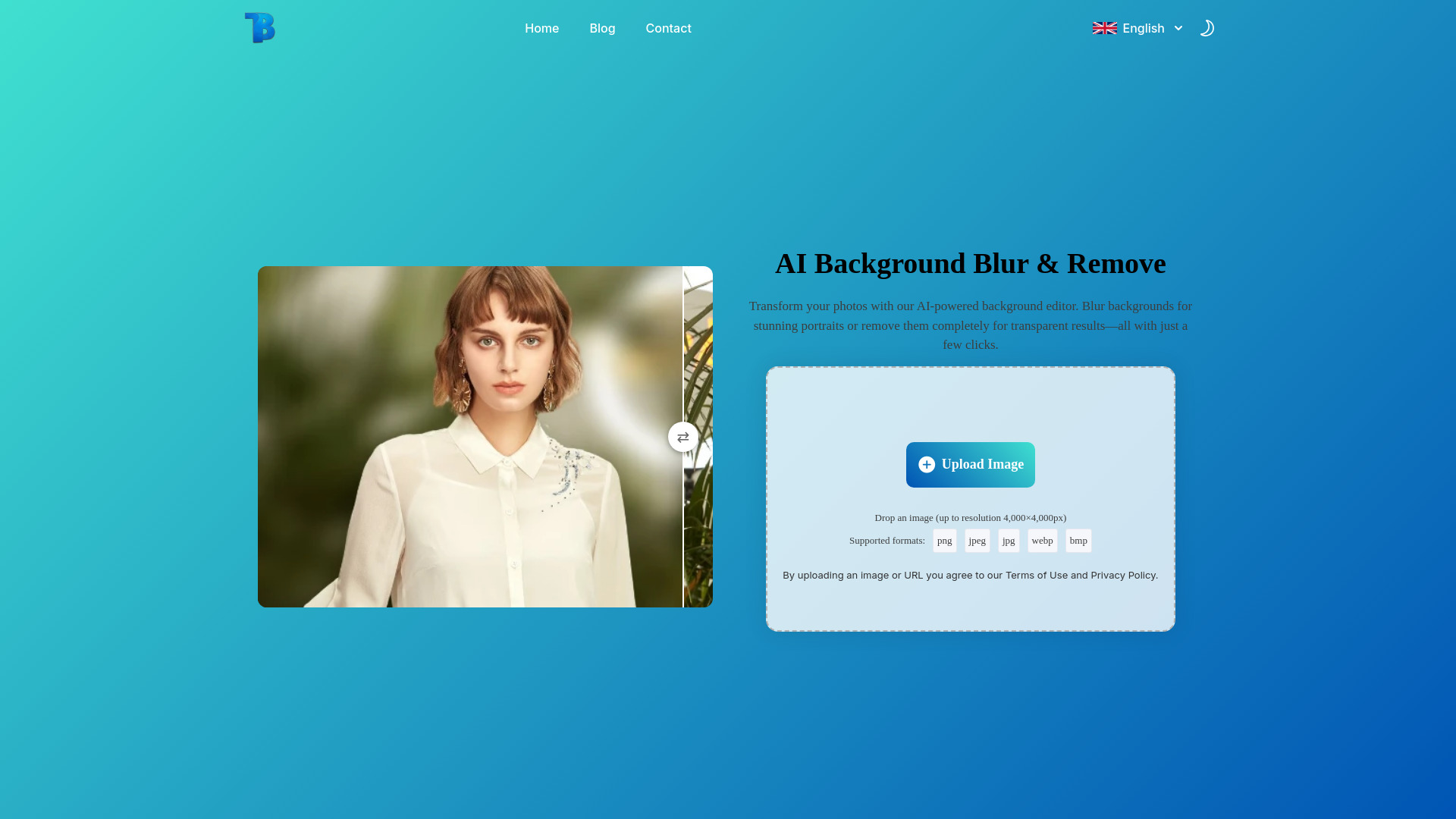
Blurbackground AI is an AI-powered tool that allows users to instantly blur or remove image backgrounds. It offers adjustable blur effects and transparent backgrounds, enabling the creation of professional-looking photos in seconds. The tool is free to use, requires no sign-up, and contains no ads. It's ideal for portraits, product photography, and content creation.
Access & connections
Where you can use BlurBackground AI.
Platforms
Capabilities
What this tool accepts, produces, and is strongest at.
Highlights
- AI-powered background blur and removal
- Adjustable blur intensity
- Transparent background creation
- High-quality image processing
- Support for common image formats (PNG, JPG, JPEG, WEBP)
FAQ 9
What is Blurbackground AI?
Blurbackground AI is an AI-powered tool that allows users to instantly blur or remove image backgrounds. It offers adjustable blur effects and transparent backgrounds, enabling the creation of professional-looking photos in seconds. The tool is free to use, requires no sign-up, and contains no ads. It's ideal for portraits, product photography, and content creation.
How to use Blurbackground AI?
To use Blurbackground AI, simply upload your image, choose between background blur (with adjustable intensity) or complete background removal, and then download your enhanced image.
Is the AI Blur Background tool completely free to use?
Yes! Our AI-powered background blur tool is 100% free, with no hidden fees or sign-up required.
Do I need to install any software to use this tool?
No, our background blur tool is entirely online. You can use it directly from your browser without any downloads or installations.
How does the AI detect and blur the background?
Our AI automatically identifies the subject in your image and applies a smooth blur effect to the background, creating a professional depth-of-field effect.
Can I adjust the blur intensity?
We support all common image formats including PNG, JPG, JPEG, and WEBP. Your downloaded images will be in high-quality PNG format.
What file formats does this tool support?
Our tool supports common image formats like JPEG, PNG, and WebP for seamless editing.
Is my uploaded image safe?
Yes, we prioritize privacy. Your images are processed securely and are not stored after editing.
Do you protect my privacy?
Yes, of course, we protect the privacy of all our users and we will not divulge your images or use your uploaded images for any purpose!
Related tools
Recommended

BlurBackground AI