

BLUF ✓
Get to the point using AI.
Free + from $4/mo
Verdict
A quick read before you dig into the full page.
- Best if
- Get to the point using AI
- Skip if
- Word limit per page
- Pick this when
- Narrows down research
Considering Recap: Smart Split and Summarize with ChatGPT instead? Compare side by side
Overview
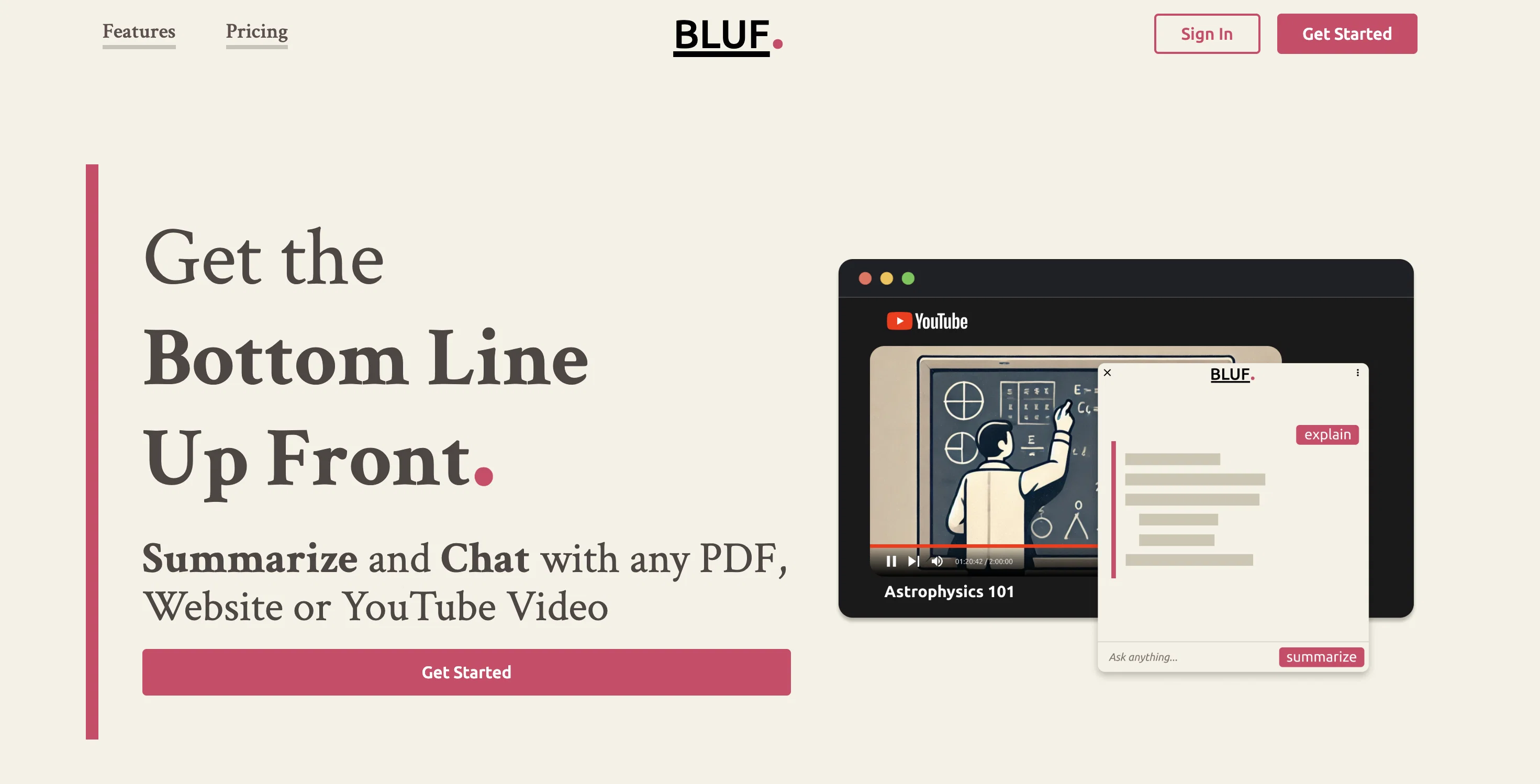
BLUF, the acronym standing for 'Bottom Line Up Front', is an AI-powered assistant designed for webpage interaction. This tool aids users to receive succinct and clear information from web pages by employing the capabilities of defined AI algorithms.
BLUF's primary functionality spans across three features - 'Ask', 'Summarize', and 'Explain'. 'Ask' allows users to pinpoint the necessary information by delegating the search task to the AI.
'Summarize' enriches users' understanding of a webpage by generating key highlights swiftly. 'Explain', on the other hand, aids users by translating complex terminologies and information into simpler and more understandable formats.
Moreover, BLUF has an embedded optimization system which ensures maximum productivity when users utilize its dedicated 'Summarize' and 'Explain' buttons, ideally suited for large content pages.
The 'prompt' feature of BLUF refers to user input, either textual or via the 'Summarize' and 'Explain' requests. Regardless of the prompts outcome, the platform only counts each interaction as a single prompt, ensuring simplicity in its engagement.Currently compatible with Chrome and Firefox with plans for expansion to other browsers, BLUF sets limitations on the maximum number of words that can be processed per page or document for efficiency reasons.
Notably, the AI tool respects user privacy by not retaining the content of the prompts or answers beyond 30 days and only collecting usage data. However, to fulfill user prompts, BLUF transmits the prompt content to OpenAI.
For further information or support, BLUF provides an option to reach out via email.
Access & connections
Where you can use BLUF, and what it plugs into.
Platforms
Integrations
Capabilities
What this tool accepts, produces, and is strongest at.
Input
- Text
Output
- Text
Pros & cons
Pros
- Narrows down research
- Filters out irrelevant information
- Quickly summarizes web pages
- Clarifies complex concepts
- Free plan available
- Low-cost subscription plans
- No charges for failed requests
- Optimized for large content
Show 18 more
- Responsive prompts
- Multi-browser compatibility
- Stands for user privacy
- 30-days data retainment policy
- Contact support via email
- Extracts key page highlights
- Translates complex terminologies
- Efficient word per page limit
- Doesn't store prompt contents
- Suitable for large documents
- Translates information into understandable formats
- Offers specific 'Ask', 'Summarize', 'Explain' features
- Only counts each interaction as one prompt
- Ease of usage
- Faster information extraction
- Enables swift comprehension of webpages
- Intuitive information search with 'Ask'
- Clear explanations via 'Explain'
Cons
- Limited to Chrome and Firefox
- Word limit per page
- Limited prompts per month
- Payment required for more prompts
- Communication primarily through email
- Manual clicking for optimal results
- No content retention beyond 30 days
- Data usage policy not explicit
Show 1 more
- Subpar optimization for smaller pages
Compare alternatives
Similar tools in the catalog — with a clear reason to open each one.

Recap: Smart Split and Summarize with ChatGPT ✓
FreeSummarize any webpage portion with ChatGPT.
Why look Fully free option
Full comparison



B7Labs ✓
FreemiumEmpower conversations with AI-driven insights.
Free + from $7.99/mo
Full comparison
Releases 1
FAQ 12
What is BLUF?
How does BLUF work?
What are the main functionalities of BLUF?
How does the ASK feature of BLUF work?
What does the SUMMARIZE feature of BLUF do?
Can you describe the EXPLAIN feature of BLUF?
What are the different pricing plans for BLUF?
What is a prompt in BLUF?
Will a failed request count as a prompt in BLUF?
Why is it not recommended to prompt BLUF to summarize or explain a web page instead of using dedicated buttons?
What does the phrase 'Bottom Line Up Front' imply about BLUF?
Is BLUF compatible with all browsers?
Related tools
Recommended

Scisummary ✓
Free TrialCutting-edge scientific articles summarization.

Scholarcy ✓
FreemiumConvert long articles into summary flashcards.

Exemplary AI ✓
FreemiumTranscribes 120+ languages' audio/video.

LearningStudioAI ✓
Free TrialAI-powered authoring tool for effortless online course creation.

VenturusAI ✓
FreemiumBusiness idea analysis and reporting.

Hyperis ✓
FreemiumOrganized task prioritization.