
Blenny AI
Blenny AI: GPT-4V Chrome Extension for web analysis and interaction.
Verdict
A quick read before you dig into the full page.
- Best if
- Blenny AI: GPT-4V Chrome Extension for web analysis and interaction
- Pick this when
- Blenny AI: GPT-4V Chrome Extension for web analysis and interaction
Overview
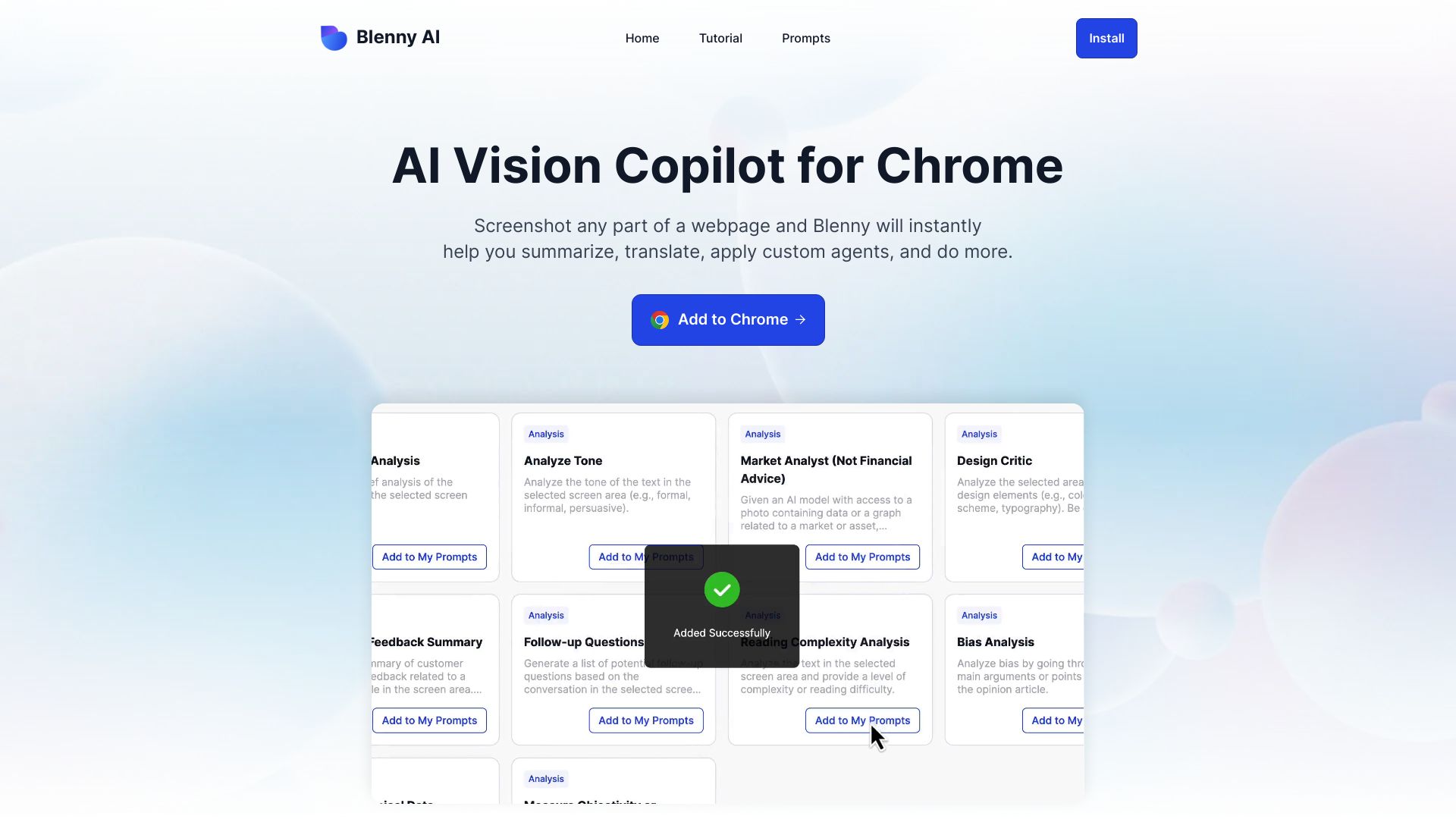
Blenny AI is a Chrome Extension that adds GPT-4V capabilities to your browser, enabling you to analyze and interact with information on the web. It functions as an AI Vision Co-Pilot, allowing you to screenshot any part of a webpage and instantly summarize, translate, apply custom agents, and more. It eliminates the need to switch between AI platforms by adding AI vision directly to your browser.
Access & connections
Where you can use Blenny AI, and what it plugs into.
Platforms
Integrations
Capabilities
What this tool accepts, produces, and is strongest at.
Highlights
- AI vision integration into Chrome
- Screenshot analysis
- Instant summaries and translations
- Custom AI agent creation
- Web access for AI agents
FAQ 5
What is Blenny AI?
How to use Blenny AI?
What does Blenny AI do?
How does Blenny AI work?
Is Blenny AI secure?
Related tools
Recommended

iDox.ai Guardrail ✓
Free TrialStop sensitive data leaks to AI tools.

Qoder ✓
FreemiumAgentic Coding Platform for Real Software

Nextbrowser ✓
FreemiumAI Browser Agent that automates professional tasks through chat.

Chatbot App
PaidMulti-Model AI Chat Platform that lets you switch between 30+ leading AI models instantly or run them side by…