Verdict

A quick read before you dig into the full page.

Best if
You are anime artists and need: Enlarge anime images and illustrations without losing quality
Skip if
You need enterprise SLAs or a fully managed team plan right away
Pick this when
Freemium · Free + from $6 USD

Overview

Bigjpg is an AI Super-Resolution lossless image enlarging/upscaling tool using Deep Convolutional Neural Networks. It is designed for Anime-style artworks and photos, allowing users to enlarge images without losing quality. Bigjpg uses advanced algorithms to reduce noise and serration, resulting in clearer and more detailed enlarged images compared to traditional methods.

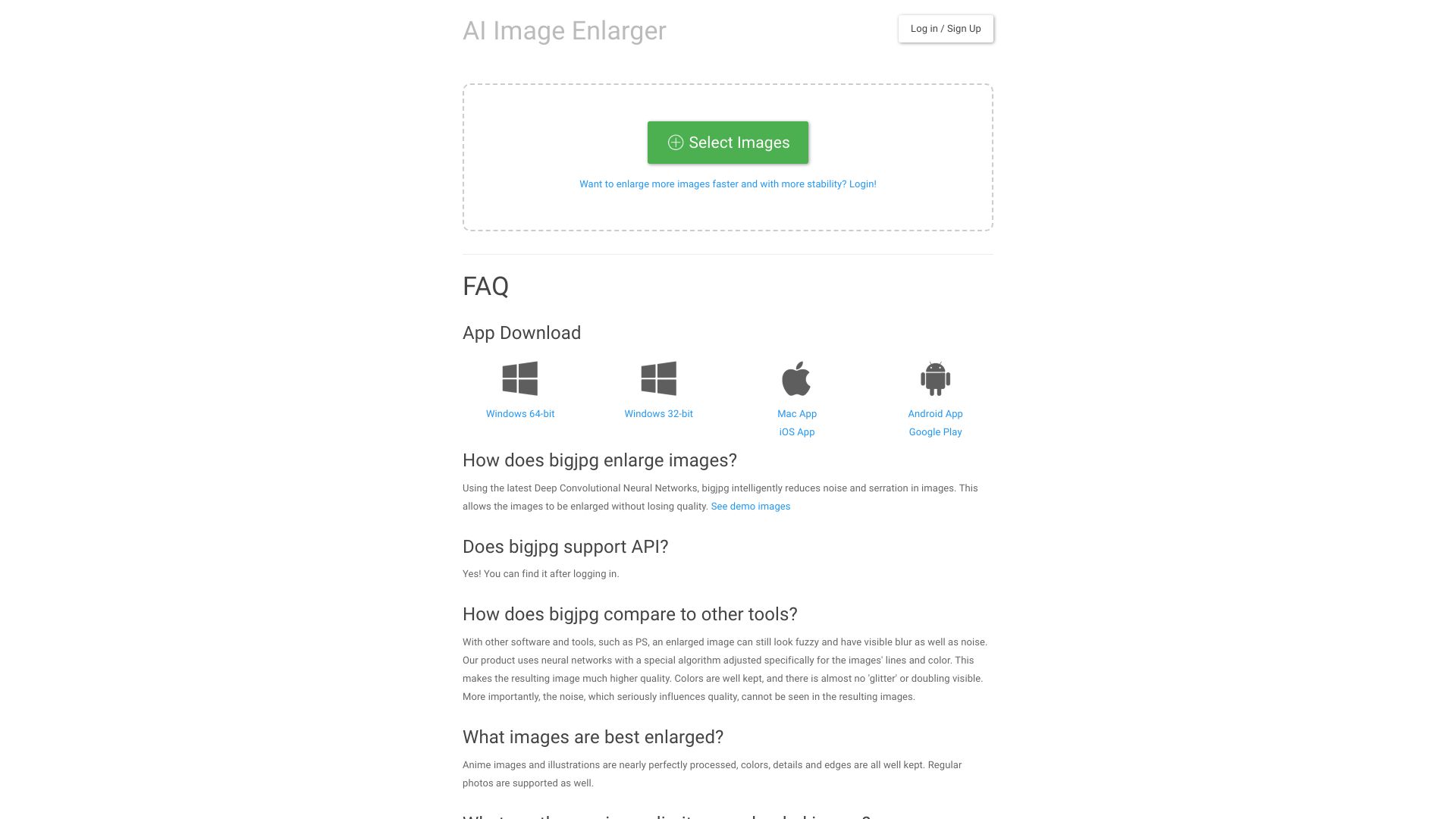
Bigjpg screenshot

Best for

Short scenarios where Bigjpg tends to shine.

  • Enlarge anime images and illustrations without losing quality.

    Best for Anime artists

  • Upscale photos for printing or display on larger screens.

    Best for Illustrators

  • Enhance image details for improved clarity.

    Best for Photographers

  • Integrate image upscaling into existing applications using the API.

    Best for Graphic designers

How it works

To use Bigjpg, simply select an image to upload. Choose your desired settings, such as image type (artwork or photo), upscaling ratio (2x, 4x, 8x, or 16x), and noise reduction level (None, Low, Medium, High, Highest). Start the enlarging process and download the enhanced image once it's complete.

Example outputs 1

Sample generations and before/after results for Bigjpg.

Access & connections

Where you can use Bigjpg.

API

Public API available

Browse other tools with an API

Capabilities

What this tool accepts, produces, and is strongest at.

Highlights

  • AI-powered image upscaling
  • Lossless image enlarging
  • Noise reduction
  • Support for anime and photo images
  • API access for developers

People also view

Tools that often show up alongside Bigjpg in collections and comparisons.

FAQ 7

What is Bigjpg?
Bigjpg is an AI Super-Resolution lossless image enlarging/upscaling tool using Deep Convolutional Neural Networks. It is designed for Anime-style artworks and photos, allowing users to enlarge images without losing quality. Bigjpg uses advanced algorithms to reduce noise and serration, resulting in clearer and more detailed enlarged images compared to traditional methods.
How to use Bigjpg?
To use Bigjpg, simply select an image to upload. Choose your desired settings, such as image type (artwork or photo), upscaling ratio (2x, 4x, 8x, or 16x), and noise reduction level (None, Low, Medium, High, Highest). Start the enlarging process and download the enhanced image once it's complete.
How does Bigjpg enlarge images?
Bigjpg uses Deep Convolutional Neural Networks to intelligently reduce noise and serration in images, allowing them to be enlarged without losing quality.
What images are best enlarged?
Anime images and illustrations are nearly perfectly processed, with colors, details, and edges well kept. Regular photos are also supported.
What are the maximum limits on uploaded images?
Currently, free users are limited to 3000x3000px and 5MB, while paid users can upload images up to 50MB.
Should I keep my browser open after starting?
If you have not logged in, yes! You need to keep your browser open; otherwise, the enlarged image will be lost. If you have already logged in, you can close your browser as we support offline enlarging.
How long are uploaded and enlarged images stored?
Uploaded images and enlarged images will be automatically deleted after 3 days. Image links are encrypted.
Bigjpg Free + from $6 USD