

Background removal 2026 Rank: #2778
Remove bg ✓
Free AI cutouts for product photos and portraits.
Verdict
A quick read before you dig into the full page.
- Best if
- Free AI cutouts for product photos and portraits
- Skip if
- Limited customer support options
- Pick this when
- Supports multiple formats
Considering Remove Background by Picsart instead? Compare side by side
Overview
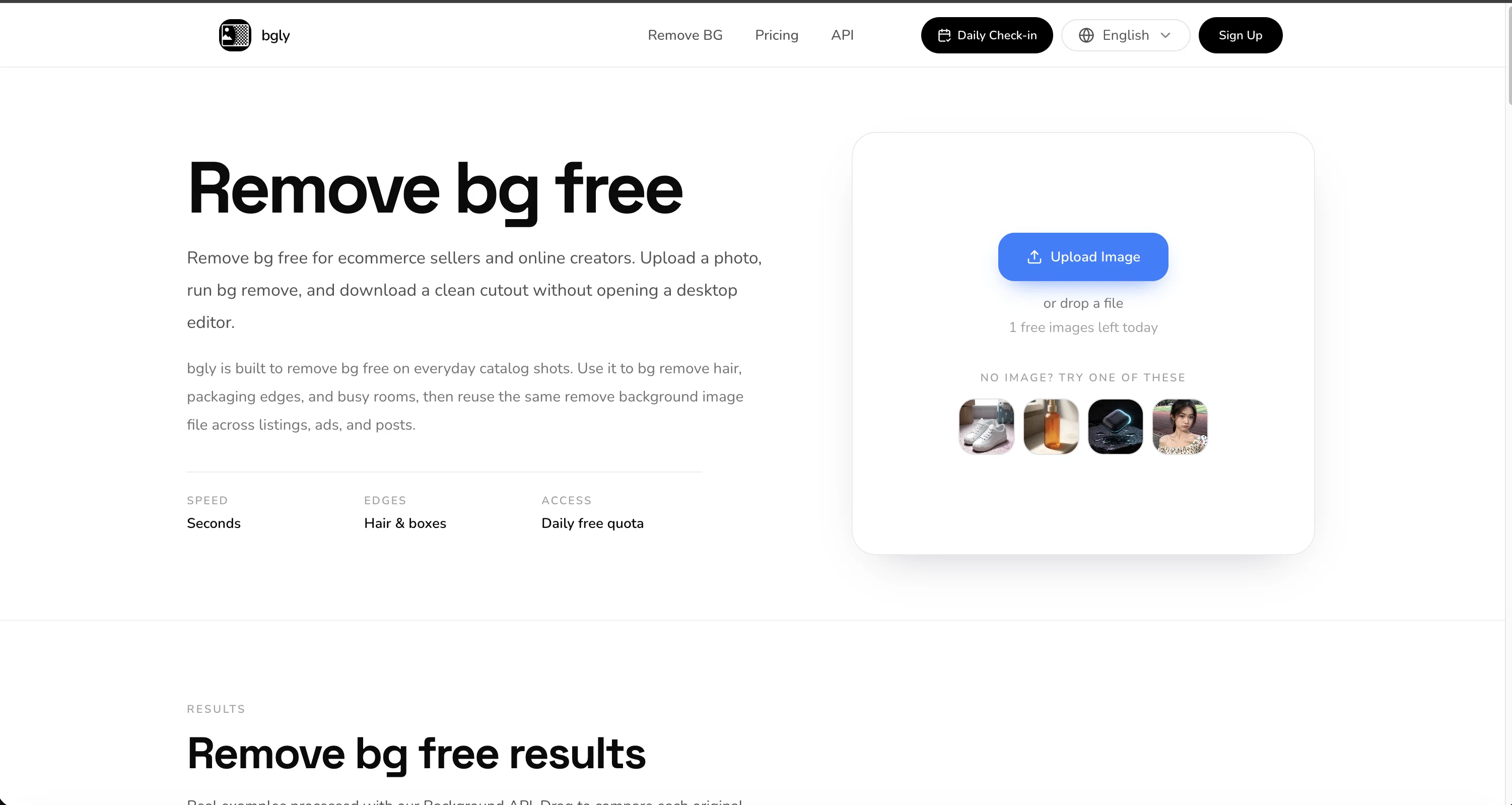
The model keeps difficult edges: hair, straps, bottle labels, and packaging. Choose a subject mode (auto, product, portrait, or hair) and Standard or HD processing. HD uses a higher-resolution pass for catalog shots.
Paid plans add more credits, HD, commercial use, and a background-removal API. Web and API jobs share the same credit balance (1 credit Standard, 2 credits HD). Failed jobs are refunded when possible.
Uploads are processed only to create the cutout. We do not train on your images unless you separately opt in. Guest results are not kept in a long-term library.
- One-click Automatic Background Removal
- Fine Edges For Hair, Straps, And Packaging
- Transparent Png And Webp Export
- Subject Modes: Auto, Product, Portrait, Hair
- Standard And Hd (2048) Processing
- Daily Free Quota Without An Account
- Background Removal Api For Developers
- Credits For Catalog-volume Cutouts
Access & connections
Where you can use Remove bg.
Platforms
Capabilities
What this tool accepts, produces, and is strongest at.
Input
- Image
- API
Output
- Image
- API
Highlights
- API
Supported features
- API
Pros & cons
Pros
- Supports multiple formats
- Preserves fine details
- High-resolution output
- Allows bulk processing
- Adheres to privacy
- Suitable for e-commerce
- Useful for content creators
- Transparent PNG output
Show 30 more
- Reduces manual editing
- Automatic in-browser operation
- Maintains hair and packaging edges
- Supports JPG
- Supports WebP
- Catalog-style volume processing
- Cross-platform usage
- Drag and drop uploads
- Effective on varied items
- Clean cutout result
- Keeps reflective edges on tech products
- Preserves clothing edges
- User-friendly interface
- Step by step usage guide
- Brand color integration for listings
- Creator stills background removal
- Listing-ready PNG output
- Private processing for sensitive files
- Multiple pricing plans
- Financially efficient for volume processing
- Offers commercial license
- 24/7 email support
- API Access
- Unlimited downloads
- Adaptable for social media posts
- Good for ad banners
- Headshots background removal
- Auto removes busy rooms backgrounds
- Produces reusable cutouts
- One-time free trial
Cons
- No support for GIFs
- Lacks editing functionalities
- Limitations on free use
- Output only in PNG
- No offline usage
- No multi-language support
- Unable to choose background
- Limited customer support options
Show 2 more
- Lack of pricing transparency
- No business-specific plans
Compare alternatives
Similar tools in the catalog — with a clear reason to open each one.

Remove Background by Picsart ✓
FreemiumInstantly remove backgrounds for clean, transparent images—perfect for products, designs, and creative
Free + from $10/mo
Full comparison
Merchant Floor | Background Remover ✓
FreemiumRemove the background & retouch your product photos
Free + from $20
Full comparison
remove.bg ✓
FreemiumRemove image backgrounds in 5 seconds with one click
Why look Stronger for image work
Full comparison
AI Background Remover - Picsman ✓
Free TrialInstantly remove image backgrounds with AI
Why look Typically cheaper
Full comparison
Removal.AI
FreemiumAI tool for instant automated image background removal and editing.
Why look Typically cheaper
Full comparisonReleases 1
FAQ 12
What is bgly?
How does bgly remove the background from images?
What formats of images can be uploaded to bgly?
Can bgly handle bulk image processing?
What level of detail can bgly retain in processed images?
Is there any manual editing needed after using bgly?
In what format can I download images processed by bgly?
Can bgly process images for catalog-level volumes?
How does bgly ensure privacy of the images uploaded?
Can I use the images processed by bgly for my advertisements?
Can the bgly tool be used for e-commerce and content creation?
Does bgly support PNG, JPG and WebP image formats?
Related tools
Recommended

MagicSlides.app AI PPT Maker ✓
FreemiumCreate Stunning PPTs in Seconds with the AI PPT Maker

GetLogit ✓
FreemiumArtificial intelligence, available for everyone.

ChatGPT ✓
FreemiumAsk anything, create anything, and move from idea to action.

Automateed ✓
Free TrialCreate eBooks effortlessly with Automateed, the AI-powered writing tool.

Kin - Personal AI Advisors ✓
FreePrivacy-first & designed your for mind, and life at work

Aiter.io | Paste a URL. Ship a Campaign That Sounds L... ✓
FreemiumAI marketing that sounds like you, not everyone else.