
BeepThatOut
AI-powered web-based profanity editor for content creators.
Source rating 5.0
(79)
989 views
989/mo traffic
0 saves
Paid
From $21 / mo
Verdict
A quick read before you dig into the full page.
- Best if
- AI-powered web-based profanity editor for content creators
- Skip if
- You need a free plan with no credit card
- Pick this when
- Paid · From $21 / mo
Overview
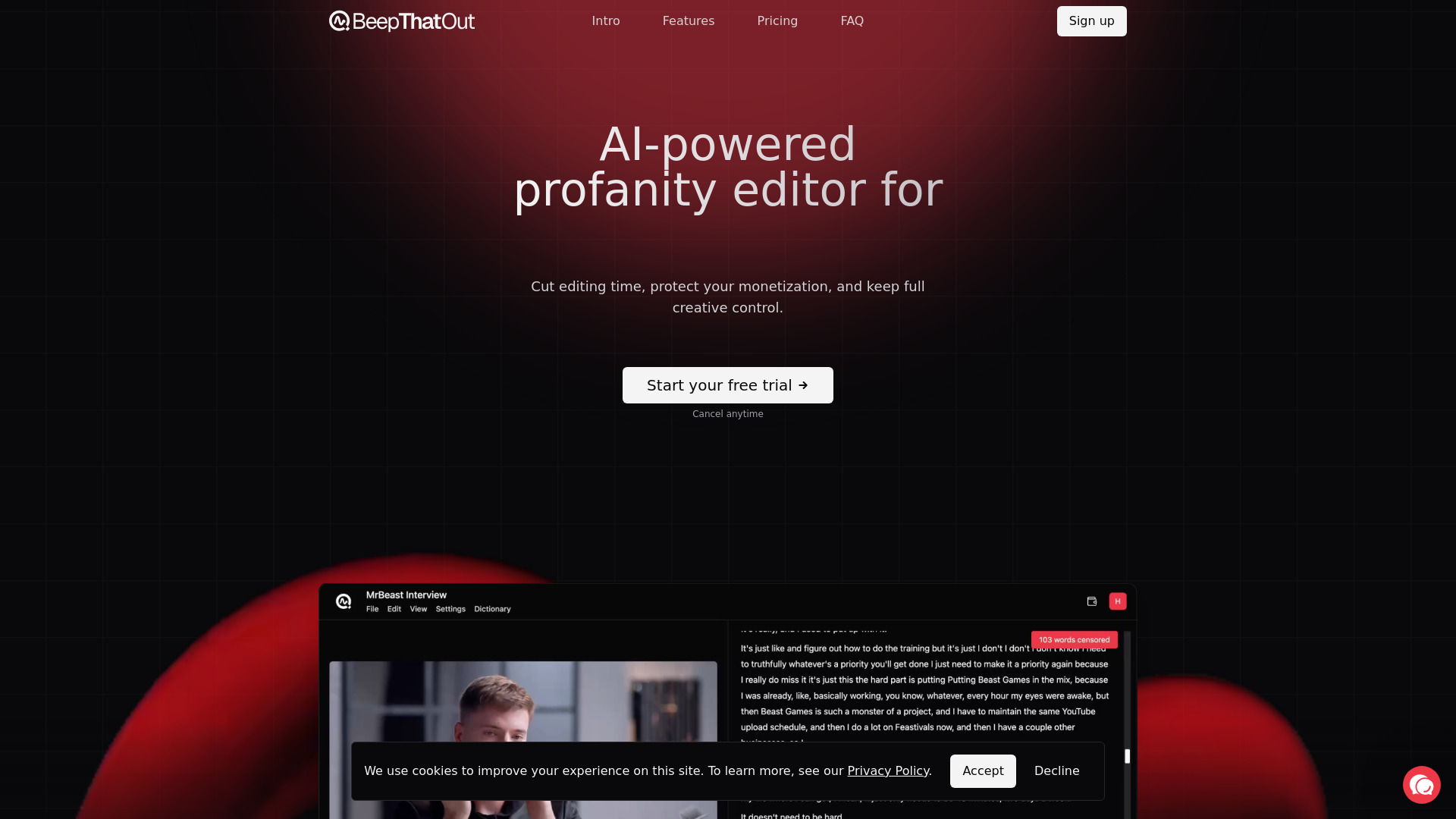
BeepThatOut is an AI-powered profanity editor that works in your browser, built for YouTubers, podcasters, and other content creators. It helps users cut time spent on editing, protect their monetization, and keep full creative control over what and how to filter.
Access & connections
Where you can use BeepThatOut.
Platforms
Capabilities
What this tool accepts, produces, and is strongest at.
Highlights
- AI-powered profanity detection and censorship
- Customizable filtering and censor effects (beep, silence, custom sounds)
- Export to major video editors (Adobe Premiere Pro, DaVinci Resolve, Final Cut Pro)
- Automatic .srt subtitle generation
- Support for over 50 languages
- Processing of long-form content (up to 10 hours)
- Interactive transcript editor
- Custom word blacklist
FAQ 12
What is BeepThatOut?
BeepThatOut is an AI-powered profanity editor that works in your browser, built for YouTubers, podcasters, and other content creators. It helps users cut time spent on editing, protect their monetization, and keep full creative control over what and how to filter.
How to use BeepThatOut?
Users can upload any audio or video file, which BeepThatOut automatically scans for profanities using AI. Then, they can customize and fine-tune the filtering by picking categories, adjusting censor effects, checking transcript errors, and fine-tuning alignment. Finally, users can review the results in the editor and export the project to their favorite video editor (Adobe Premiere Pro, Final Cut Pro, DaVinci Resolve) or download a rendered file.
Why should I choose BeepThatOut?
BeepThatOut is the first web-based editor that automatically detects and censors profanities in your audio/video — no downloads or installs needed. Get clean content in minutes using AI.
How does BeepThatOut work?
Our state-of-the-art AI model transcribes your audio, aligns each word to the timeline, and detects profanities. You can then apply custom audio effects, tweak the dictionary, and fine-tune the results with manual edits if needed.
Can I review or edit the censored sections?
Yes — you have granular control. Adjust word alignment on the timeline, edit the transcript inline, add or remove profanity tags, and update your personal profanity dictionary. Whether you want to fix an error or fine-tune the effect, the editor makes it simple.
Can I choose how the censorship sounds?
Yes! By default, we use a standard 1000Hz beep. But you can easily switch to silence, pick from a list of entertaining sounds (like car horn, dog bark, cow moo, etc.), or even upload your own custom audio to fully personalize the censor effect.
Do you support subtitle export or caption generation?
Yes! BeepThatOut lets you export .srt subtitles at no extra cost. You can easily edit the transcript beforehand to fix any typos or timing issues — so your captions are spot-on for YouTube, social posts, or making your content more accessible.
What file formats do you support?
We support all major video and audio formats — including MP4, MOV, WEBM, MKV, MP3, M4A, WAV, OGG, FLAC, WMA, and more. If your file plays in a standard media player, we’ve probably got it covered.
What languages do you support?
We support over 50 languages — and we’re always adding more. Here is a full list: Afrikaans, Arabic, Armenian, Azerbaijani, Belarusian, Bulgarian, Catalan, Chinese, Croatian, Czech, Danish, Dutch, English, Estonian, Finnish, French, Galician, German, Greek, Hebrew, Hindi, Hungarian, Icelandic, Indonesian, Italian, Japanese, Kannada, Kazakh, Korean, Latvian, Lithuanian, Macedonian, Malay, Maori, Marathi, Nepali, Norwegian, Persian, Polish, Portuguese, Romanian, Russian, Serbian, Slovak, Spanish, Swahili, Swedish, Tagalog, Tamil, Thai, Turkish, Ukrainian, Urdu, Vietnamese, Welsh
Can I upload long videos or batch process multiple files?
Definitely. You can upload videos up to 10 hours long and 20GB in size. You can also upload and process multiple files at the same time as separate projects — perfect for podcasts, video series, or bulk edits.
How long does it take to process a file?
Processing time depends on your file length, but for most uploads, even a few hours of content is ready within 2–3 minutes. Actual time varies by file size and load, and while we can’t promise specific speeds, users with Creator plan get access to faster, priority processing.
Can I keep editing in Adobe Premiere Pro or other video editors after using BeepThatOut?
Yes — BeepThatOut fits right into your workflow. You can export your edits as an XML project and continue working in Adobe Premiere Pro, DaVinci Resolve, or Final Cut Pro — no need to start from scratch.
Related tools
Recommended


BeepThatOut
From $21 / mo