
Baron AI
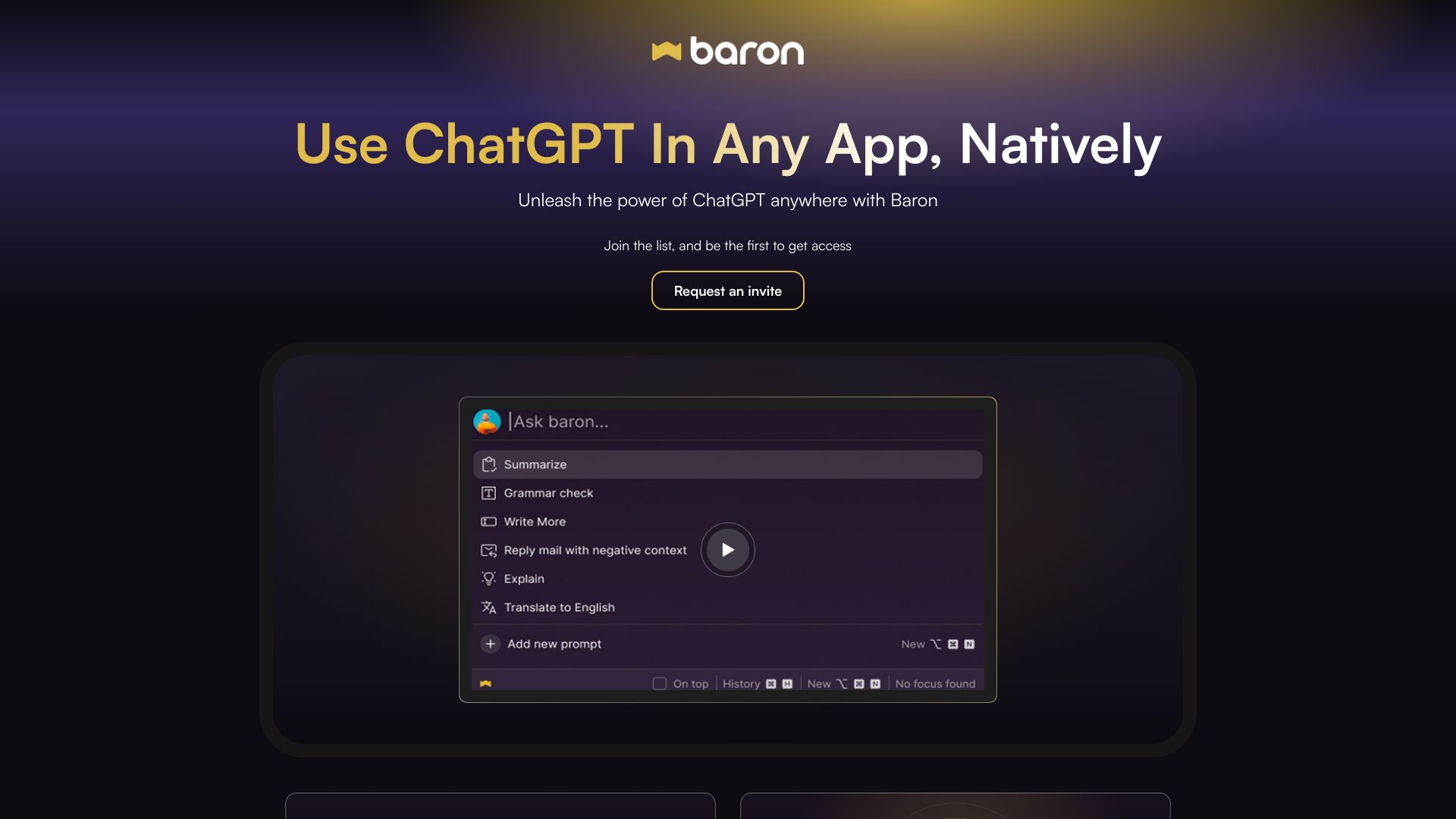
ChatGPT integration app for desktop with hotkey access and prompt management.
Verdict
A quick read before you dig into the full page.
- Best if
- ChatGPT integration app for desktop with hotkey access and prompt management
- Pick this when
- ChatGPT integration app for desktop with hotkey access and prompt management
Overview
Baron AI is an application designed to integrate ChatGPT natively into any desktop application on Windows, Mac, and Linux. It allows users to access ChatGPT via a hotkey, create expert personas to improve response quality, and save, reuse, and share prompts. It eliminates the need for copy-pasting by allowing users to highlight text for context and launch Baron directly.
Access & connections
Where you can use Baron AI.
Platforms
Capabilities
What this tool accepts, produces, and is strongest at.
Highlights
- Hotkey access to ChatGPT
- Profile builder for creating expert personas
- Prompt engine for saving, reusing, and sharing prompts
- Context-aware AI responses via text highlighting
FAQ 4
What is Baron AI?
How to use Baron AI?
How do I access ChatGPT with Baron?
How does Baron provide context to ChatGPT?
Related tools
Recommended

Nextbrowser ✓
FreemiumAI Browser Agent that automates professional tasks through chat.

Flowith AI ✓
FreemiumUnleash deep work with AI-powered flow.

PaioClaw ✓
Free TrialMost Secure and Easiest OpenClaw Ever. Live in 60 seconds.

iDox.ai Guardrail ✓
Free TrialStop sensitive data leaks to AI tools.