Verdict

A quick read before you dig into the full page.

Best if
You are video editors and need: Creating subtitles for videos in multiple languages
Pick this when
Browser-based AI subtitling, transcription, and translation platform supporting 90+ languages

Overview

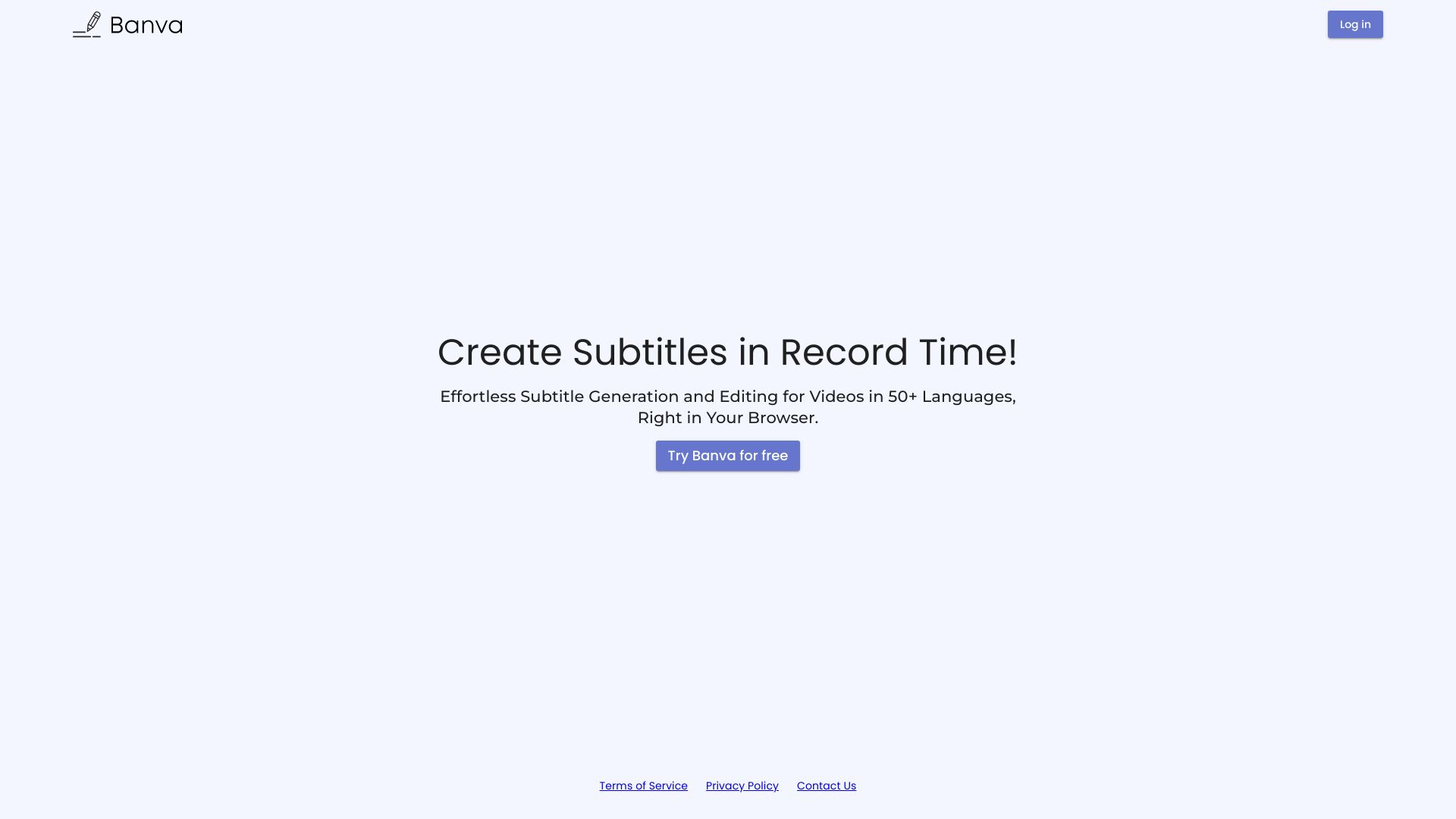
Banva is a browser-based subtitling product that allows users to generate automated subtitles for 50+ languages, edit generated subtitles, and style subtitles. It's an AI-powered media localization platform with support for more than 90 languages and all the common video, audio and subtitle formats. Banva fulfills all subtitling needs right in the browser with fast and accurate automatic subtitle generation and a complete subtitle editor suite.

Banva screenshot

Best for

Short scenarios where Banva tends to shine.

  • Creating subtitles for videos in multiple languages

    Best for Video editors

  • Transcribing audio files into text

    Best for Content creators

  • Localizing media content for international audiences

    Best for Media localization professionals

Example outputs 1

Sample generations and before/after results for Banva.

Access & connections

Where you can use Banva.

Platforms

Web

Capabilities

What this tool accepts, produces, and is strongest at.

Highlights

  • Automatic subtitle generation in 50+ languages
  • Subtitle editing suite
  • Subtitle styling
  • AI-powered transcription and translation
  • Support for 90+ languages
  • Support for common video, audio, and subtitle formats

People also view

Tools that often show up alongside Banva in collections and comparisons.

FAQ 6

What is Banva?
Banva is a browser-based subtitling product that allows users to generate automated subtitles for 50+ languages, edit generated subtitles, and style subtitles. It's an AI-powered media localization platform with support for more than 90 languages and all the common video, audio and subtitle formats. Banva fulfills all subtitling needs right in the browser with fast and accurate automatic subtitle generation and a complete subtitle editor suite.
How to use Banva?
Users can generate automated subtitles by uploading their video or audio files to the Banva platform. The AI will automatically transcribe and create subtitles, which can then be edited and styled within the browser.
Can I use Banva for Free?
Yes. Banva subtitle/text generation & all other features are absolutely free to use till 15 Minutes of generation. We automatically add 15 minutes of free credits when you create your Banva account, and you can use them to generate in all the languages that we offer. After that you can buy credits to generate more. All other features like burning subtitle to the video, editing etc. are free to use. There are no other hidden costs. So you only pay for what you use.
How are my credits deducted?
Every time you generate using AI, credits equal to the video/audio length in minutes are deducted. When you generate in more than one language, you're charged separately for every additional language. If your video/audio length is less than 1 minute, 1 credit minute is deducted.
What currencies and payment options are available?
Prices are listed in your local currency if available, and if not, they are listed in USD. We accept all major debit and credit cards by providers such as Visa, Mastercard, and American Express. Our payment system uses the latest security technology and is powered by Stripe, one of the world’s most reliable payment companies.
What is your refund policy?
In case of concerns or refund requests, users can reach out via email to [email protected]. The team will internally evaluate grievances and process refunds. The refunds shall be processed solely at the discretion of Banva. You can read about our refund policy in our terms and conditions.
