Verdict

A quick read before you dig into the full page.

Best if
You are marketing professionals and need: Auto-generate social media visuals
Skip if
You need a free plan with no credit card
Pick this when
Paid · From $49 USD / month

Overview

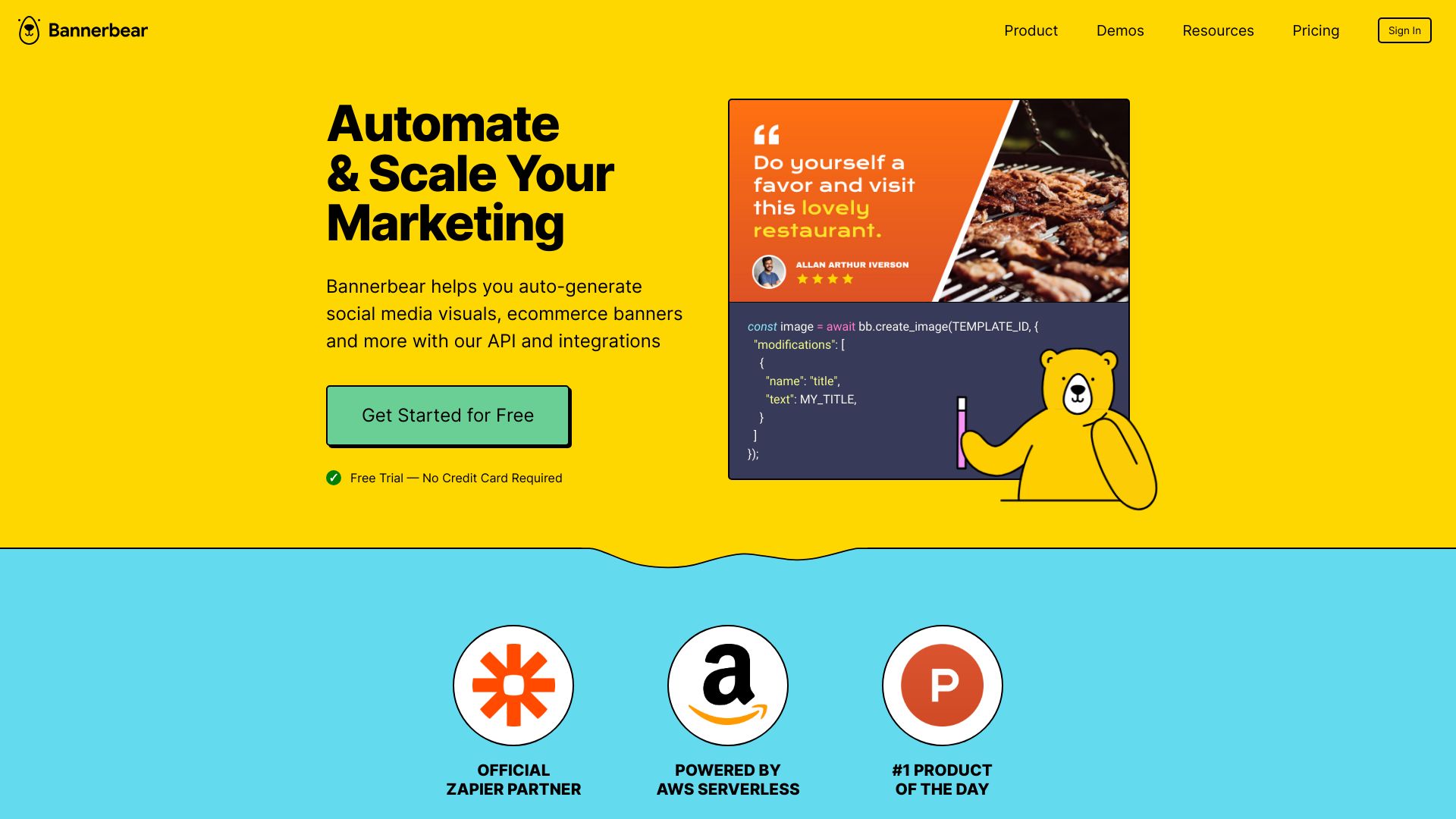
Bannerbear is an API-driven platform that helps individuals and teams automatically generate social media visuals, e-commerce banners, podcast videos, and more. It turns graphic templates into an API, allowing for the automated creation of variations. It offers APIs for image, multi-image, video, and PDF generation, along with integrations for popular tools like Zapier, Airtable, Make.com, Forms, and WordPress, enabling no-code automated workflows for repetitive marketing tasks.

Bannerbear screenshot

Best for

Short scenarios where Bannerbear tends to shine.

  • Auto-generate social media visuals

    Best for Marketing professionals

  • Create e-commerce banners

    Best for Developers

  • Produce podcast videos

    Best for Content creators

  • Automate marketing tasks

    Best for Social media managers

  • Scale marketing efforts

    Best for E-commerce businesses

  • Generate real estate banners

    Best for SaaS companies

  • Create Open Graph images

    Best for Agencies

  • Make online certificates, wedding invites, event ID cards, photo collages, and invoices

    Best for No-code users

How it works

Users can generate images and videos by using Bannerbear's REST API, official libraries (Ruby, Node, PHP), or various integrations like Zapier, Airtable, Make.com, Forms, and Simple/Signed URLs. They design reusable templates in the Bannerbear Template Editor, then use the API or integrations to populate these templates with data and generate media automatically.

Example outputs 1

Sample generations and before/after results for Bannerbear.

Access & connections

Where you can use Bannerbear, and what it plugs into.

Platforms

Web

Integrations

Capabilities

What this tool accepts, produces, and is strongest at.

Highlights

  • Image Generation API
  • Video Generation API
  • PDF Generation API
  • Multi Image API
  • Template Editor
  • Integrations (Zapier, Airtable, Make.com, Forms, URLs, WordPress)
  • Custom Font Support
  • Team Collaboration with Roles
Show 3 more
  • Two-Factor Authentication (2FA)
  • Data Processing Agreement (DPA)
  • Bring Your Own Storage (BYO Storage)

People also view

Tools that often show up alongside Bannerbear in collections and comparisons.

FAQ 12

What is Bannerbear?
Bannerbear is an API-driven platform that helps individuals and teams automatically generate social media visuals, e-commerce banners, podcast videos, and more. It turns graphic templates into an API, allowing for the automated creation of variations. It offers APIs for image, multi-image, video, and PDF generation, along with integrations for popular tools like Zapier, Airtable, Make.com, Forms, and WordPress, enabling no-code automated workflows for repetitive marketing tasks.
How to use Bannerbear?
Users can generate images and videos by using Bannerbear's REST API, official libraries (Ruby, Node, PHP), or various integrations like Zapier, Airtable, Make.com, Forms, and Simple/Signed URLs. They design reusable templates in the Bannerbear Template Editor, then use the API or integrations to populate these templates with data and generate media automatically.
What can I use Bannerbear for?
Bannerbear helps you auto-generate social media visuals, e-commerce banners, dynamic email images, and more with its API and integrations.
How long do images take to render?
Rendering time depends on the complexity of the image; simple images render in 1-2 seconds.
Where can I find the API documentation?
The latest version of the API documentation can always be found at the API Reference site.
Can I generate images synchronously?
The Bannerbear API is primarily asynchronous, but there is a synchronous endpoint for generating images if that is your preference.
How does the free trial work?
You can sign up for free and use Bannerbear to generate up to 30 images via the API or any of the integrations without a credit card.
How do I upgrade / downgrade my plan?
You can upgrade or downgrade at any time from your account page.
What happens when my plan is canceled?
When a plan is canceled, any related projects, templates, and images will be deleted.
What if I go over my API Credits limit?
It is not possible to go over your monthly image/video API credits limit. You will need to upgrade your plan if you hit this limit and need to keep using the API.
Do all API requests count against my credits?
Only POST requests use credits, which is when you are asking Bannerbear to generate something.
How many API Credits will I need?
You can use the API Calculator to estimate your monthly requirements.
Bannerbear From $49 USD / month

