Image editing

Banana AI - Smart Nano Banana Image Editor

AI image editor for instant, natural language photo transformation.

Source rating 5.0 (72) 1.4k views 1.4k/mo traffic 0 saves Paid
More categories (10)

From $11.90/ / monthly

Verdict

A quick read before you dig into the full page.

Best if
AI image editor for instant, natural language photo transformation
Skip if
You need a free plan with no credit card
Pick this when
Paid · From $11.90/ / monthly

Overview

Banana AI is an advanced image editor powered by Google nano technology and Gemini 2.5 Flash Image Generation. It allows users to instantly transform any photo using natural language commands, eliminating the need for complex software like Photoshop. The platform enables users to change backgrounds, add or remove objects, modify artistic styles, and enhance photos with professional-quality results in seconds. It aims to make powerful AI image editing accessible to everyone, from social media enthusiasts to e-commerce businesses.

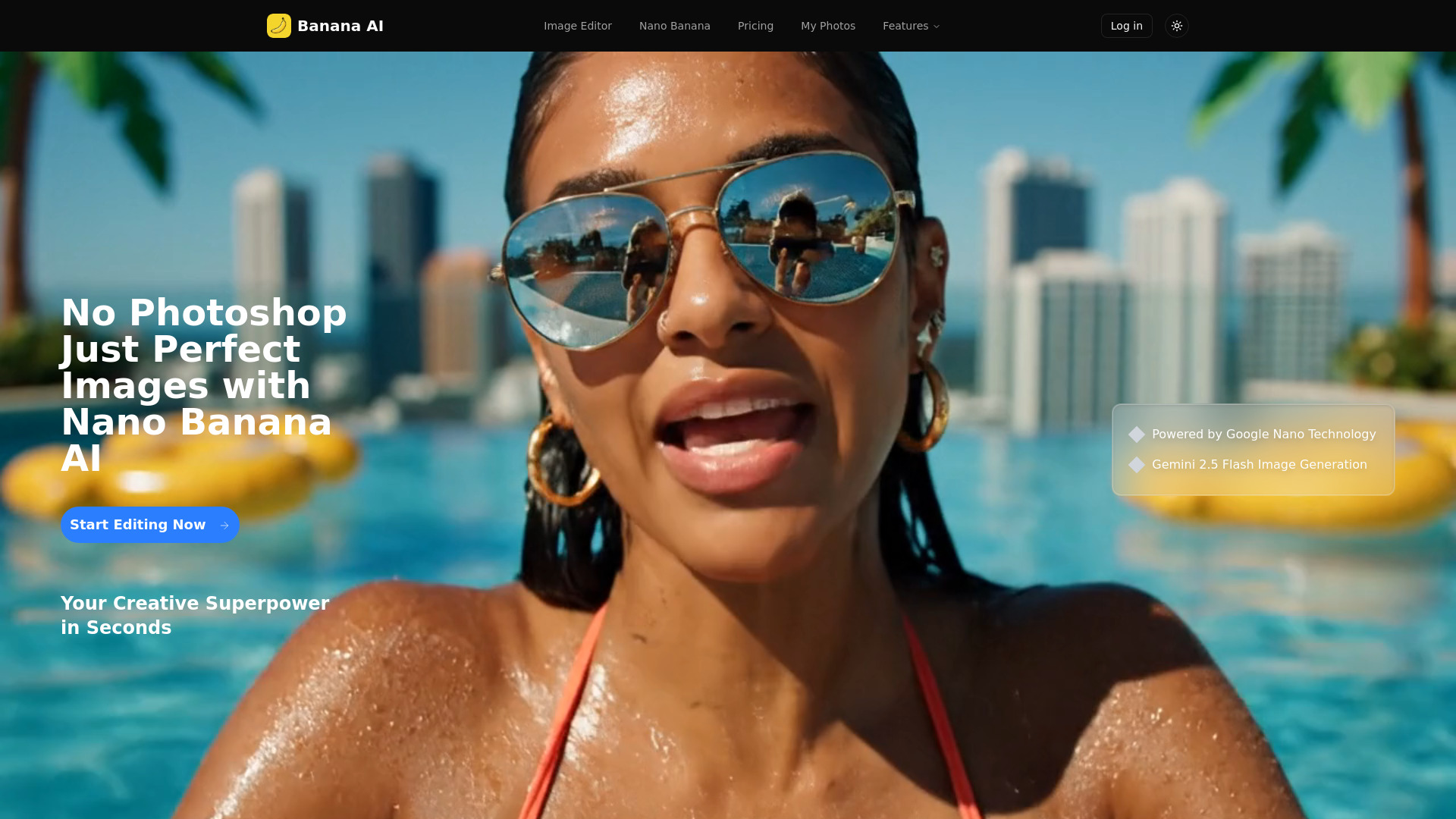
Banana AI - Smart Nano Banana Image Editor screenshot

Access & connections

Where you can use Banana AI - Smart Nano Banana Image Editor, and what it plugs into.

Platforms

Web

Integrations

Capabilities

What this tool accepts, produces, and is strongest at.

Highlights

  • Natural Language Commands
  • Background Replacement
  • Object Addition & Removal
  • Style Transformation
  • Lightning Fast Processing
  • High-Quality Output

FAQ 9

What is Banana AI - Smart Nano Banana Image Editor?
Banana AI is an advanced image editor powered by Google nano technology and Gemini 2.5 Flash Image Generation. It allows users to instantly transform any photo using natural language commands, eliminating the need for complex software like Photoshop. The platform enables users to change backgrounds, add or remove objects, modify artistic styles, and enhance photos with professional-quality results in seconds. It aims to make powerful AI image editing accessible to everyone, from social media enthusiasts to e-commerce businesses.
How to use Banana AI - Smart Nano Banana Image Editor?
To use Banana AI, simply follow three steps: 1. Upload Your Image: Drag and drop any photo (JPG, PNG, WEBP formats supported). 2. Describe Your Edit: Type what you want in plain English, such as 'change background to beach' or 'add sunglasses'. 3. Get Instant Results: The nano banana technology and Gemini 2.5 Flash Image Generation will create your perfect edit in seconds, ready for download or sharing.
What image formats does AI nano banana support?
Banana AI supports JPG, PNG, and WEBP formats for image uploads.
How fast is the image editing process?
The image editing process is lightning-fast, powered by Google nano technology and Gemini 2.5 Flash Image Generation, delivering professional-quality edits in seconds.
Can I edit multiple images at once with AI banana?
Yes, Banana AI offers a Batch Processing feature, allowing you to edit multiple images at once with the same commands for consistent results.
Do I need any design skills to use banana ai?
No, Banana AI has a zero learning curve. You simply describe what you want in plain English, making it perfect for beginners and professionals without complex design skills.
Is commercial use allowed for edited images?
Yes, the Pro and Max subscription plans include a commercial license for edited images.
What types of edits can AI nano banana perform?
Banana AI can perform a wide range of edits, including changing backgrounds, adding or removing objects, modifying styles (e.g., to anime or paintings), fixing lighting, removing unwanted elements, and enhancing colors.
How does gemini 2.5 flash image generation work?
Gemini 2.5 Flash Image Generation powers Banana AI to provide lightning-fast, professional-quality edits and generate stunning results in seconds.
Banana AI - Smart Nano Banana Image Editor From $11.90/ / monthly

