Video generation

AVCLabs Video Enhancer AI

AI-powered video and photo enhancement and editing solutions.

Source rating 5.0 (113) 138k views 138k/mo traffic 0 saves Paid
More categories (7)

Verdict

A quick read before you dig into the full page.

Best if
You are video editors and need: Enhance low-resolution videos to HD, 4K, or 8K
Skip if
You need a free plan with no credit card
Pick this when
Paid · From $19.95 / month

Overview

AVCLabs is an AI solutions provider specializing in video and photo quality enhancement. Their product lineup includes AI Video Enhancer, AI Photo Enhancer, AI Photo Editor, and Video Blur AI, designed to deliver superior results effortlessly. They offer both desktop software and online AI tools for various image and video editing tasks.

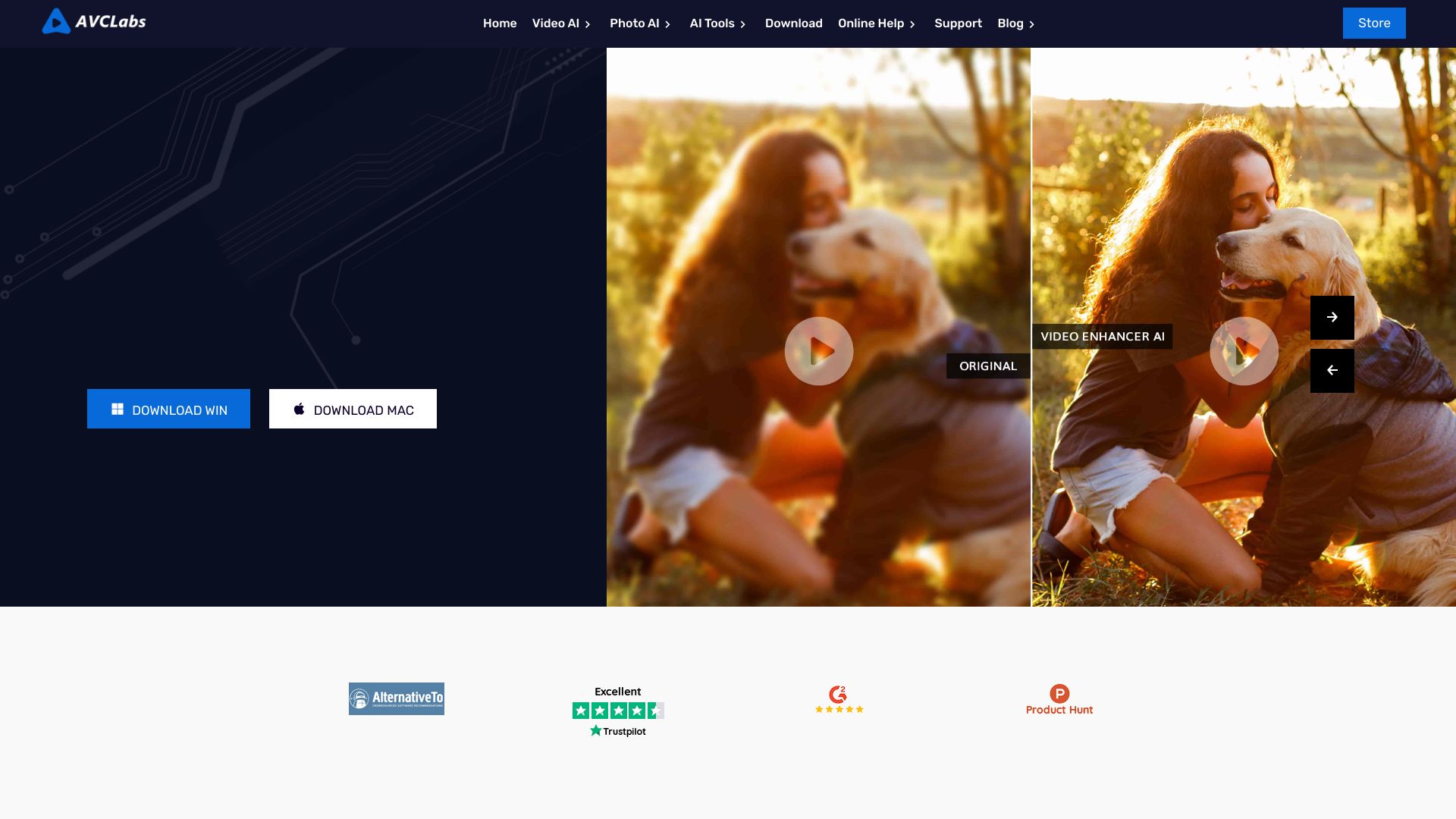
AVCLabs Video Enhancer AI screenshot

Best for

Short scenarios where AVCLabs Video Enhancer AI tends to shine.

  • Enhance low-resolution videos to HD, 4K, or 8K.

    Best for Video editors

  • Restore old photos by removing scratches, stains, and noise.

    Best for Photographers

  • Blur faces or backgrounds in videos to protect privacy.

    Best for Content creators

  • Improve product displays by enhancing texture and details.

    Best for Social media managers

  • Remove unwanted objects from photos.

    Best for E-commerce businesses

  • Colorize black and white photos.

    Best for Marketing professionals

Example outputs 1

Sample generations and before/after results for AVCLabs Video Enhancer AI.

Access & connections

Where you can use AVCLabs Video Enhancer AI.

Platforms

Web

Capabilities

What this tool accepts, produces, and is strongest at.

Highlights

  • AI Video Enhancement and Upscaling
  • AI Photo Enhancement and Upscaling
  • AI-powered Video Blurring
  • AI Photo Editing
  • AI Object Removal
  • AI Background Removal
  • AI Image Colorization
  • AI Image Denoising

People also view

Tools that often show up alongside AVCLabs Video Enhancer AI in collections and comparisons.

FAQ 7

What is AVCLabs?
AVCLabs is an AI solutions provider specializing in video and photo quality enhancement. Their product lineup includes AI Video Enhancer, AI Photo Enhancer, AI Photo Editor, and Video Blur AI, designed to deliver superior results effortlessly. They offer both desktop software and online AI tools for various image and video editing tasks.
How to use AVCLabs?
AVCLabs offers both downloadable software and online tools. For software, download and install the desired product (e.g., AVCLabs Video Enhancer AI). Follow the in-app tutorials or online guides to enhance your videos or photos. For online tools, simply upload your media to the website and use the provided AI features.
What is AVCLabs Video Enhancer AI?
AVCLabs Video Enhancer AI is a software that uses deep-learning neural networks to improve video quality, upscale resolution, reduce noise, restore facial details, and deinterlace footage.
What is AVCLabs Photo Enhancer AI?
AVCLabs Photo Enhancer AI is an AI image enhancement solution that offers features like 4K upscaling, colorization, noise reduction, and face restoration to enhance picture quality and restore old photos.
What is AVCLabs Video Blur AI?
AVCLabs Video Blur AI is an AI-driven video blur tool that automatically detects and blurs faces, backgrounds, objects, and license plates in videos to protect personal privacy and enhance video security.
What is AVCLabs PhotoPro AI?
AVCLabs PhotoPro AI is a powerful AI photo editor that simplifies complex editing tasks, offering a comprehensive range of tools for enhancing photo quality, increasing resolution, colorizing, and removing unwanted objects.
Do AVCLabs products offer free trials?
Yes, AVCLabs offers free downloads for their software, allowing users to try the products before purchasing.
AVCLabs Video Enhancer AI From $19.95 / month
