

Avaturn ✓
Create realistic 3D avatars from selfies.
Free + from $800 / month
Verdict
A quick read before you dig into the full page.
- Best if
- You are game developers and need: Creating personalized avatars for gaming
- Skip if
- Limited clothing and accessory options
- Pick this when
- Realistic 3D avatars
Considering Real Fake Photos instead? Compare side by side
Overview
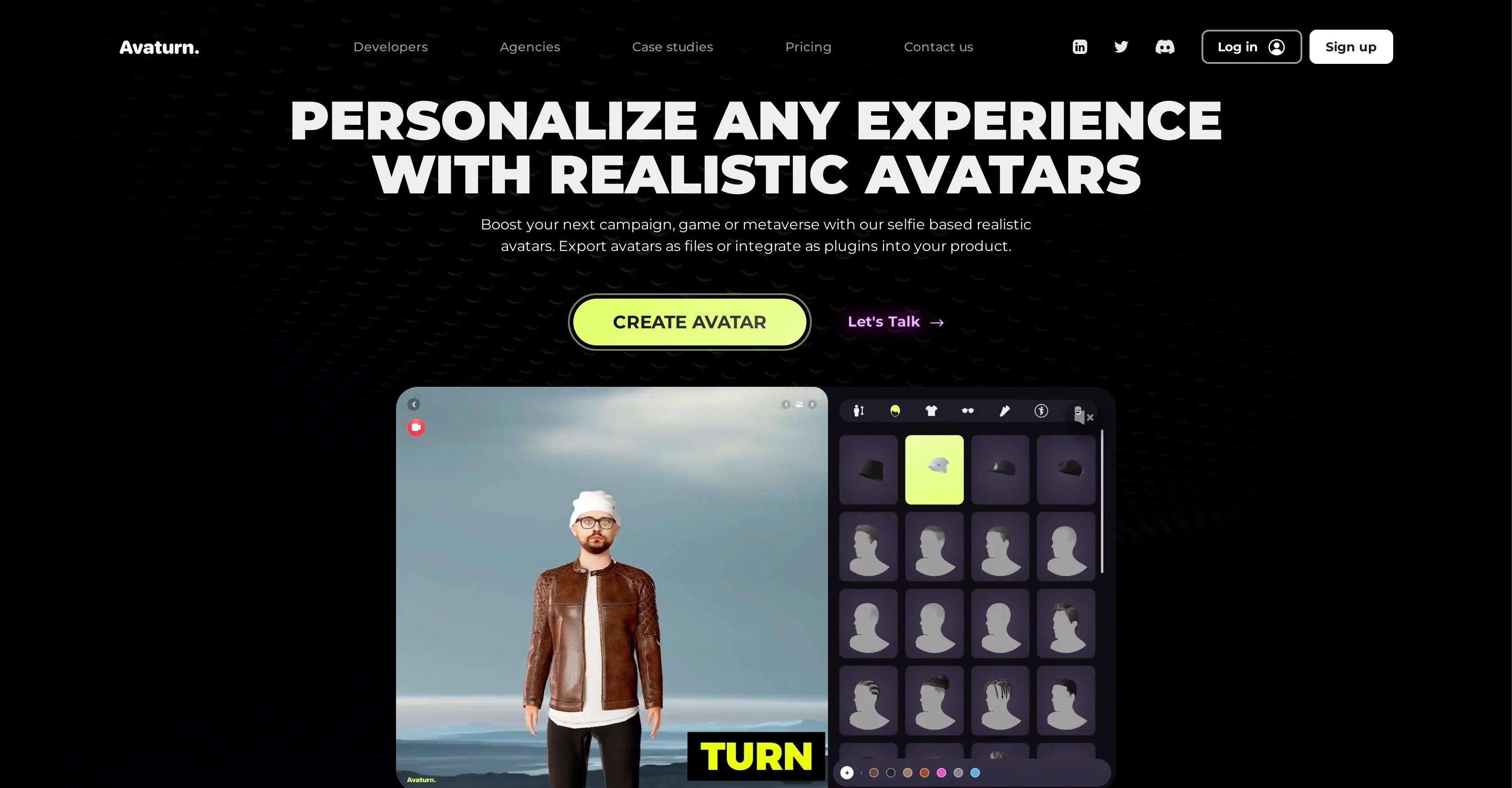
Avaturn is a tool designed to convert 2D images into realistic and recognizable 3D avatars. It leverages generative AI technology to create life-like avatars from photos, with applications found in games, apps, and digital marketing campaigns.
These avatars can then be customized further with different options for body types, hairstyles, clothing, and accessories. The tool provides a wide range of options for avatar customization, ensuring a unique look for each avatar created.
Avaturn also allows users to export their created avatars as 3D models which can then be loaded into various 3D environments such as Blender, Unity, Unreal Engine, Maya, and Cinema4D.
Additionally, these avatars are animation-ready and come with standard humanoid body rig, ARKit blendshapes, and visemes, making them compatible with Mixamo animations and VTubing software.
For developers, Avaturn offers SDK integration for use within their applications or computational universe. This unique AI technology assists in turning gamers into in-game characters while retaining their actual identity.
Best for
Short scenarios where Avaturn tends to shine.
-
Creating personalized avatars for gaming
Best for Game developers
-
Developing in-game characters that resemble real-world gamers
Best for Metaverse creators
-
Integrating realistic avatars into metaverse experiences
Best for App developers
-
Customizing avatars for virtual meetings and social interactions
Best for VR/AR developers
Example outputs 1
Sample generations and before/after results for Avaturn.
Access & connections
Where you can use Avaturn.
Platforms
Capabilities
What this tool accepts, produces, and is strongest at.
Input
- API
- Image
Output
- 3D
- API
Pros & cons
Pros
- Realistic 3D avatars
- Customizable avatars
- Game-ready avatars
- Easy integration
- .glb file provided
- Compatible with Unity
- Compatible with Unreal
- Compatible with Blender
Show 33 more
- Compatible with Cinema4D
- Compatible with Maya
- Creates avatar from selfie
- Developer SDK available
- Good documentation
- Online community support
- Connect with LinkedIn
- Connect with Twitter
- Connect with Discord
- Update notifications through newsletter
- Free to use
- Compatible with Mixamo animations
- Compatible with VTubing software
- Customizable body types
- Customizable hairstyles
- Customizable clothes
- Customizable accessories
- Unique avatar look
- 2D image to 3D avatar
- ARKit Blendshapes
- Standard humanoid body rig
- Visemes
- Offers .glb files
- Export avatar function
- Newsletter feature
- Online developer resources
- LinkedIn community
- Twitter community
- Discord community
- SDK integration
- Application integration
- Metaverse integration
- Avatar customization range
Cons
- Limited avatar customization
- Lack of advanced shading
- Restricted to humanoid characters
- No direct export to animation software
- Highly dependent on quality of selfie
- No mobile app integration
- Limited clothing and accessory options
- No multi-avatar creation
Show 1 more
- Restricted blendshape options
Compare alternatives
Similar tools in the catalog — with a clear reason to open each one.
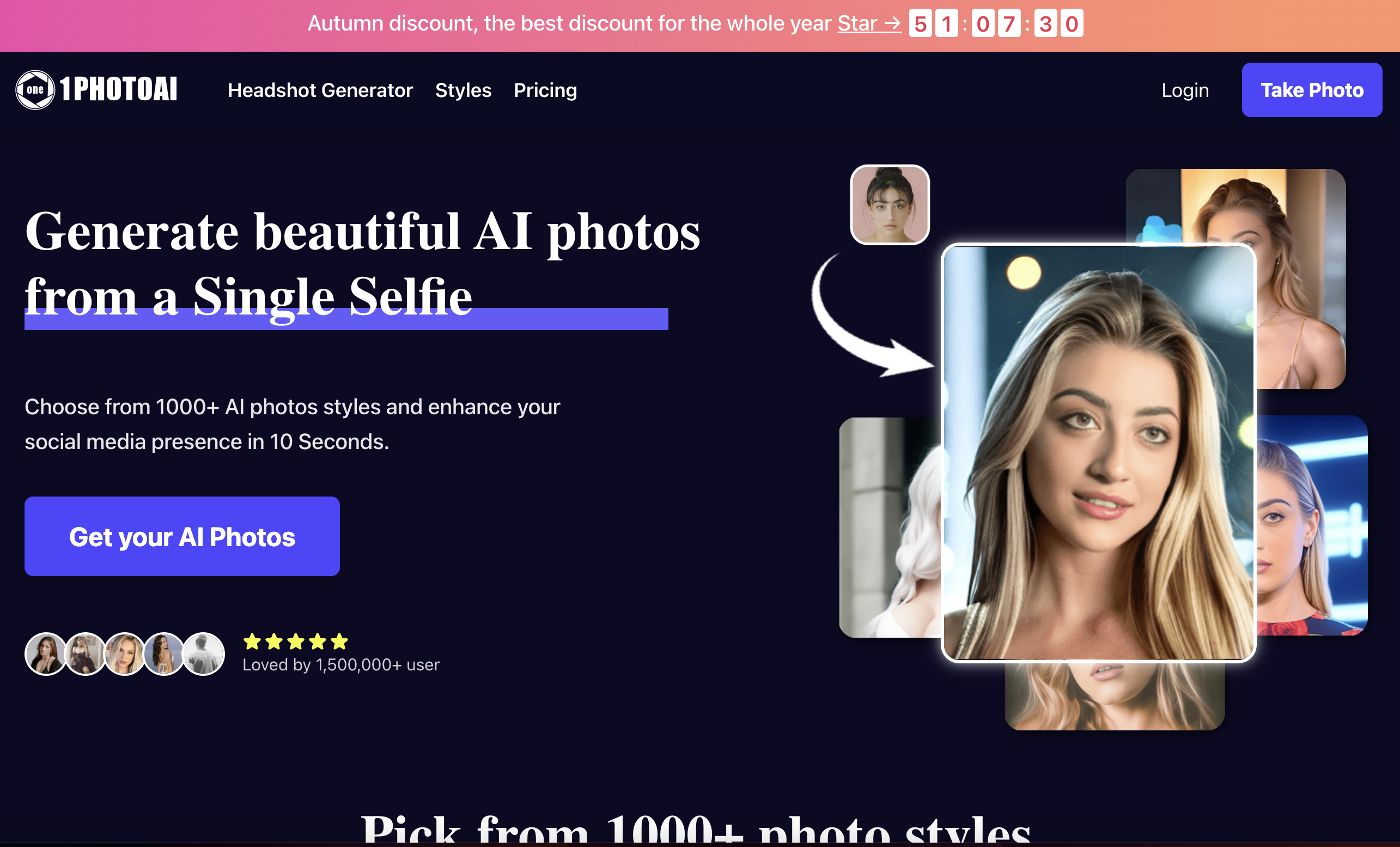
1photoai
PaidAI photo generator for professional headshots, avatars, and image enhancement.
Why look Stronger for image work
Full comparison
daisy | Labubufy ✓
FreeTurn anyone into a Labubu in seconds! 🎁
Why look Fully free option
Full comparisonPeople also view
Tools that often show up alongside Avaturn in collections and comparisons.
Real Fake Photos ✓
PaidTurn your selfies into professional headshots

ProfilePicture.ai ✓
PaidGenerate perfect AI profile pictures that capture you.
daisy | Labubufy ✓
FreeTurn anyone into a Labubu in seconds! 🎁

Artguru ✓
FreemiumCreate unique AI avatars in trendy styles
1photoai
PaidAI photo generator for professional headshots, avatars, and image enhancement.
SpatialReal ✓
FreemiumReal-time photorealistic digital humans with sub-300ms latency
SellerTwin ✓
FreemiumBehind every lost sale is a conversation you never had.
SayAgain - AI Avatars of Loved Ones ✓
PaidBuilt from their letters, emails, and journals.
Releases 1
Imported reviews 1
You can make .GLB file so easy, i like process QR scan
FAQ 12
What is Avaturn?
How does Avaturn create 3D avatars from a selfie?
What customization options does Avaturn offer for the avatars?
Are the avatars created by Avaturn game-ready?
How can I integrate Avaturn into web, Unity, or Unreal applications?
How to stay updated with new features & supported apps & games of Avaturn?
What files are provided when an avatar is created in Avaturn?
What is the use of Avaturn's SDK integration?
How can I use Avaturn for my digital marketing campaign?
Can Avaturn's Avatars be loaded into 3D environments like Blender, Unity, Unreal Engine, Maya, and Cinema4D?
Are the avatars compatible with Mixamo animations and VTubing software?
What is the meaning of 'Avatars are fully rigged' in Avaturn?
Related tools
Recommended

ChatAvatar ✓
Free TrialCreate lifelike 3D assets from text or images

Photo AI ✓
PaidCreate beautiful AI photos and videos of real people

SEO Writing AI ✓
Freemium1-click SEO-optimized articles generation

Stockimg AI ✓
PaidGenerated images and text for design ease.

PostPerfect ✓
FreemiumAutomated social media posts.

D-ID ✓
FreemiumCreate AI-generated videos with ease