
autocut.com
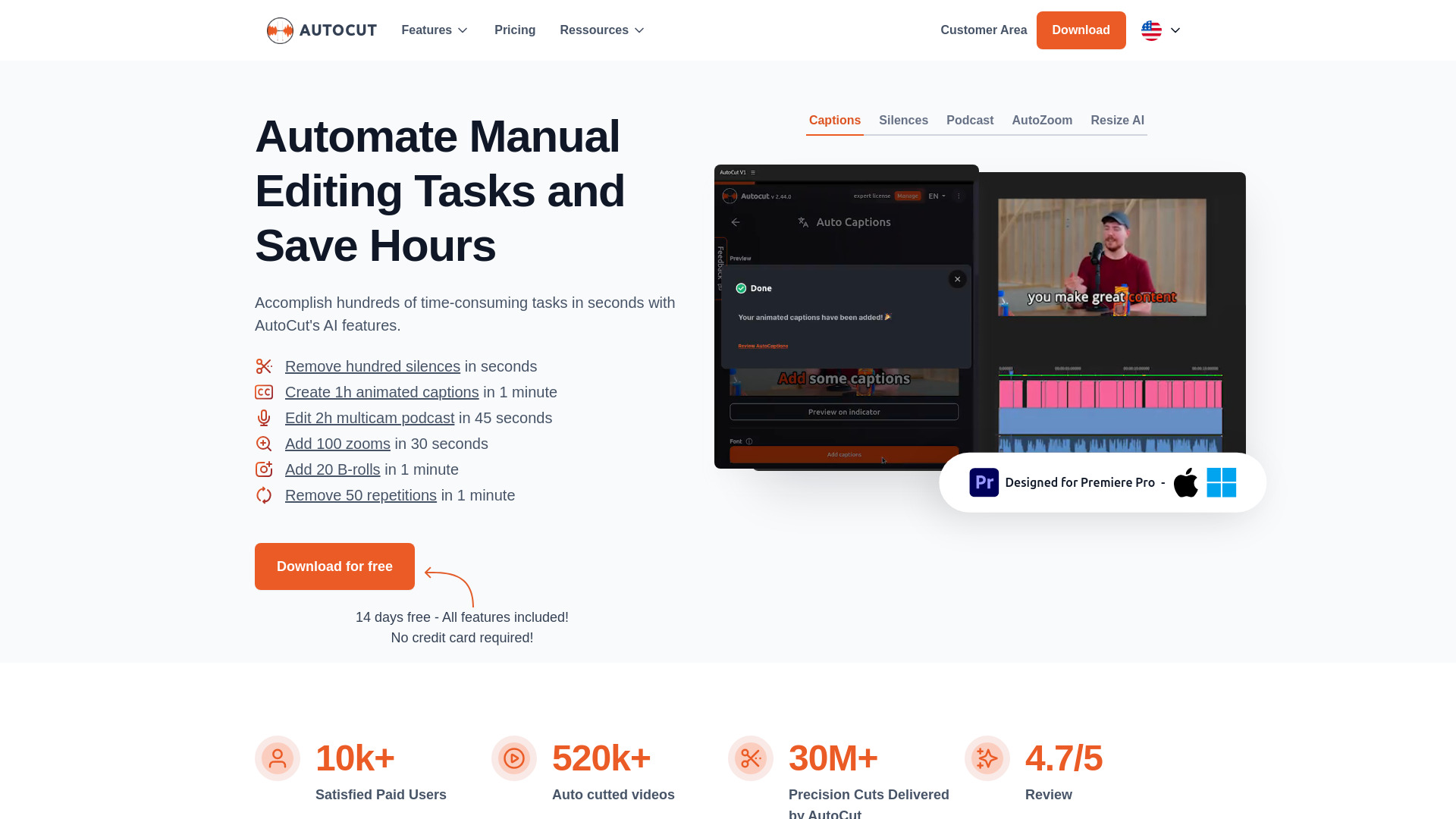
AI-powered plugin for Premiere Pro & DaVinci Resolve to automate video editing tasks.
From $6.6/month ($79.0 billed )
Verdict
A quick read before you dig into the full page.
- Best if
- You are video Editors and need: Remove silences from videos in one click
- Skip if
- You need a free plan with no credit card
- Pick this when
- Paid · From $6.6/month ($79.0 billed )
Overview
AutoCut is a Premiere Pro & DaVinci Resolve plugin that uses AI to add animated subtitles, remove silences, edit podcasts, add stock videos (B-Rolls), apply zooms, remove repetitions, and more. It automates manual tasks, saving video editors time and effort.
Best for
Short scenarios where autocut.com tends to shine.
-
Remove silences from videos in one click.
Best for Video Editors
-
Add animated subtitles to videos automatically.
Best for Podcasters
-
Edit podcasts instantly.
Best for Content Creators
-
Automatically add zooms to videos.
Best for Social Media Managers
-
Create viral clips from long videos effortlessly.
Best for Youtubers
How it works
Example outputs 1
Sample generations and before/after results for autocut.com.
Access & connections
Where you can use autocut.com, and what it plugs into.
Platforms
Integrations
Capabilities
What this tool accepts, produces, and is strongest at.
Highlights
- Automatic Silence Remover
- Animated Captions
- Podcast Editing
- Automatic Zoom
- Repetition Removal
- Auto Resize
- Auto B-Roll
- Auto Profanity Filter
Show 2 more
- Auto Viral Clip Creation
- Auto Chapters
People also view
Tools that often show up alongside autocut.com in collections and comparisons.

