
AutoAE
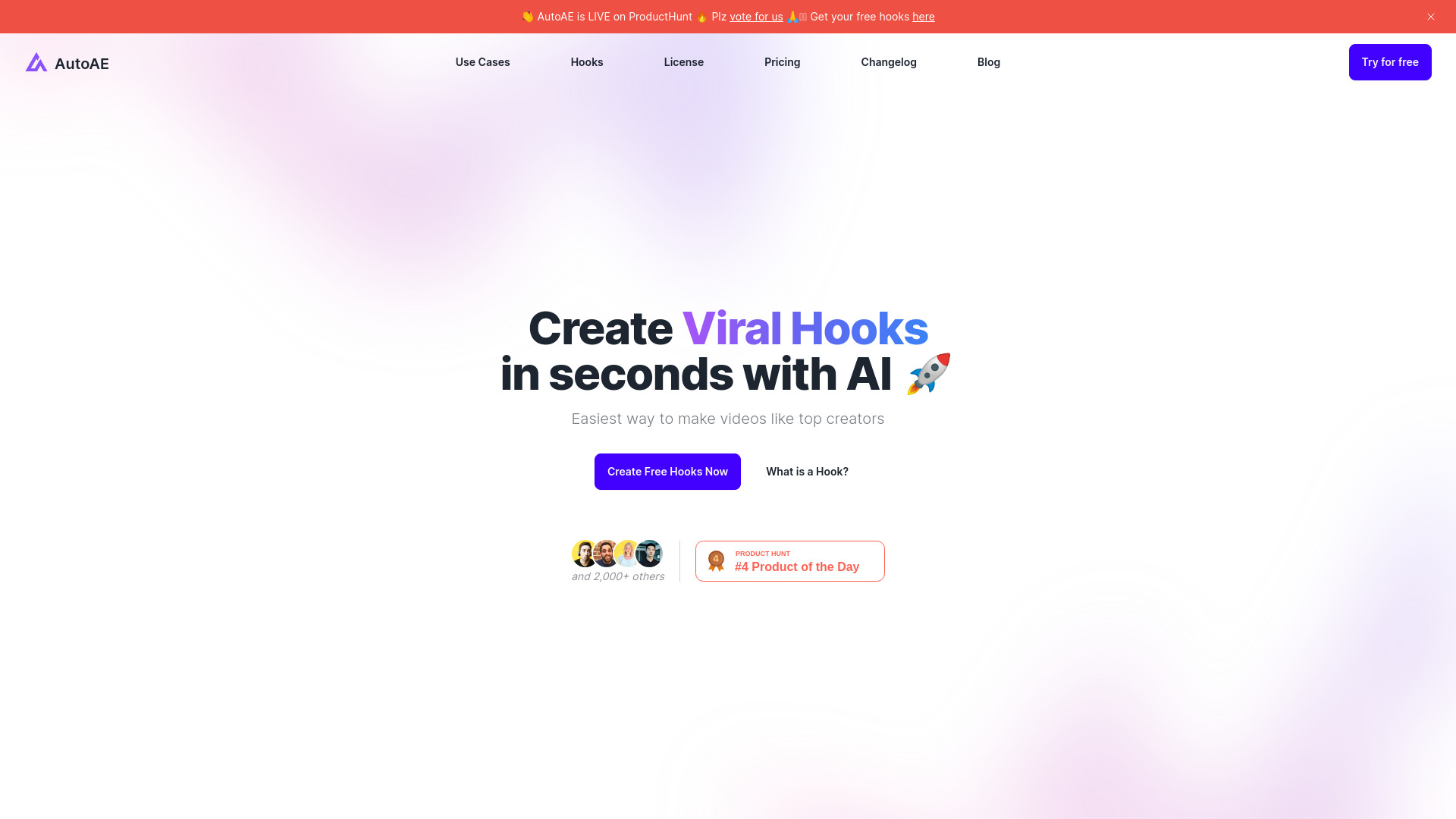
Online platform to create viral video hooks quickly and easily.
Free + from $2.9/video
Verdict
A quick read before you dig into the full page.
- Best if
- You are youTubers and need: Creating engaging YouTube intros
- Skip if
- You need enterprise SLAs or a fully managed team plan right away
- Pick this when
- Freemium · Free + from $2.9/video
Overview
AutoAE is an online video creation platform that helps creators make viral hooks faster. It offers a variety of animation templates, including text animations, Google search animations, engagement mockups, 3D transformations, and YouTube flowchart videos. AutoAE aims to simplify video editing and boost video quality without requiring complex software or advanced editing skills.
Best for
Short scenarios where AutoAE tends to shine.
-
Creating engaging YouTube intros
Best for YouTubers
-
Animating text with dynamic effects
Best for Social media content creators
-
Showcasing products in realistic settings
Best for Video editors
-
Visualizing complex topics with web search animations
Best for Marketing professionals
-
Adding depth with 3D transformations
Best for Agencies
-
Streamlining transitions with video flows
Best for Studios
How it works
2. Customize it with your text and images.
3. Download the HD, watermark-free hook and post it to social media or combine it into a video.
Example outputs 1
Sample generations and before/after results for AutoAE.
Access & connections
Where you can use AutoAE, and what it plugs into.
Platforms
Integrations
Capabilities
What this tool accepts, produces, and is strongest at.
Highlights
- Viral animation maker
- Text animation
- Video flowchart
- Engagement mockup
- Google search animation
- 3D transformation
- Weekly hooks updates
- After Effects alternative
People also view
Tools that often show up alongside AutoAE in collections and comparisons.


FAQ 12
What is AutoAE?
How to use AutoAE?
2. Customize it with your text and images.
3. Download the HD, watermark-free hook and post it to social media or combine it into a video.
Why should I subscribe?
Can I purchase only one video?
Which payment methods are supported?
In what cases can I expect a refund?
What should I do if my payment fails?
• Using a different card.
• Using a different payment method.
• Contact us for further troubleshooting.
When does my subscription get renewed?
Examples:
• A monthly subscription with a billing cycle anchor date of September 2 always bills on the 2nd day of the month.
• A monthly subscription with a billing cycle anchor date of January 31 bills the last day of the month closest to the anchor date, so February 28 (or February 29 in a leap year), then March 31, April 30, and so on.