
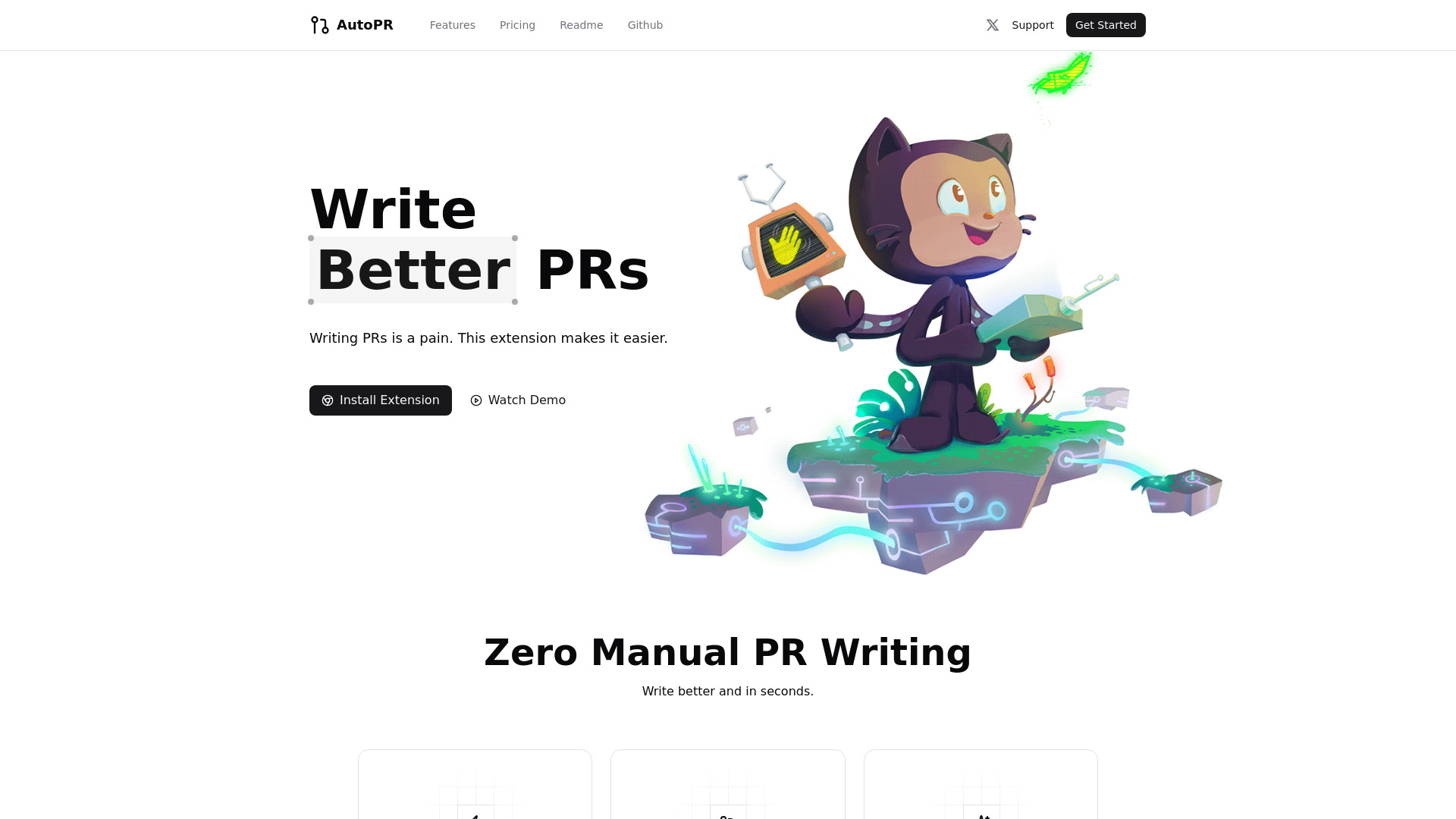
AUTO PR
AUTO PR: AI-powered tool for generating professional pull request descriptions instantly.
Source rating 5.0
(85)
0 views
0 saves
Unknown
Verdict
A quick read before you dig into the full page.
- Best if
- AUTO PR: AI-powered tool for generating professional pull request descriptions instantly
- Pick this when
- AUTO PR: AI-powered tool for generating professional pull request descriptions instantly
Overview
AUTO PR is a tool designed to automatically generate clear and professional pull request (PR) descriptions with a single click. It integrates with GitHub to save time and boost developer productivity by automating the tedious task of writing PR descriptions. It uses AI to analyze code changes and create comprehensive summaries.
Access & connections
Where you can use AUTO PR, and what it plugs into.
Platforms
Integrations
Capabilities
What this tool accepts, produces, and is strongest at.
Highlights
- One-click GitHub integration
- AI-powered PR description generation
- Automatic PR description field population
- Time-saving automation of PR writing
FAQ 7
What is AUTO PR?
AUTO PR is a tool designed to automatically generate clear and professional pull request (PR) descriptions with a single click. It integrates with GitHub to save time and boost developer productivity by automating the tedious task of writing PR descriptions. It uses AI to analyze code changes and create comprehensive summaries.
How to use AUTO PR?
Install the AUTO PR Chrome extension. When creating a pull request on GitHub, click the AUTO PR button to automatically generate a description based on your code changes. The description field will be auto-filled with the generated content.
How does AUTO PR work?
AUTO PR uses AI to analyze your code changes and automatically generate a clear and professional pull request description.
How secure is my code data?
The provided content does not specify the security measures. Please refer to the official website for security details.
Can I customize the PR message?
The provided content does not specify customization options. Please refer to the official website for customization details.
Do I need to install anything besides the Chrome extension?
No, you only need to install the Chrome extension.
Is there a limit to how many PRs I can generate?
The provided content does not specify any limits. Please refer to the official website for usage limits.
Related tools
Recommended


AUTO PR