
Audyo
Audyo creates human-quality audio from text with easy editing and voice options.
Source rating 5.0
(70)
0 views
0 saves
Paid
$ 0/month
Verdict
A quick read before you dig into the full page.
- Best if
- Audyo creates human-quality audio from text with easy editing and voice options
- Skip if
- You need a free plan with no credit card
- Pick this when
- Paid · $ 0/month
Overview
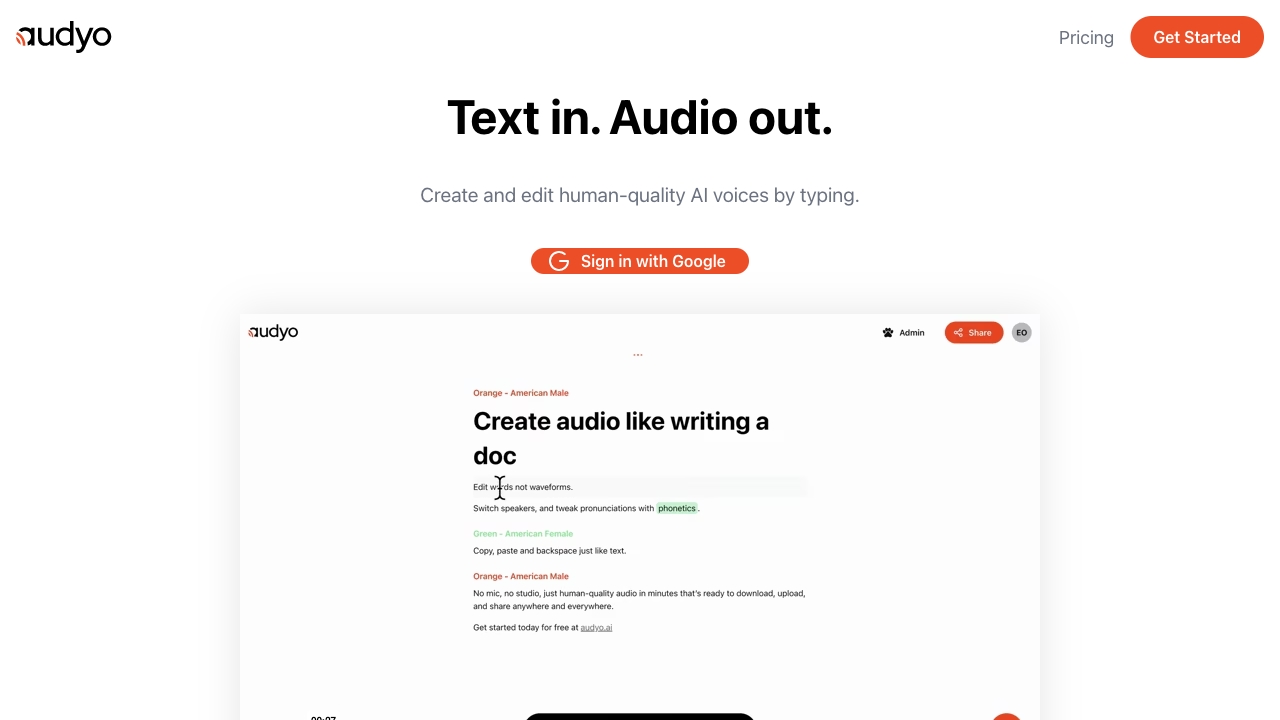
Audyo is a platform that allows users to create human-quality audio by editing text, not waveforms. It offers features like switching speakers, tweaking pronunciations with phonetics, and supports multiple languages. Users can download, upload, and share the generated audio anywhere.
Access & connections
Where you can use Audyo.
Platforms
Capabilities
What this tool accepts, produces, and is strongest at.
Highlights
- Text-to-speech conversion
- Phonetic pronunciation editing
- Multiple language support
- Speaker selection
- AI Audio Assistant
- Markdown formatting
FAQ 6
What is Audyo?
Audyo is a platform that allows users to create human-quality audio by editing text, not waveforms. It offers features like switching speakers, tweaking pronunciations with phonetics, and supports multiple languages. Users can download, upload, and share the generated audio anywhere.
How to use Audyo?
Users can create audio by typing or pasting text into the Audyo editor. They can then select from a variety of voices, adjust pronunciations using phonetics, and download the audio for use in videos, podcasts, or presentations.
What languages do you support?
Audyo supports English, French, Spanish, German, Italian, Brazilian Portuguese, Japanese, Korean, Chinese, Hindi, Arabic, Turkish, and Russian.
Do I own what I create?
This information is not explicitly provided in the given text. Please refer to Audyo's terms of service.
What can I use Audyo for?
You can use Audyo for creating videos, voice-overs, podcasts, and audiobooks.
How much audio can I generate with a free account?
This information is not explicitly provided in the given text. Please refer to Audyo's pricing page.
Related tools
Recommended

Audyo
$ 0/month